ADVANCED OPERATION
45
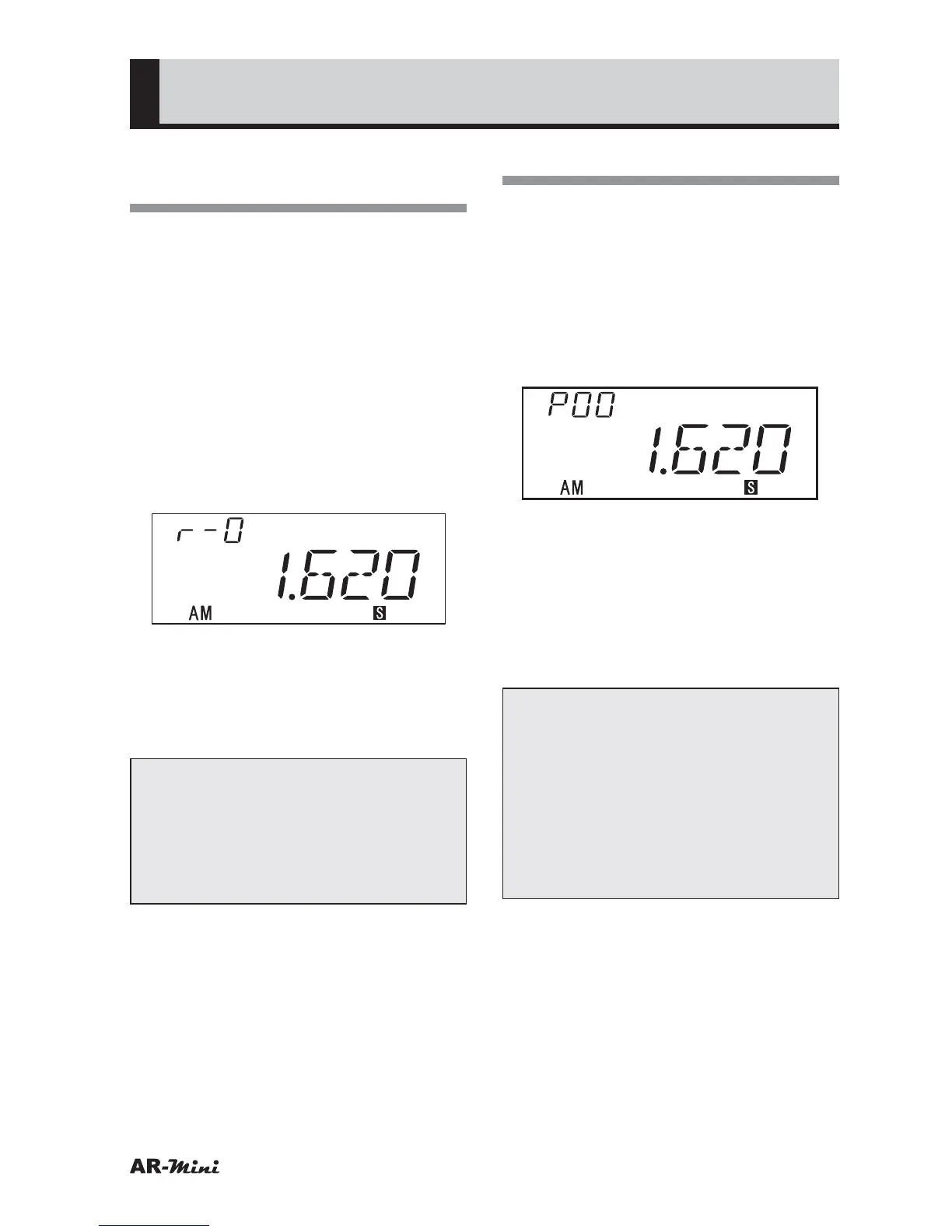
Using the Broadcast
Mode
A typical frequency of AM, FM, TV or
other official radio is set as broadcast
radio memory.
1
Confirm VFO mode is set.
2
Hold down the FUNC key
and press the
c key until the
broadcast radio memory number is
displayed.
3
Press the c or v key to change
the broadcast radio memory
number.
4
To change the frequency from
preset channel, turn the dial knob.
5
To replace new frequency, press
the
c or v key.
Tips:
• In step 3, a frequency is modified
only within the specific range. This
range is depending on each band.
• The memorized broadcast
frequencies are listed on page 70.
Using the Preset Mode
12 frequencies are set as preset
channel. These frequencies are typical
frequencies from each band.
1
Confirm VFO mode is set.
2
Hold down the FUNC key and
press the
c key until the preset
number is displayed.
3
Press the c or v key to change
the preset number.
4
To change the frequency from
preset channel, turn the dial knob.
5
To replace new frequency, press
the
c or v key.
Tips:
• Preset number 12 is chosen from
among the memory number 980 to
999.
• To change preset number 12, turn
the dial and select the memory
number.
• The preset mode frequencies are
listed on page 71.



 To Next Page