PREPARATION AND BASIC USAGE
19
Basic Usage
1
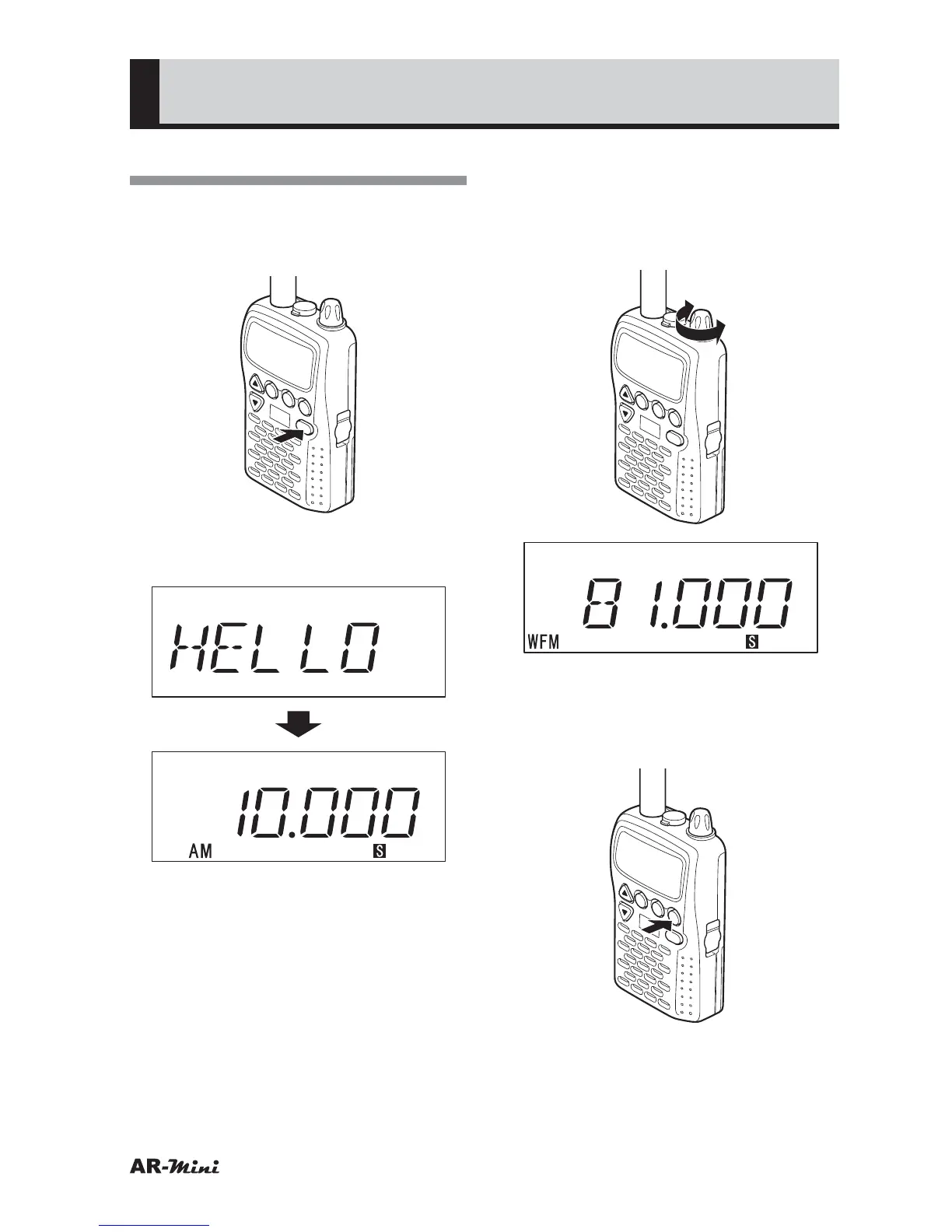
Press and hold the PWR key for
two seconds or more to turn the
AR-mini on.
V/M
SCAN
MODE
PWR
ATT
DW
SKIP
COMMUNICATIONS RECEIVER AR-mini
SEL
PW
L.SRCH
MW
2
Confirm the VFO mode has
appeared in the display.
(VFO mode)
* Initial ization displays 10 MHz (AM
mode)
• If memory mode is appeared, press
the V/M key to set the VFO mode.
3
Turn the dial knob to match the
desired frequency.
• Hold down the FUNC key and turn
the dial knob, the frequency is
changed by 1 MHz steps.
V/M
SCAN
MODE
PWR
ATT
DW
SKIP
COMMUNICATIONS RECEIVER AR-mini
SEL
PW
L.SRCH
TONE
MW
4
If the reception mode is different,
press the MODE key until the
desired reception mode is
displayed.
V/M
SCAN
MODE
PWR
ATT
DW
SKIP
COMMUNICATIONS RECEIVER AR-mini
SEL
PW
L.SRCH
MW
• The reception mode is changed by
each pressing the MODE key as
follows;
AUTO
➝ FM ➝ WFM ➝ AM ➝
AUTO ➝ ·····



 To Next Page