ADVANCED OPERATION
44
Scanning a Linked
Memory Bank
A memory bank can be linked other
memory bank to scan.
* AR-mini has 10 memory banks
(0 – 9).
1
Confirm memory mode is set.
2
Hold down the FUNC key and
press the dial knob to enter the
setting mode.
3
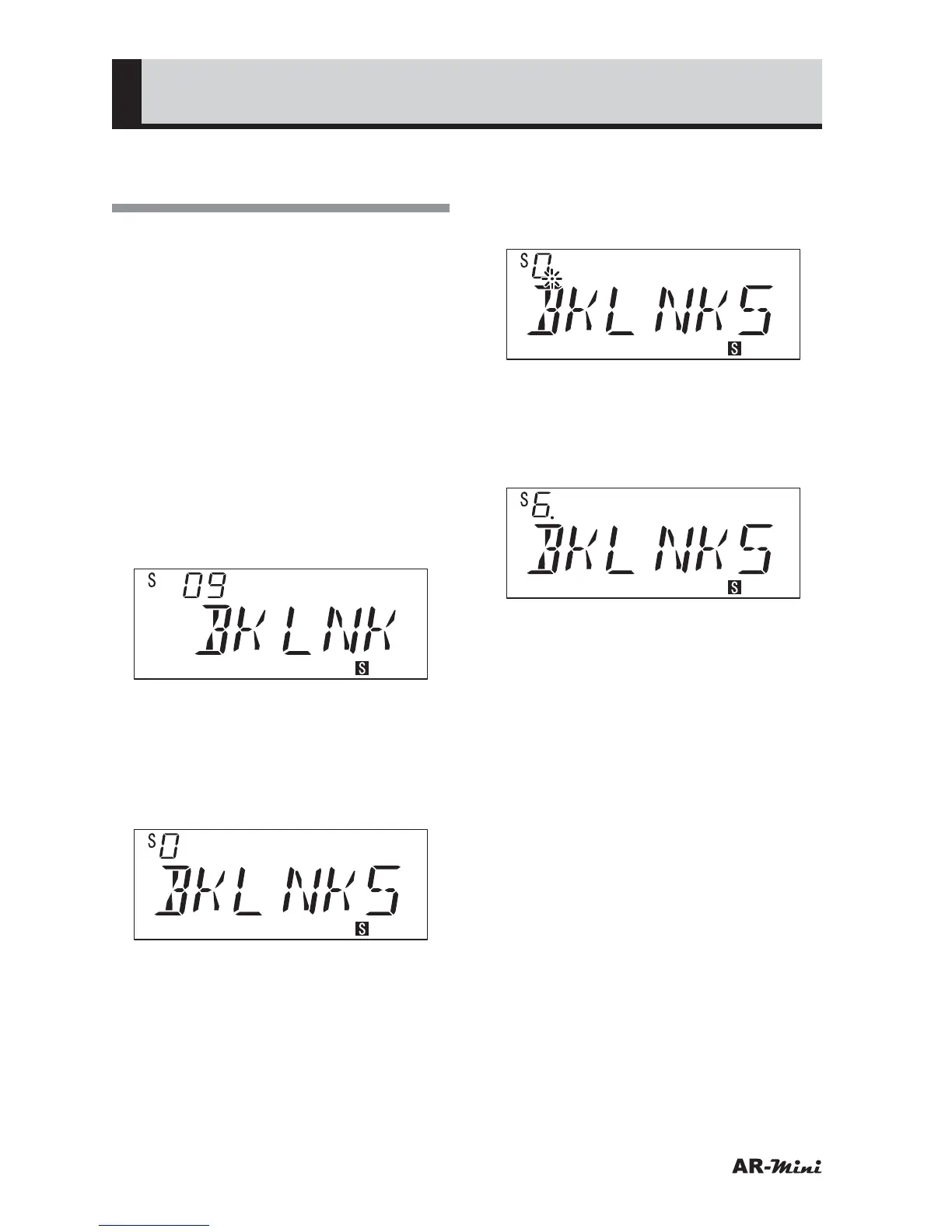
Turn the dial knob to set the
setting mode number 09.
4
Hold down the FUNC key and turn
the dial knob to select BKLNK.
• “ALL” is displayed at initial.
5
Turn the dial knob to set the
setting mode number 11.
6
Hold down the FUNC key and turn
the dial knob to select the memory
bank number to be linked.
7
Turn the dial knob to decide the
link number.
• The decimal point is displayed on
the link number.
8
Press the dial knob to set.
9
Hold down the FUNC key and turn
the dial knob to select another
memory bank number to be linked.
10
Press the dial knob to set.
11
To return VFO mode, press the dial
knob or V/M key.
12
To start the scanning, press the
SCAN key.
13
To stop the scanning, press the
SCAN key.



 To Next Page