SETTING MODE
52
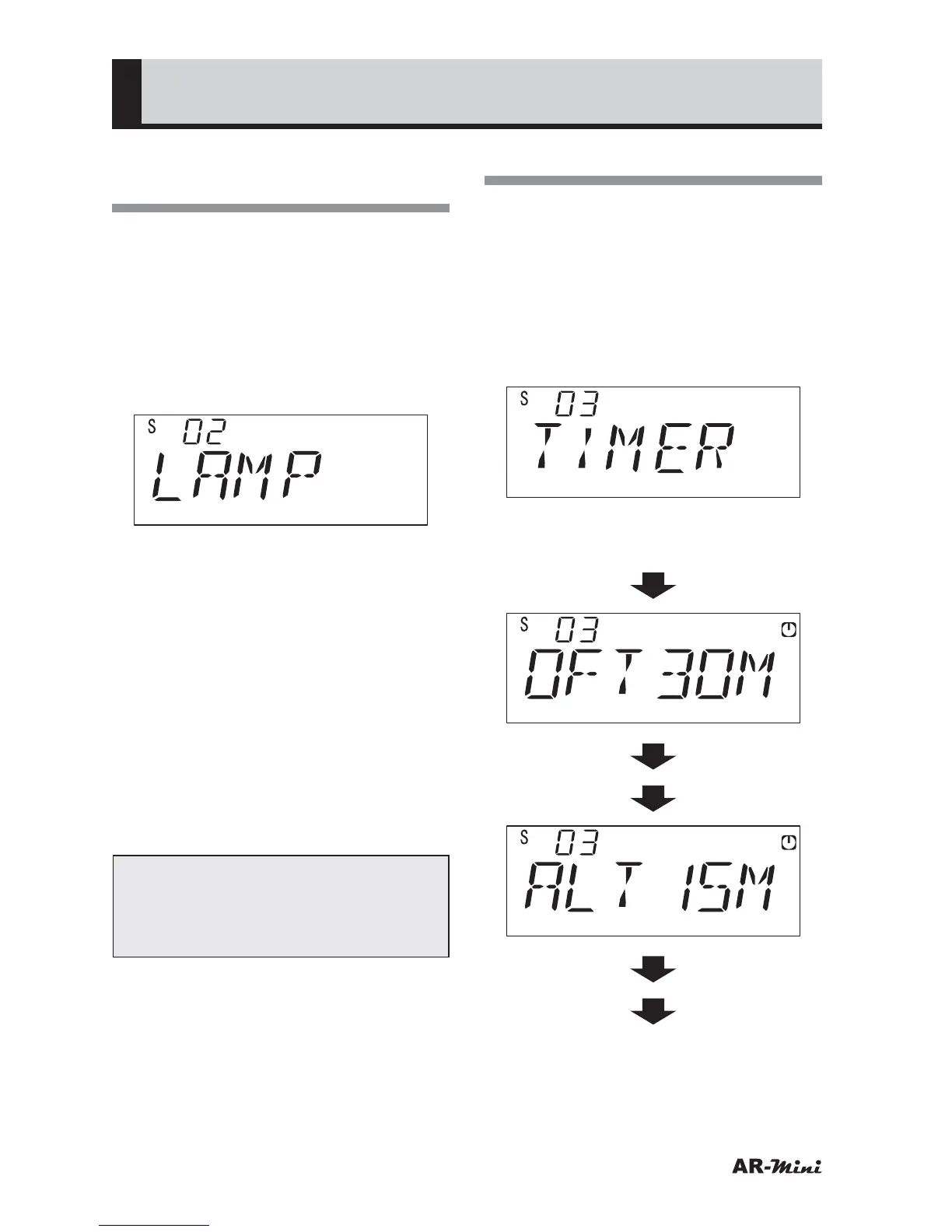
Setting the Lamp
Function
This setting is used for setting the time
during which the lamp should be lit.
1
Hold down the FUNC key and
press the dial knob to enter the
setting mode.
2
Turn the dial knob to set the
setting mode number 02.
3
Hold down the FUNC key and turn
the dial knob to select AUTO, OFF
or ON.
• When AUTO is selected, the lamp
is turned off 5 seconds after the
key operation.
• When OFF is selected, the lamp
is turned off even if the key is
operated.
• When ON is selected, the lamp is
turned on continuously.
4
To return the original display, press
the dial knob or V/M key.
Tips:
We recommended that select
AUTO to prevent excessive battery
consumed.
Setting the Timer
This setting is used for setting the
alarm time or power off time.
1
Hold down the FUNC key and
press the dial knob to enter the
setting mode.
2
Turn the dial knob to set the
setting mode number 03.
3
Hold down the FUNC key and turn
the dial knob to set timer.



 To Next Page