SETTING MODE
56
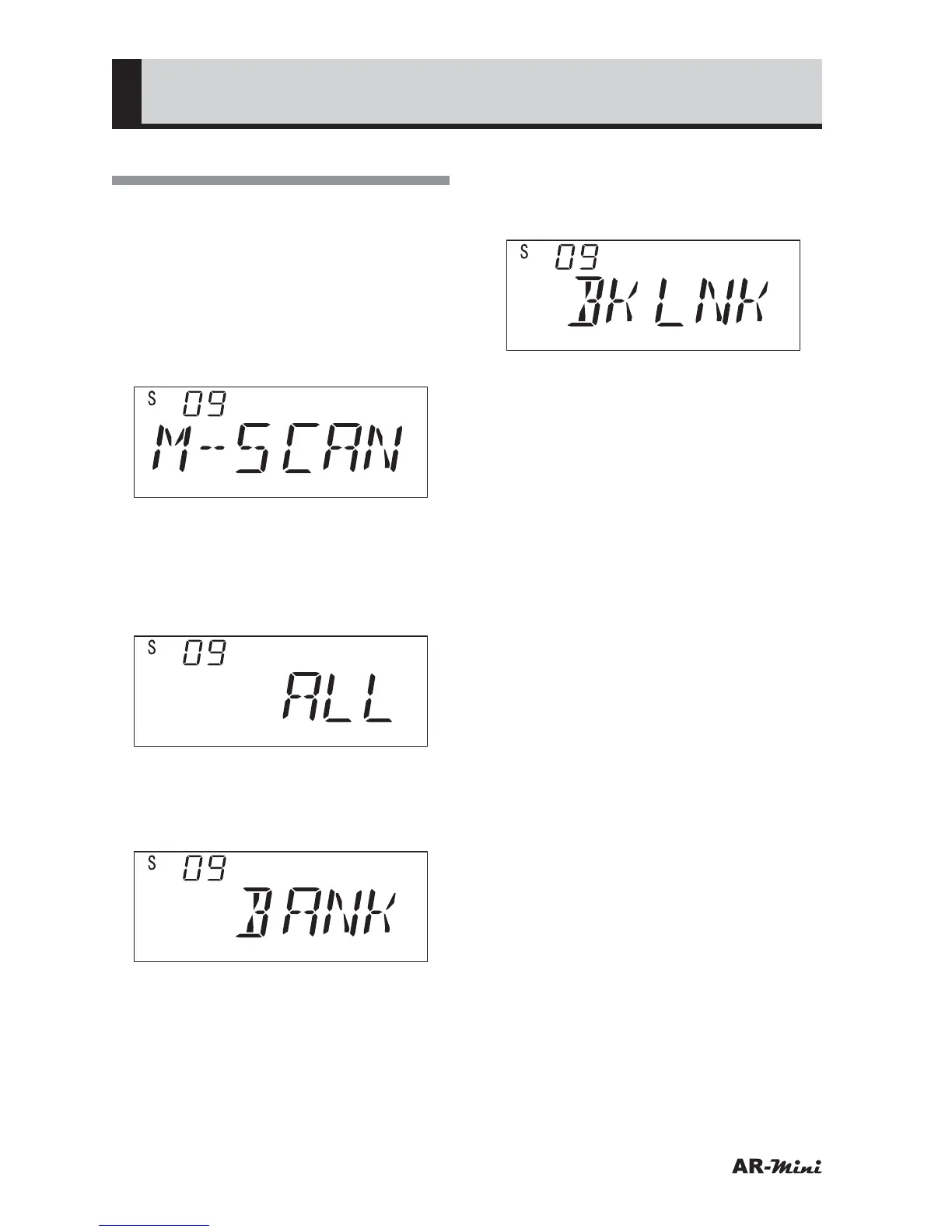
Setting the Memory Scan
This setting is used for switching
memory scan methods.
1
Hold down the FUNC key and
press the dial knob to enter the
setting mode.
2
Turn the dial knob to set the
setting mode number 09.
3
Hold down the FUNC key and turn
the dial knob to select the memory
scan method.
• All Scan
Select “ALL” to scan all memories.
• Bank Scan
• Select “BANK” to scan all
memories which are in a bank
memory.
• Bank Link Scan
• Select “BKLNK” to scan all
memories which are in linked bank
memory.
4
To return the original display, press
the dial knob or V/M key.



 To Next Page