SETTING MODE
55
Setting the Search
This setting is used for switch between
search methods.
1
Hold down the FUNC key and
press the dial knob to enter the
setting mode.
2
Turn the dial knob to set the
setting mode number 08.
3
Hold down the FUNC key and turn
the dial knob to select the search
method.
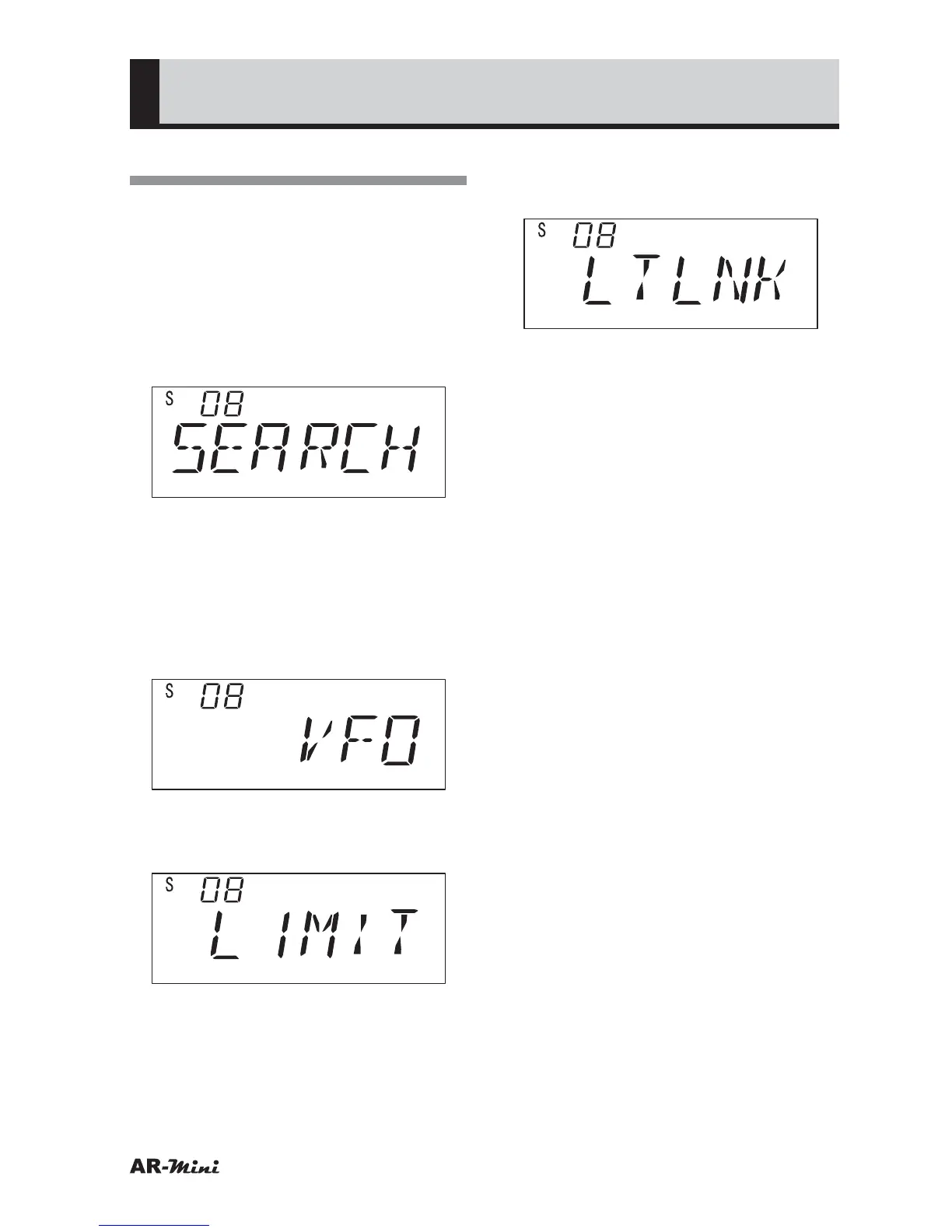
• VFO Search
Select “VFO” to search the
frequency from 0.1 MHz to 1299.99
MHz in VFO mode.
• Limit Search
Select “LIMIT” to search the
frequency which is limited range.
• Limit Link Search
Select “LTLNK” to search linked
limit search range.
4
To return the original display, press
the dial knob or V/M key.



 To Next Page