ADVANCED OPERATION
35
Limit Search
This enables searches to be conducted
within a desired limited range.
1
Confirm VFO mode is set.
2
Hold down the FUNC key and
press the dial knob to enter the
setting mode.
3
Turn the dial knob to set the
setting mode number 08.
4
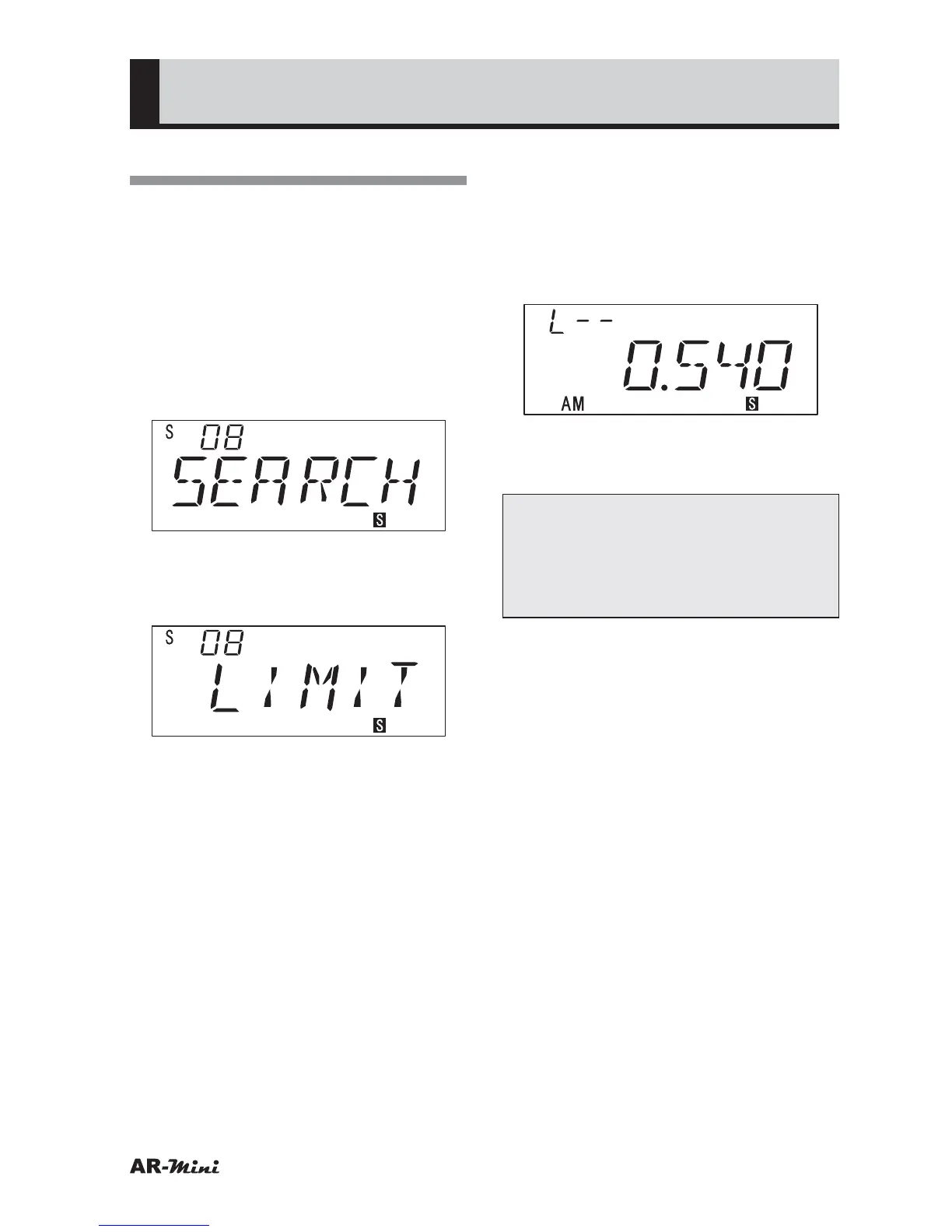
Hold down the FUNC key and turn
the dial knob to select LIMIT.
• “VFO” is displayed at initial.
• The limit search is set
5
To retarn the VFO, press the dial
knob or V/M key.
6
Turn the dial knob to set a lower
frequency of limit range.
7
Hold down the FUNC key and
press the SCAN key.
• “SCHA W” is displayed and returns
VFO mode.
8
Turn the dial knob to set an upper
frequency of limit range.
10
Hold down the FUNC key and
press the SCAN key.
• “SCHB W” is displayed and returns
VFO mode.
11
To start the limit search, press the
SCAN key.
12
To cancel a Limit search, press the
V/M key or dial knob.
Tips:
Limit search memory can be called
by holding down the FUNC key and
turning the dial knob during the limit
search.



 To Next Page