ADVANCED OPERATION
31
Finding the Desired
Frequency
AR-mini has functions to find the
desired frequency as follows;
Priority watch, 2VFO watch, Search and
Memory scan.
◆ Priority Watch
In this function, the frequency which
is received on VFO mode is switched
the another priority frequency every 5
seconds.
◆ 2VFO Watch
Two frequencies are stored in the 2VFO
watch memory in VFO mode. Each
frequency is watched, and then either
frequency is received, the 2VFO watch
is paused while receiving.
◆ Search
The search changes the frequency
continuously to receive.
There are three methods of searches:
VFO search, limit search and limit link
search.
◆ Memory Scan
The memory will be changed, and
it looks for the memory that can be
received.
Priority Watch
In this function, the frequency which
is received on VFO mode is switched
the another priority frequency every 5
seconds. This function is available in
VFO mode
1
Confirm VFO mode is set.
2
Turn the dial knob to set a
frequency to be received as the
priority frequency.
3
To store the priority frequency in
the priority watch memory, hold
down the FUNC key and press the
c key for 2 seconds or more.
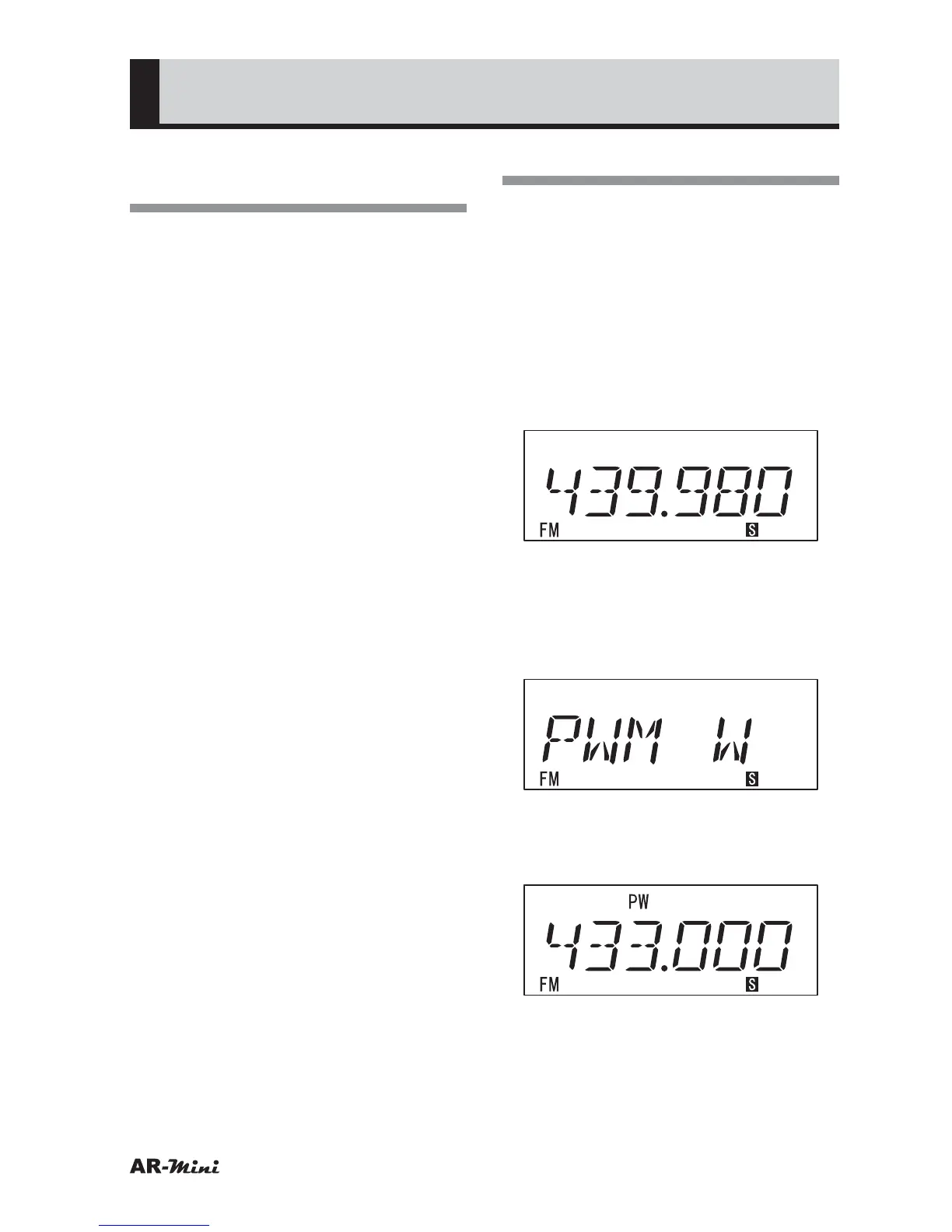
• “PWM W” is displayed.
4
To return to VFO mode, hold down
the FUNC key and press the
v key.
• Priority scan is started.
5
To cancel the priority watch, press
the V/M key.



 To Next Page