BASIC OPERATION
29
Changing the Reception
Mode
AR-mini has been set Auto reception
mode function at initial. This function
changes the reception mode
automatically depending on the band.
The reception mode can be changed
manually.
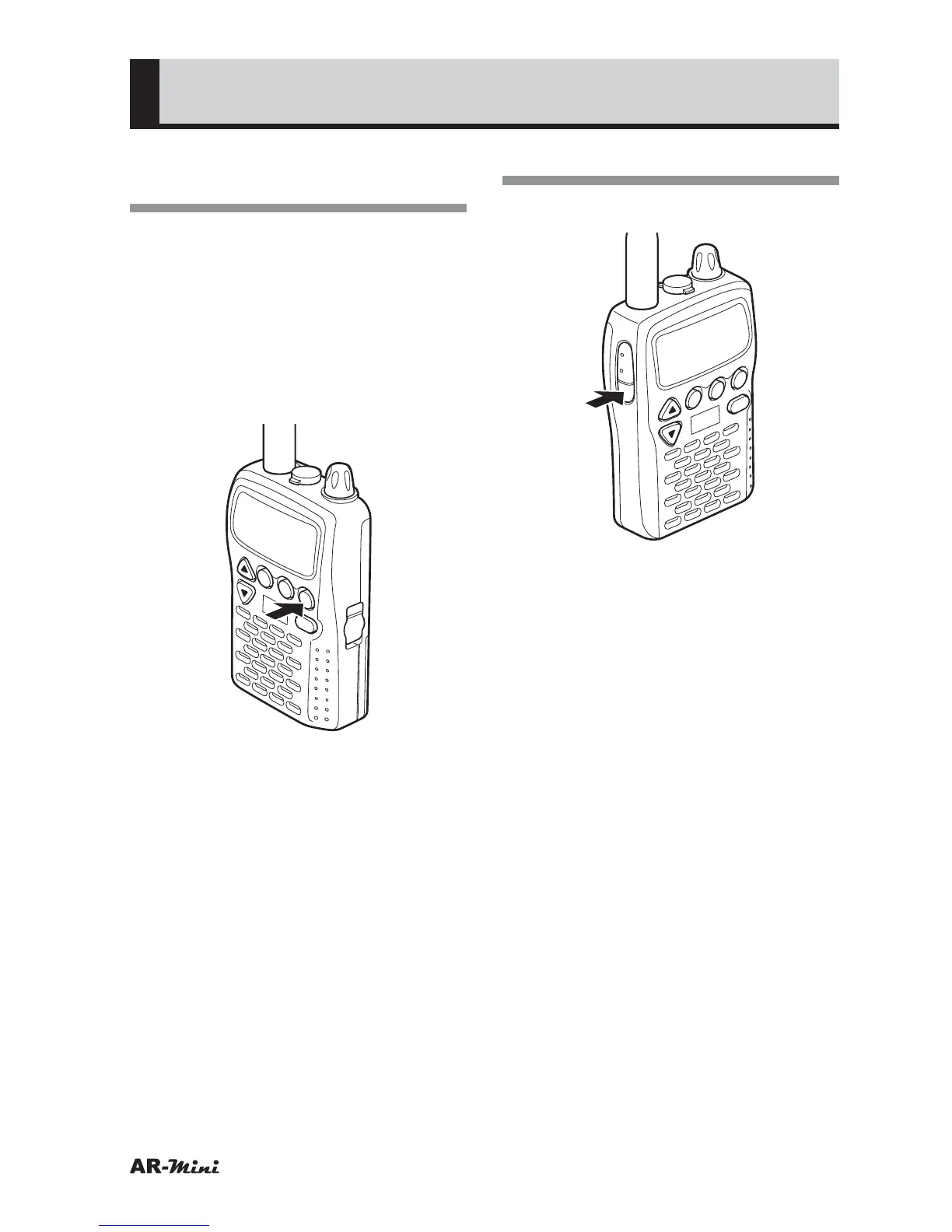
1
To change the reception mode,
press the MODE key.
V/M
SCAN
MODE
PWR
ATT
DW
SKIP
COMMUNICATIONS RECEIVER AR-mini
SEL
PW
L.SRCH
MW
• The reception mode is changed by
each pressing the MODE key as
follows;
AUTO
➝ FM ➝ WFM ➝ AM ➝
AUTO ➝ ·····
Monitoring
1
To monitor, press the MONI key.
V/M
SCAN
MODE
PWR
ATT
DW
SKIP
COMMUNICATIONS RECEIVER AR-mini
SEL
PW
L.SRCH
TONE
MW
• Voice may be emitted with noise.
• Even if a tone squelch or DCS is
set, it can be canceled by pressing
MONI key.
Refer to the tone squelch on page
46 and DCS on page 72.



 To Next Page