ADVANCED OPERATION
50
Resting the System
(System Rest)
The system reset initializes all settings
except the normal memory and the skip
memory.
1
Turn the power off.
2
Hold down the FUNC and MONI
key and turn the power on.
3
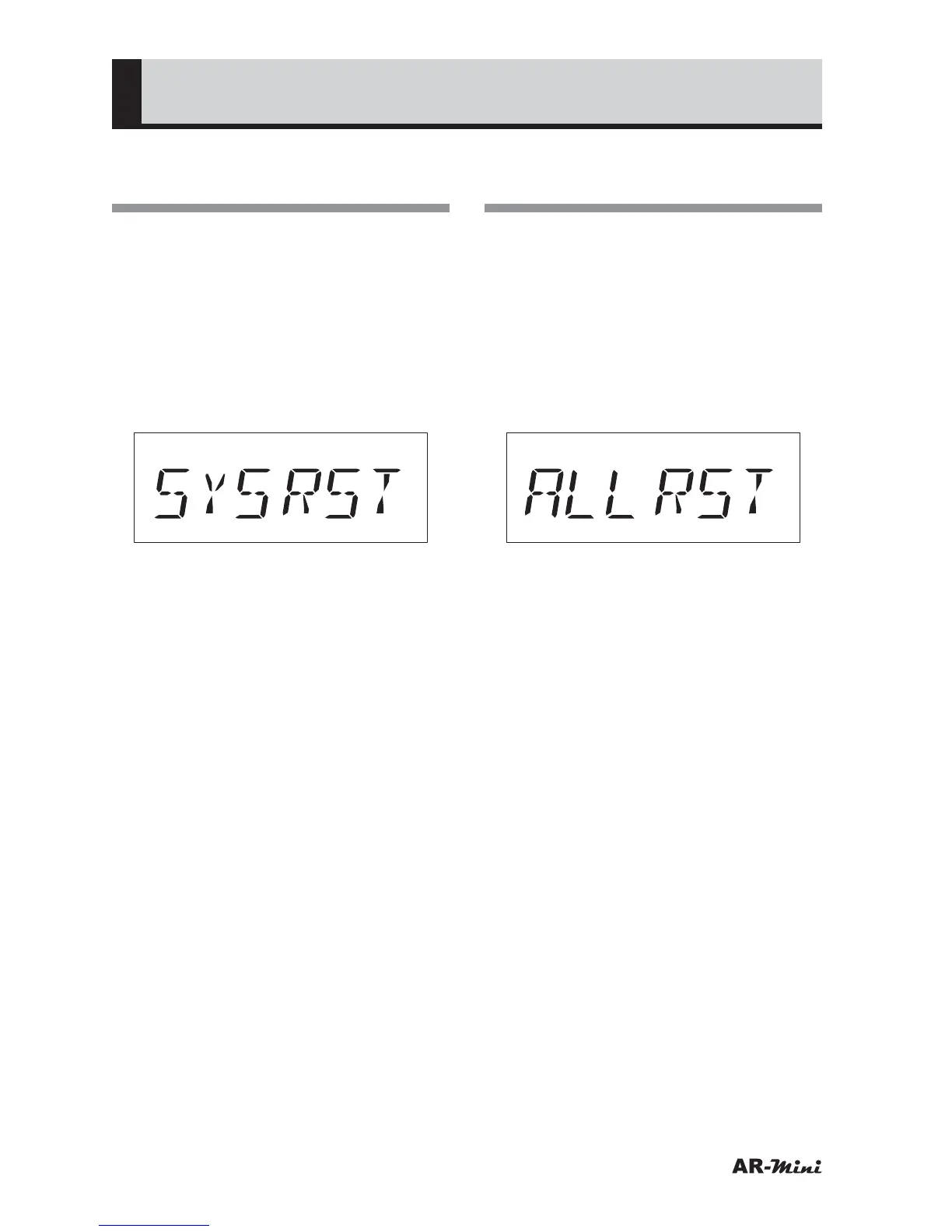
Confirm SYSRST is blinking.
4
To reset the system, press and
hold the dial knob for 2 seconds or
more.
• The system reset can be canceled
by pressing V/M key, and then VFO
mode is displayed.
Resting All Contents
(All Rest)
The all reset initializes all contents of
AR-mini.
1
Turn the power off.
2
Hold down the FUNC, MONI key
and dial knob and turn the power
on.
3
Confirm ALLRST is blinking.
4
To reset all contents, press and
hold the dial knob for 2 seconds or
more.
• The all reset can be canceled by
pressing V/M key, and then VFO
mode is displayed.



 To Next Page