SETTING MODE
65
Switching the Display
Information Automatically
This setting is used for switching the
display from the volume or squelch
display to the frequency display
automatically when the setting time has
passed.
1
Hold down the FUNC key and
press the dial knob to enter the
setting mode.
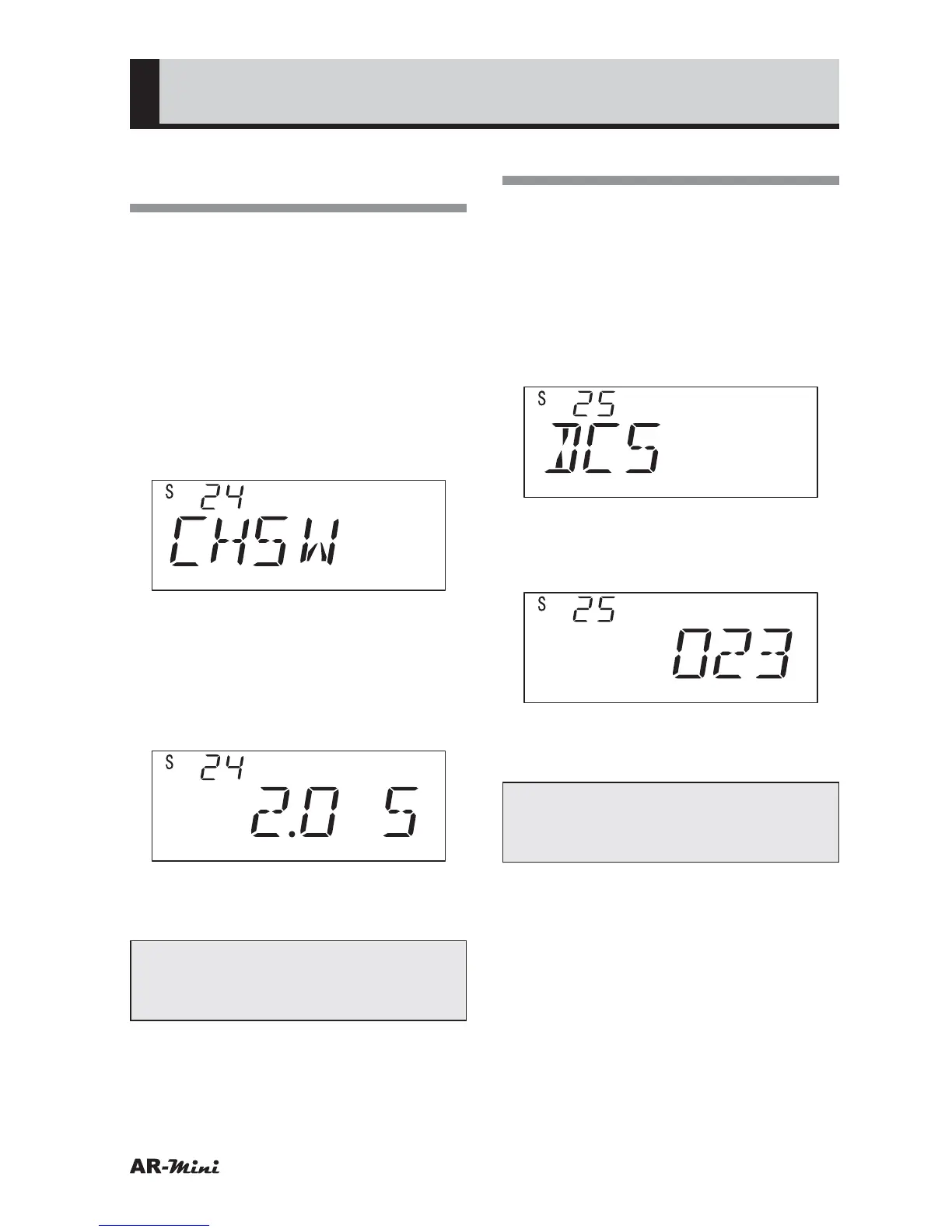
2
Turn the dial knob to set the
setting mode number 24.
3
Hold down the FUNC key and turn
the dial knob to select the setting
time to be changed.
• The setting time can be set as
follows; 0.5 sec., 1 sec., 2 sec., 3
sec., 4 sec. and OFF
4
To return the original display, press
the dial knob or V/M key.
Tips:
In step 3, OFF is selected, the
display is not changed automatically.
Setting the DCS Code
This is used for setting DCS codes,
which are prepared across 104 codes.
1
Hold down the FUNC key and
press the dial knob to enter the
setting mode.
2
Turn the dial knob to set the
setting mode number 25.
3
Hold down the FUNC key and turn
the dial knob to select the DCS
code.
4
To return the original display, press
the dial knob or V/M key.
Tips:
DCS codes are prepared as per the
table on page 72.



 To Next Page