SETTING MODE
61
Erasing the Memory
Channel’s Skip Mark
This setting is used for erasing the
skip mark of the memory channel. The
skip mark is stored to skip the marked
channels in the scan function.
1
Hold down the FUNC key and
press the dial knob to enter the
setting mode.
2
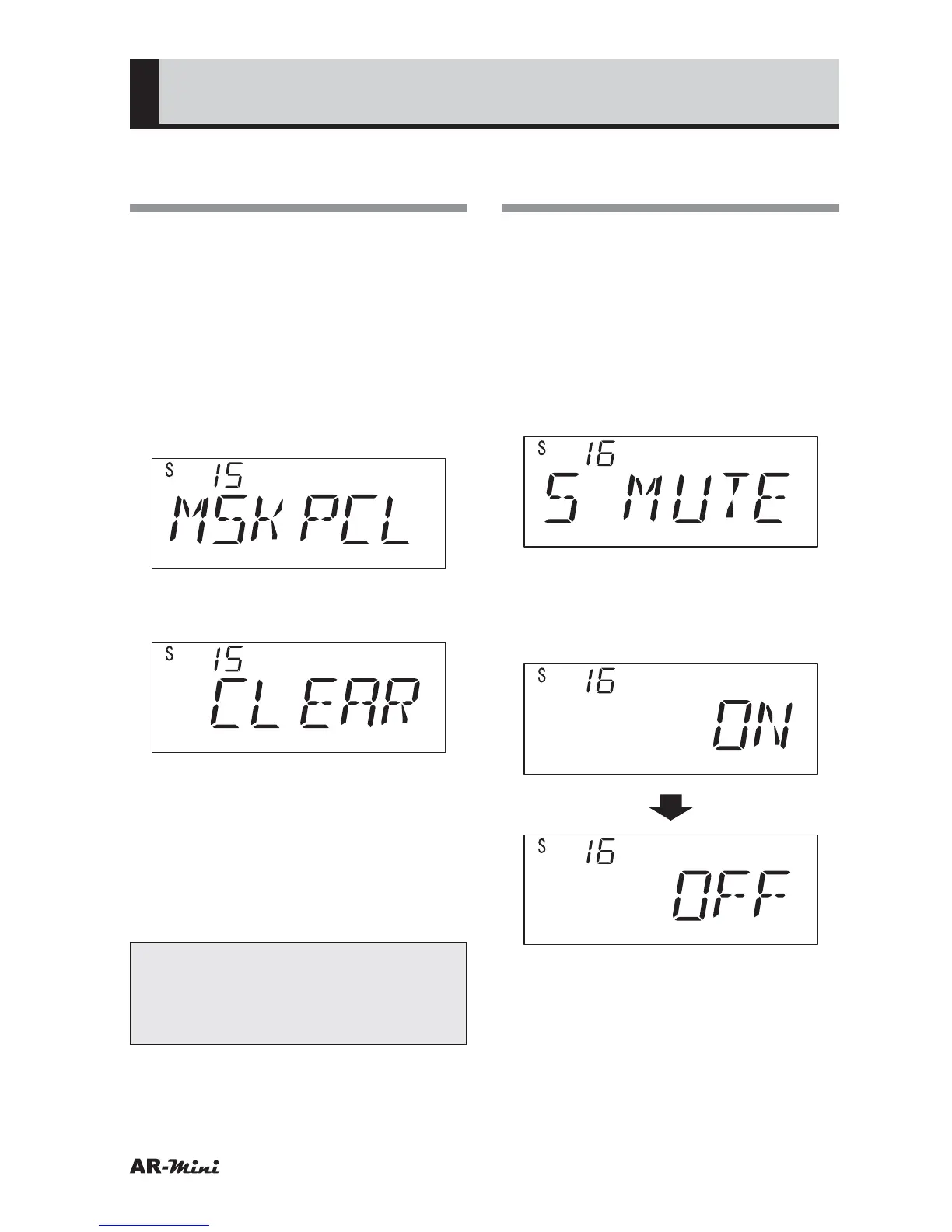
Turn the dial knob to set the
setting mode number 15.
3
Hold down the FUNC key and turn
the dial knob to set CLEAR.
4
Press the dial knob.
• The skip memories are erased
5
Press the dial knob to setting
mode.
6
To return the original display, press
the dial knob or V/M key.
Tips:
In Step 3, CLEAR will not be
displayed if there is no skip memory
stored.
Canceling the Muting
during a Scan
In normal setting, the voice is muted
during a scan or search. This setting is
used for canceling the muting.
1
Hold down the FUNC key and
press the dial knob to enter the
setting mode.
2
Turn the dial knob to set the
setting mode number 16.
3
Hold down the FUNC key and turn
the dial knob to set OFF.
• When select OFF, the muting is
canceled.
4
To return the original display, press
the dial knob or V/M key.



 To Next Page