ADVANCED OPERATION
46
Using the Tone Squelch
A tone squelch is set to receive a signal
which has been set tone frequency. The
tone squelch can be set to one of 50
frequency types.
1
Confirm VFO mode is set.
2
Hold down the FUNC key and
press the MODE key until TSQ is
displayed.
3
Press the V/M key or dial knob.
• “TSQ” tone squelch icon is
displayed.
4
Hold down the FUNC key and
press the dial knob to enter the
setting mode.
5
Turn the dial knob to set the
setting mode number 20.
6
Hold down the FUNC key and turn
the dial knob to select the tone
frequency.
7
To return the original display, press
the dial knob or V/M key.
8
To cancel the tone squelch, hold
down the MODE key until VFO is
displayed and press the dial knob.
Tips:
• When AM or Wide FM is set, the
tone squelch is canceled even if
the tone squelch icon is displayed.
• The tone frequencies are listed on
page 73.
Searing the Tone
Frequency
A tone frequencies that is receiving
signal will not be recognized for use
with this function.
1
Confirm VFO mode is set.
2
Turn the dial to set the frequency
to be searched.
3
Hold down the FUNC key and
press the MODE key until TONSRH
is displayed.
4
Press the V/M key or dial knob.
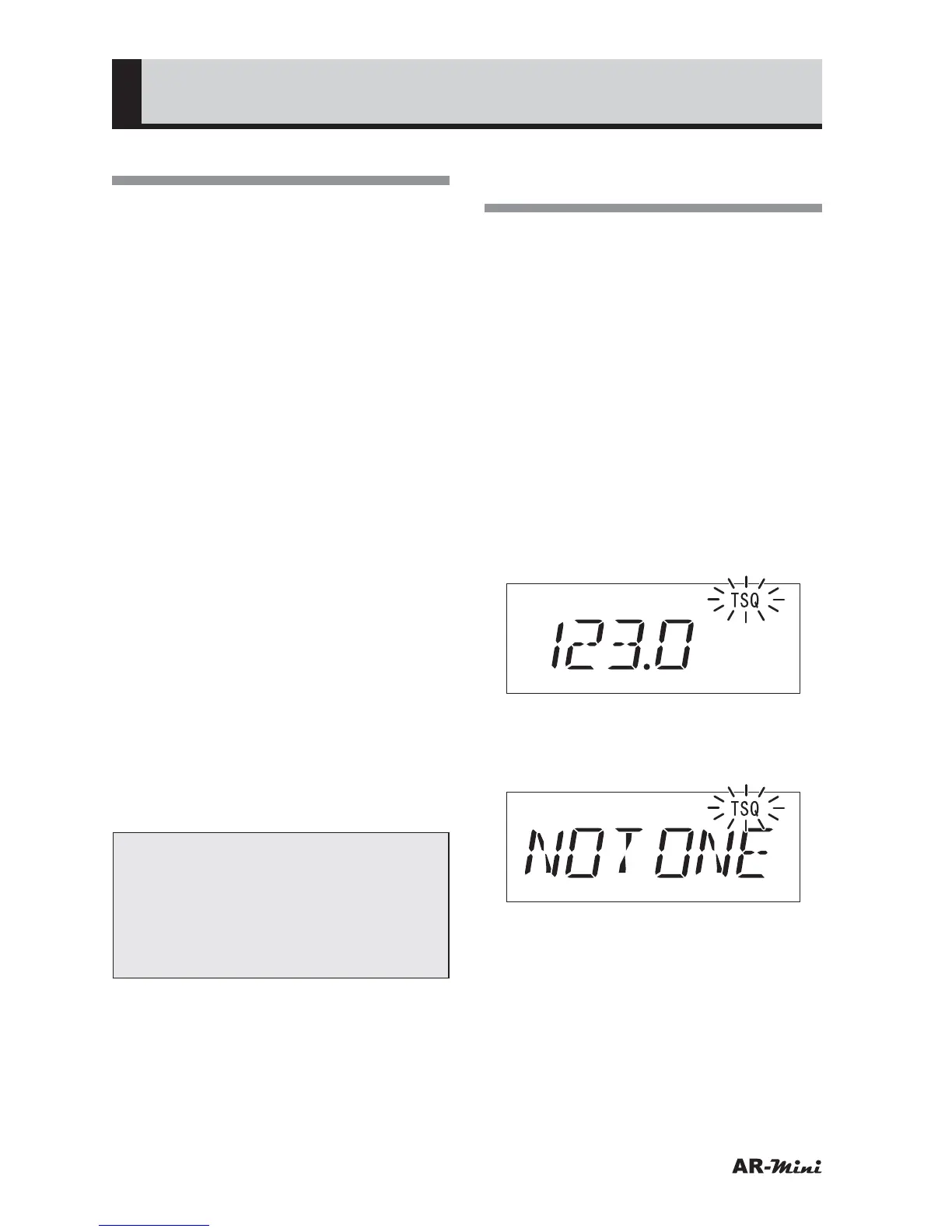
• “TSQ” tone squelch icon is blinking.
• The tone frequency is displayed
when the frequency is matched.
• “NO TONE” is displayed and TSQ is
blinking when no tone frequency is
matched.
5
To cancel, hold down the MODE
key until VFO is displayed and
press the dial knob.



 To Next Page