SETTING MODE
53
• Off timer and the alarm time can be
set as follows;
OFT 30M: Turns off 30 minutes later
OFT 60M: Turns off 60 minutes later
OFT 90M: Turns off 90 minutes later
ALT 15M: Sets the alarm 15 minutes later
ALT 30M: Sets the alarm 30 minutes later
ALT 45M: Sets the alarm 45 minutes later
ALT 60M: Sets the alarm 60 minutes later
DFT: ALL off
4
To return the original display, press
the dial knob or V/M key.
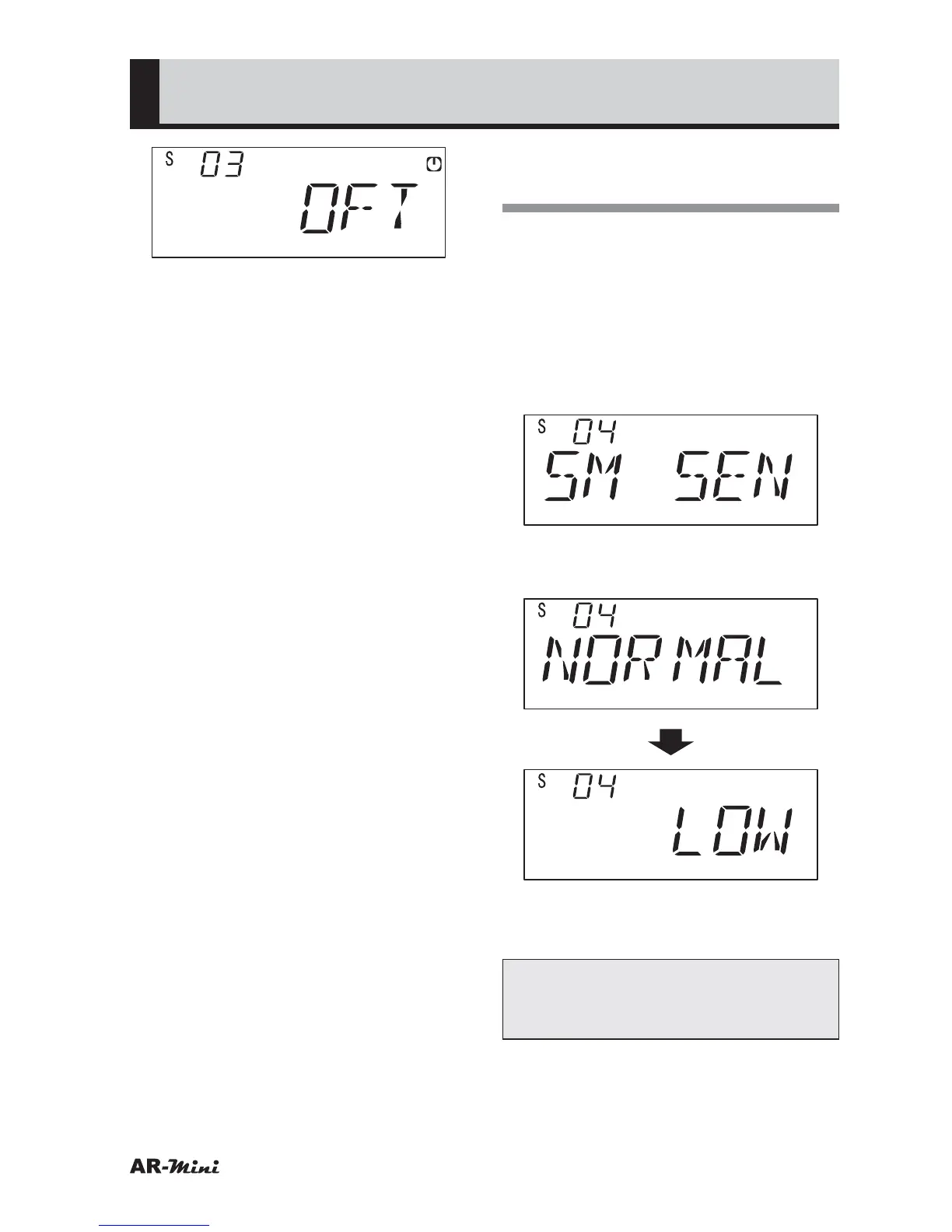
Setting the S-meter
Sensitivity
This setting is used for reducing S-
meter sensitivity.
1
Hold down the FUNC key and
press the dial knob to enter the
setting mode.
2
Turn the dial knob to set the
setting mode number 04.
3
Hold down the FUNC key and turn
the dial knob to set LOW.
4
To return the original display, press
the dial knob or V/M key.
Tips:
This function is unavailable to AM
and Wide FM.



 To Next Page