ADVANCED OPERATION
39
Storing a Frequency in
the Memory
1
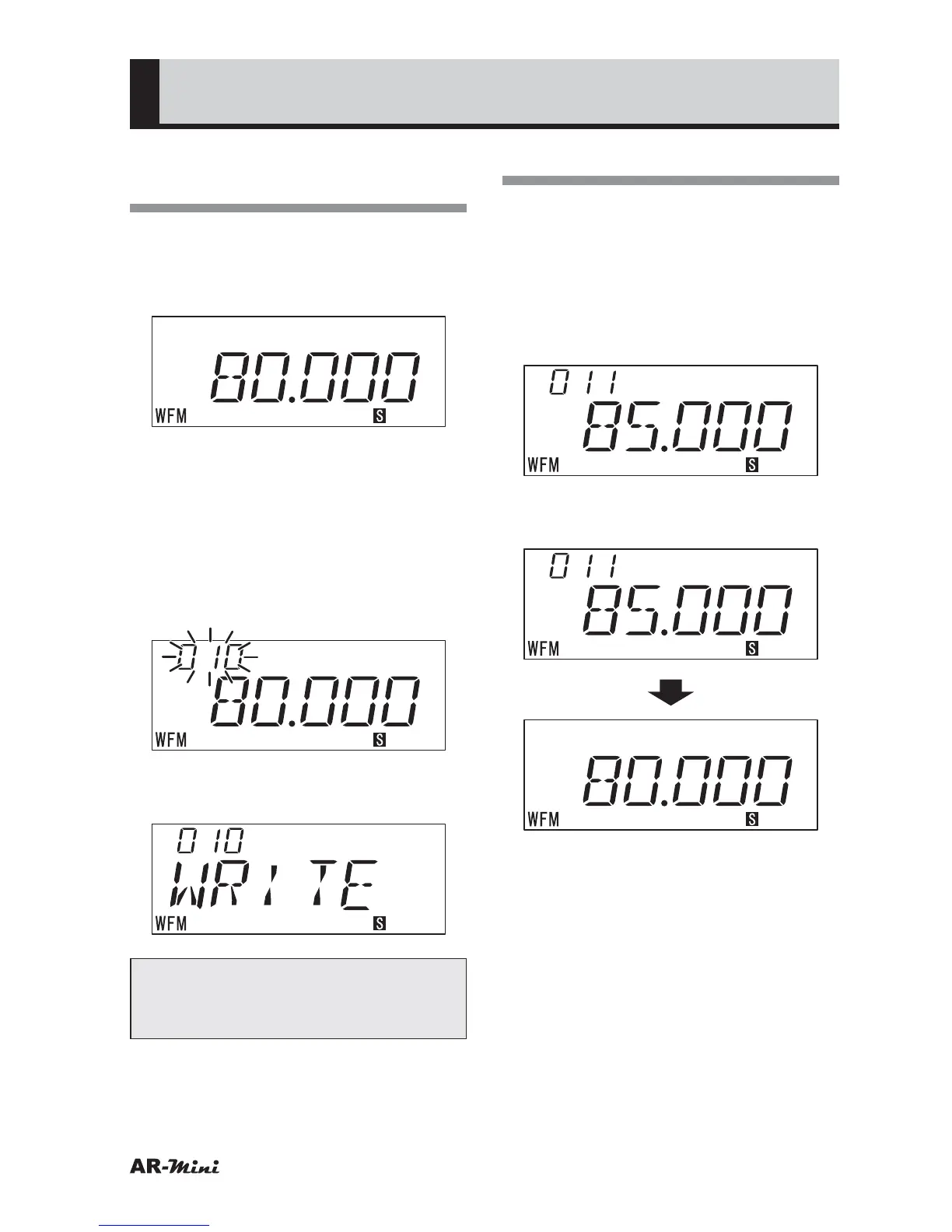
Confirm VFO mode is set.
2
Turn the dial knob to set the
frequency to be stored in memory.
3
Hold down the FUNC key and
press the V/M key.
• The memory number is blinking.
4
Turn the dial knob to change the
memory number.
• Skip this step if there is no need to
change the memory number.
5
To store, hold down the FUNC key
and press the V/M key.
Tips:
In step 3, press only the V/M key to
cancel and return to Memory mode.
Recalling the Memory
1
Confirm VFO mode is set.
2
Press the V/M key to set memory
mode.
3
Press the c / v key or turn the
dial knob to recall the desired
memory.
4
To return the original VFO mode,
press the V/M key.



 To Next Page