ADVANCED OPERATION
43
Setting the Skipped
Memory in the Scanning
A specified memory can be skipped
in the scanning. This prevents a scan
from being stopped when a frequency
that should be cancelled is scanned.
All memory can be set as skipped
memory.
1
Confirm the memory mode is set.
2
Turn the dial knob to select the
memory number to be skipped.
3
Hold down the V/M key for 2
seconds or more to be set.
• The skip memory mark (
) is
displayed.
Tips:
To return the normal memory, hold
down the V/M key for 2 seconds or
more in step 4.
Scanning in the Memory
Bank
Scanning can be progressed in
specified memory bank.
1
Hold down the FUNC key and
press the dial knob to enter the
setting mode.
2
Turn the dial knob to set the
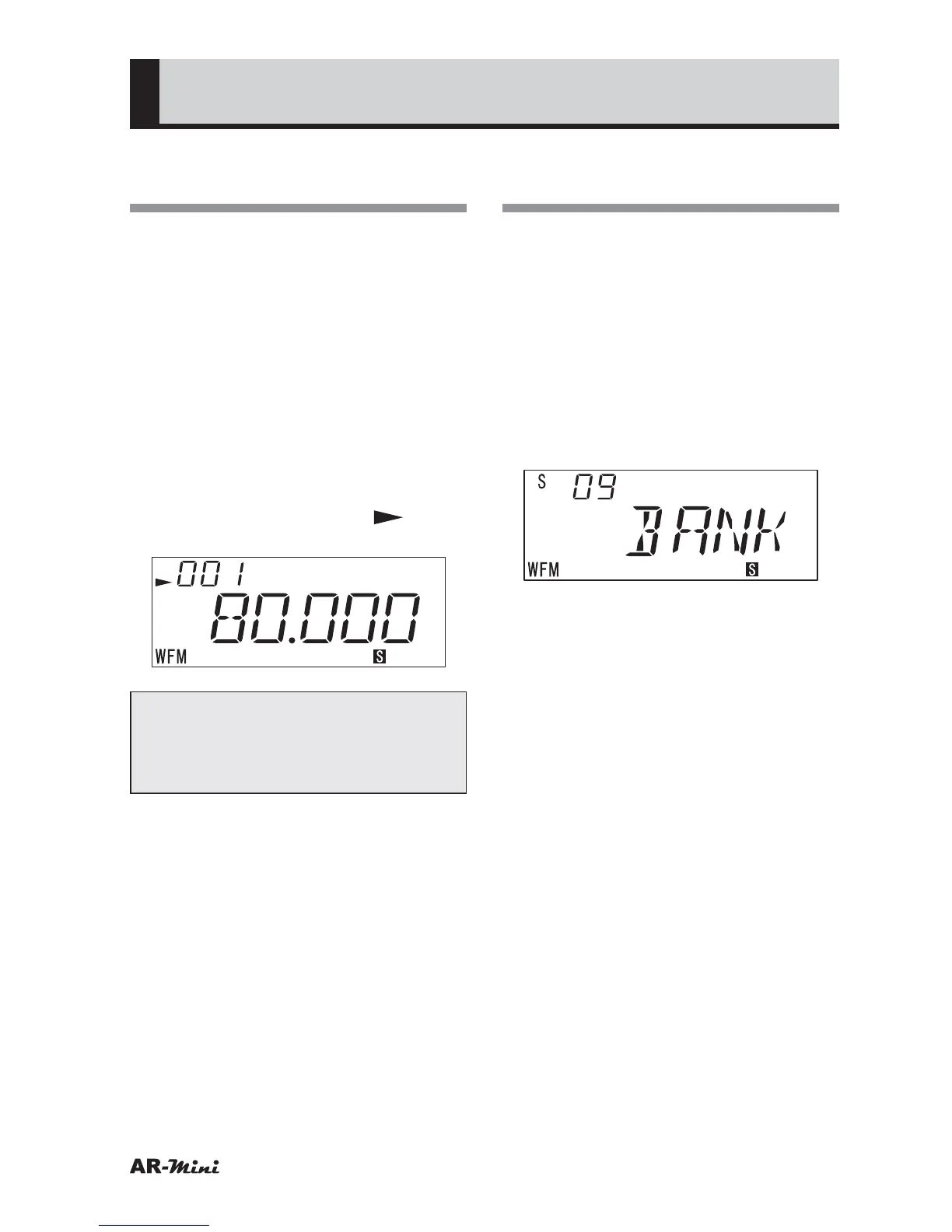
setting mode number 09.
3
Hold down the FUNC key and turn
the dial knob to select BANK.
4
Press the dial knob or V/M key.
5
Press the V/M key to set the
memory mode.
6
Press the SCAN key.
• Scanning is started in the memory
bank.
7
To change the memory bank, hold
down the FUNC key and turn the
dial.
8
To return the memory mode, press
the V/M key.



 To Next Page