ADVANCED OPERATION
34
VFO Search
VFO search changes the frequency
continuously from 0.1 MHz to 1299.99
MHz.
1
Confirm VFO mode is set.
2
Hold down the FUNC key and
press the dial knob to enter the
setting mode.
3
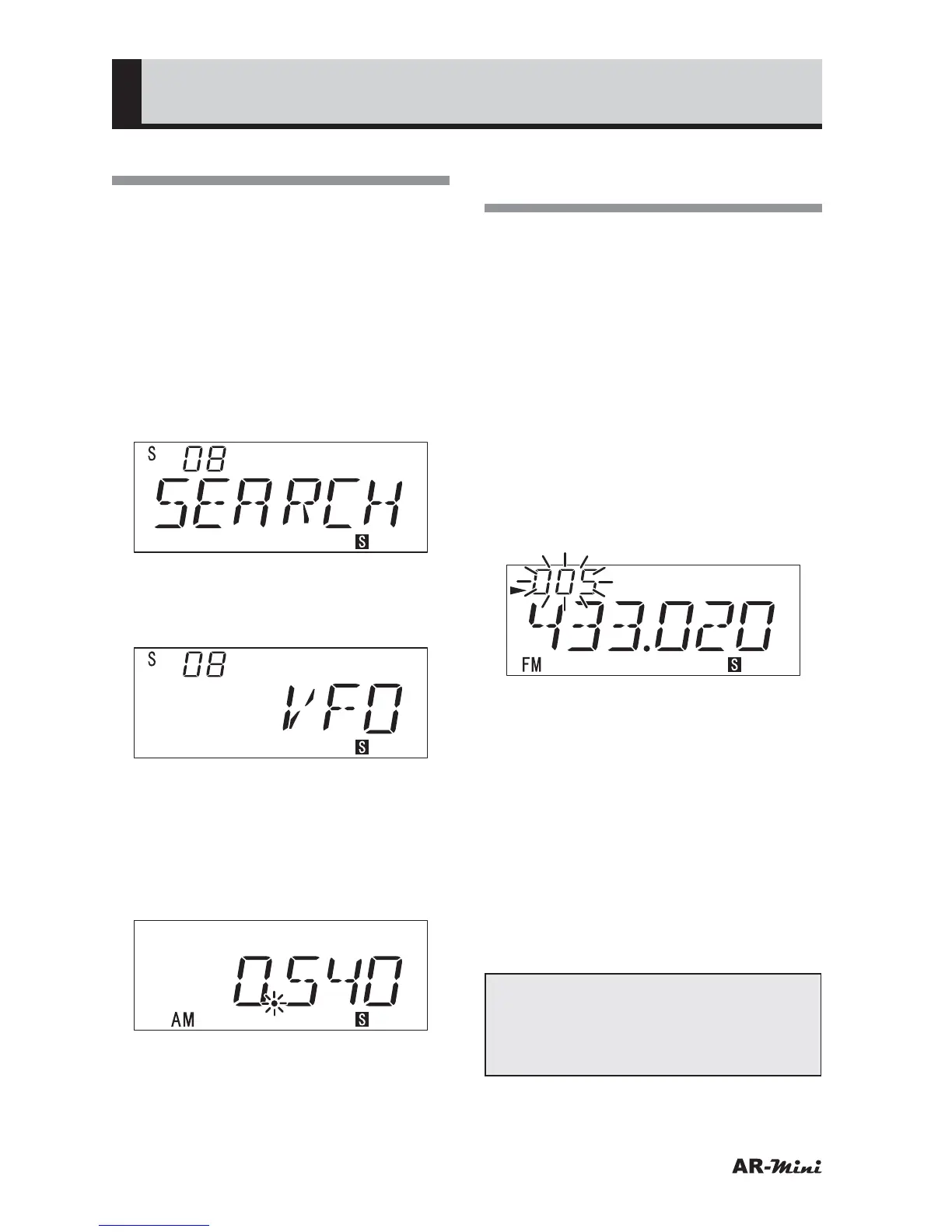
Turn the dial knob to set the
setting mode number 08.
4
Hold down the FUNC key and turn
the dial knob to select VFO.
• “VFO” is displayed at initial.
5
Press the dial knob to return to the
VFO mode.
6
Press the SCAN or V/M key.
7
To start the VFO search, press the
scan key.
• VFO search is paused, the decimal
point is blinking.
8
To cancel VFO search, press the
V/M key or dial knob.
Skipping the Desired
Frequency in the Search
A frequency can be skipped in a
search. This prevents a search from
being stopped when a frequency that
should be cancelled is received. The
skipped frequencies can be stored up
to 100.
1
Press the SCAN key to start the
search.
2
Press the V/M key for 2 seconds or
more when the search is paused
on the frequency to be skipped.
• The skip memory number is
displayed.
3
Turn the dial knob to change the
skip memory number.
• This step can be skipped, the skip
memory number is not changed.
4
To store in the skip memory, press
the V/M key for 2 seconds or more
5
Repeat steps 2 through 4 to store
other frequencies in the skip
memory.
• The frequencies can be stored up
to 100.
Tips:
In VFO mode, frequencies can be
stored in the skip memory through
the same procedure.



 To Next Page