ADVANCED OPERATION
33
2VFO Watch with 2VFO
Watch Receiving Memory
10 combinations of frequency are
set beforehand as the 2VFO watch
receiving memory. The 2VFO watch can
be started by this memory.
1
Confirm VFO mode is set.
2
Press the v key for 2 seconds or
more to start the 2VFO watch.
• The 2VFO watch which is set
previously is started.
3
Hold down the FUNC key and turn
the dial knob to select the number
of the 2VFO watch receiving
memory.
• The 2VFO watch which is started
between the selected 2VFO watch
receiving memory.
Tips:
2VFO watch receiving memories are
listed on page 73.
Changing the 2VFO Watch
Receiving Memory
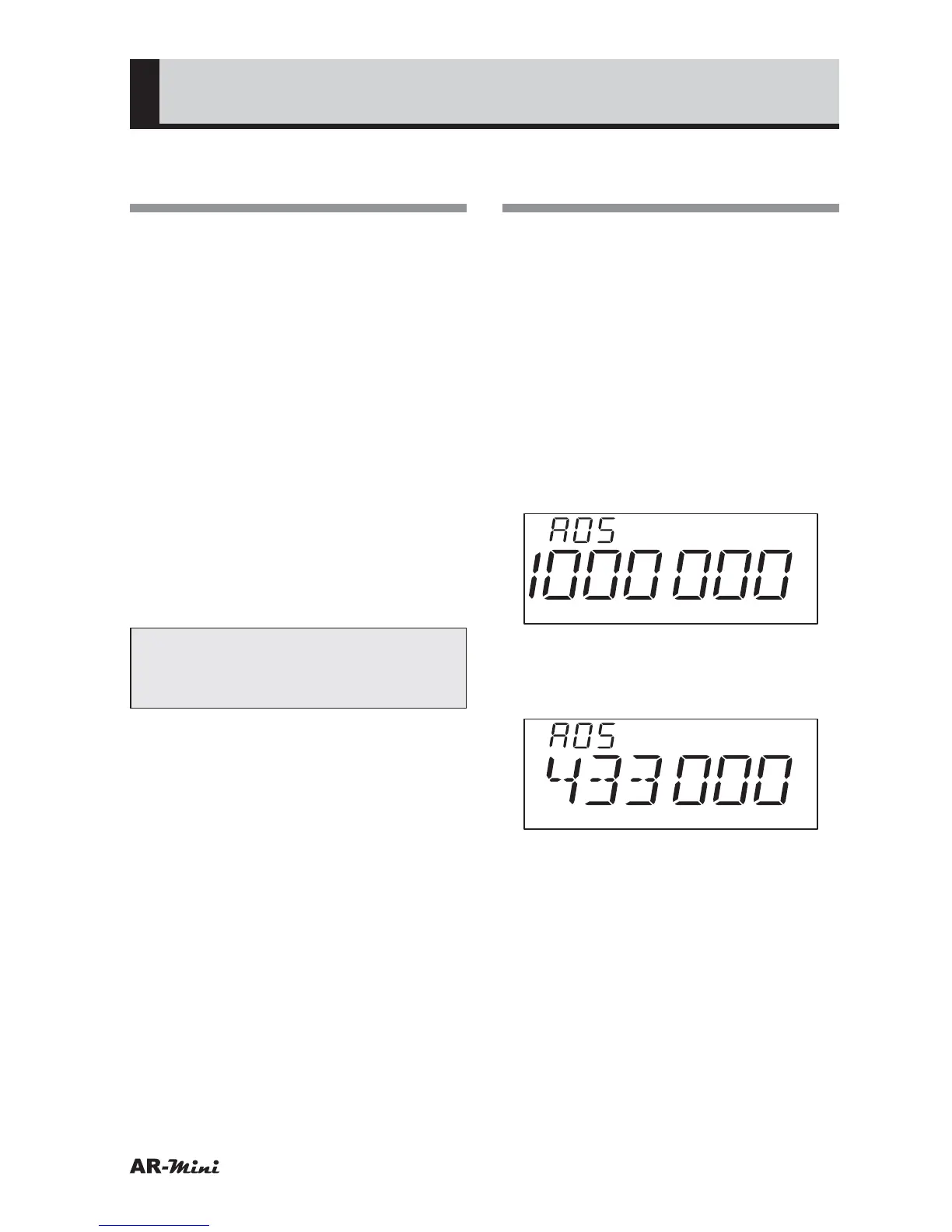
The 2VFO watch receiving memory can
be changed.
1
Start a normal 2VFO watch.
• Refer to “2VFO watch” on page 32.
2
Hold down the FUNC key and
press the
v key for 2 seconds or
more.
3
Hold down the FUNC key and turn
the dial knob to select the number
of the 2VFO watch receiving
memory to be stored.
4
To store, hold down the FUNC key
and press the
v key for 2 seconds
or more.



 To Next Page