SETTING MODE
54
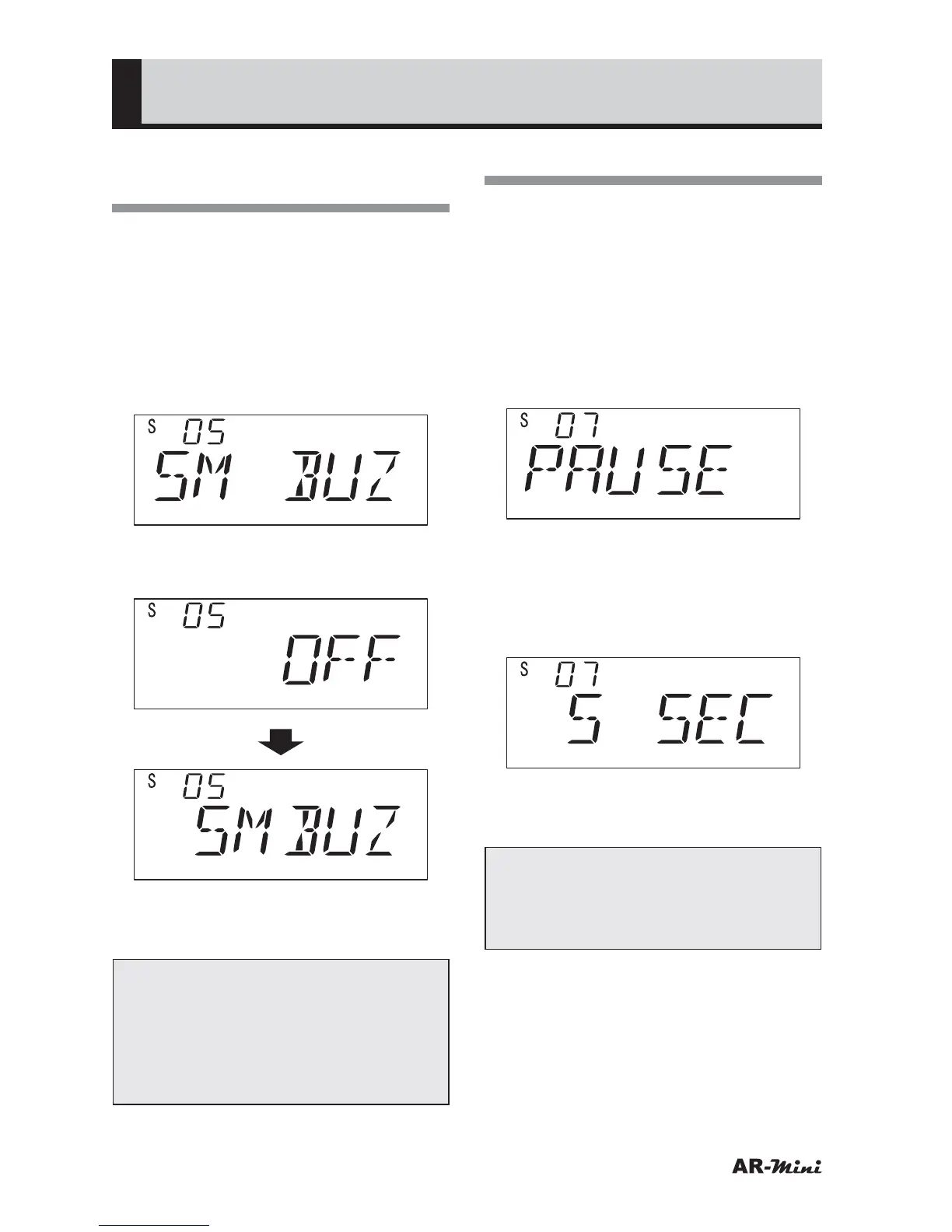
Setting the S-meter
Buzzer
This setting is used for emitting a beep
sound as the S-meter’s value.
1
Hold down the FUNC key and
press the dial knob to enter the
setting mode.
2
Turn the dial knob to set the
setting mode number 05.
3
Hold down the FUNC key and turn
the dial knob to set SMBUZ.
4
To return the original display, press
the dial knob or V/M key.
Tips:
This function is unavailable to AM
and Wide FM. This setting is useful
to search a concealed microphone
transmitter frequency with S-meter
sensitivity function.
Setting the Resume Time
This setting is used for setting the
resume time when searching or
scanning.
1
Hold down the FUNC key and
press the dial knob to enter the
setting mode.
2
Turn the dial knob to set the
setting mode number 07.
3
Hold down the FUNC key and turn
the dial knob to set the resume
time.
• The resume time can be set from 1
to 12 seconds.
4
To return the original display, press
the dial knob or V/M key.
Tips:
This setting is effective to the
search, scan, priority watch and
2VFO watch.



 To Next Page