APPENDIX
78
Trouble Shooting
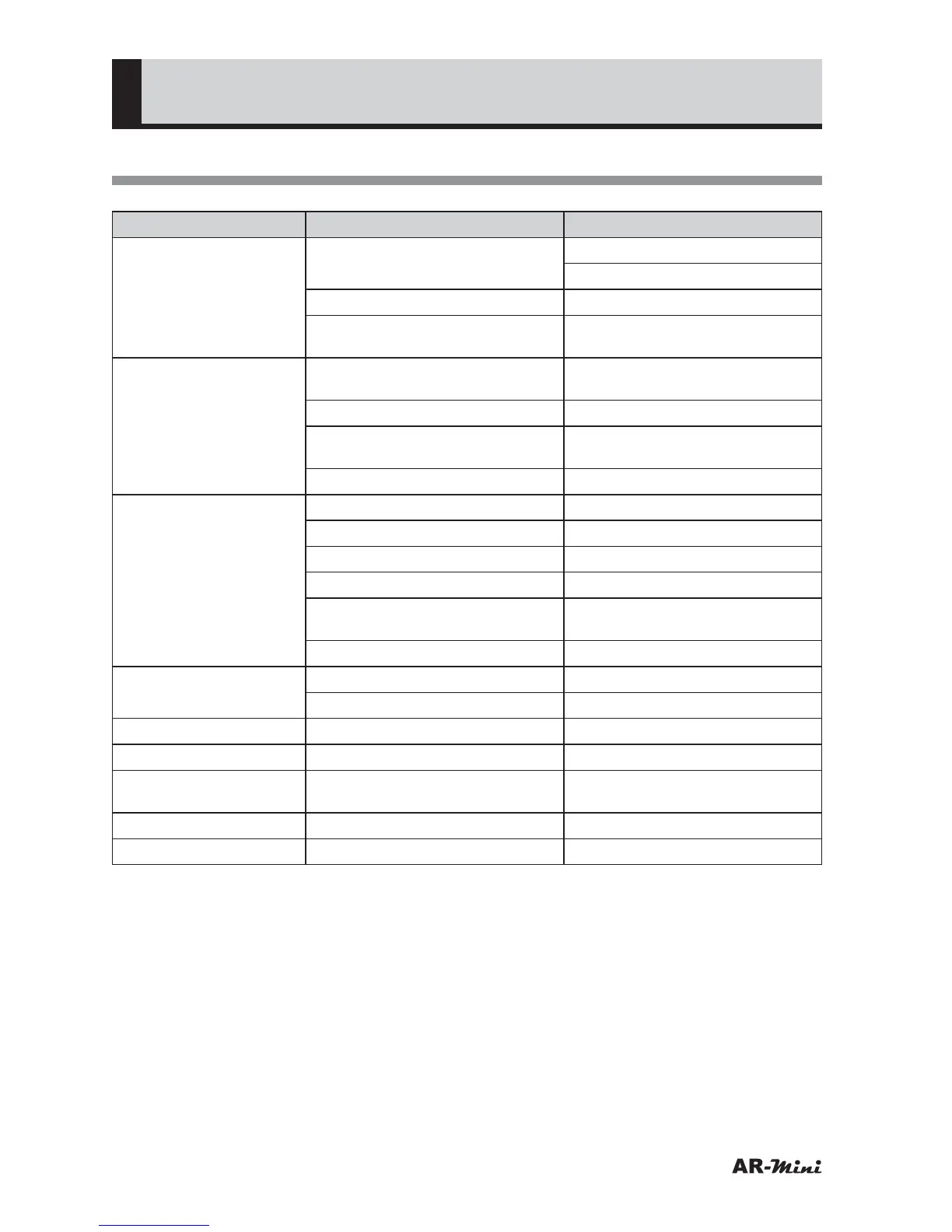
Symptom Cause Solution
No power The battery is consumed. Replace new battery.
Charge the battery.
The battery polarity is different. Insert the battery correctly.
Time to press the PWR key is
short.
PWR key is press for 2 seconds
or longer.
No reception The antenna is not correctly
attached.
Attach the antenna correctly.
A frequency is not tuned. Tune the frequency correctly.
Selected antenna is different Select the correct antenna type
in setting mode.
Attenuator function is set. Cancel Attenuator function.
No audio Volume setting is too low. Increase the volume.
A frequency is not tuned. Tune the frequency correctly.
The reception mode is different Set the reception mode.
Squelch value is set too large. Set the squelch at “Threshold”.
Tone squelch frequency is
different.
Set the tone squelch correctly.
DCS code is different. Set the code correctly.
Audio is distorted A frequency is not tuned. Tune the frequency correctly.
The reception mode is different Set the reception mode.
Noise is emitted Squelch value is set too small. Set the squelch at “Threshold”.
Search is not started Squelch value is set too small. Set the squelch at “Threshold”.
Specific frequency is
skipped.
Search skip is set. Cancel the search skip.
Scan is not started Squelch value is set too small. Set the squelch at “Threshold”.
Keys does not work Key lock function is set. Cancel Key lock function



 To Next Page