ADVANCED OPERATION
48
Receiving the Secret
Communications
(Not available for US domestic version)
1
Confirm VFO mode is set.
2
Turn the dial knob to set the
frequency to be received secret
communications.
3
Hold down the FUNC key and
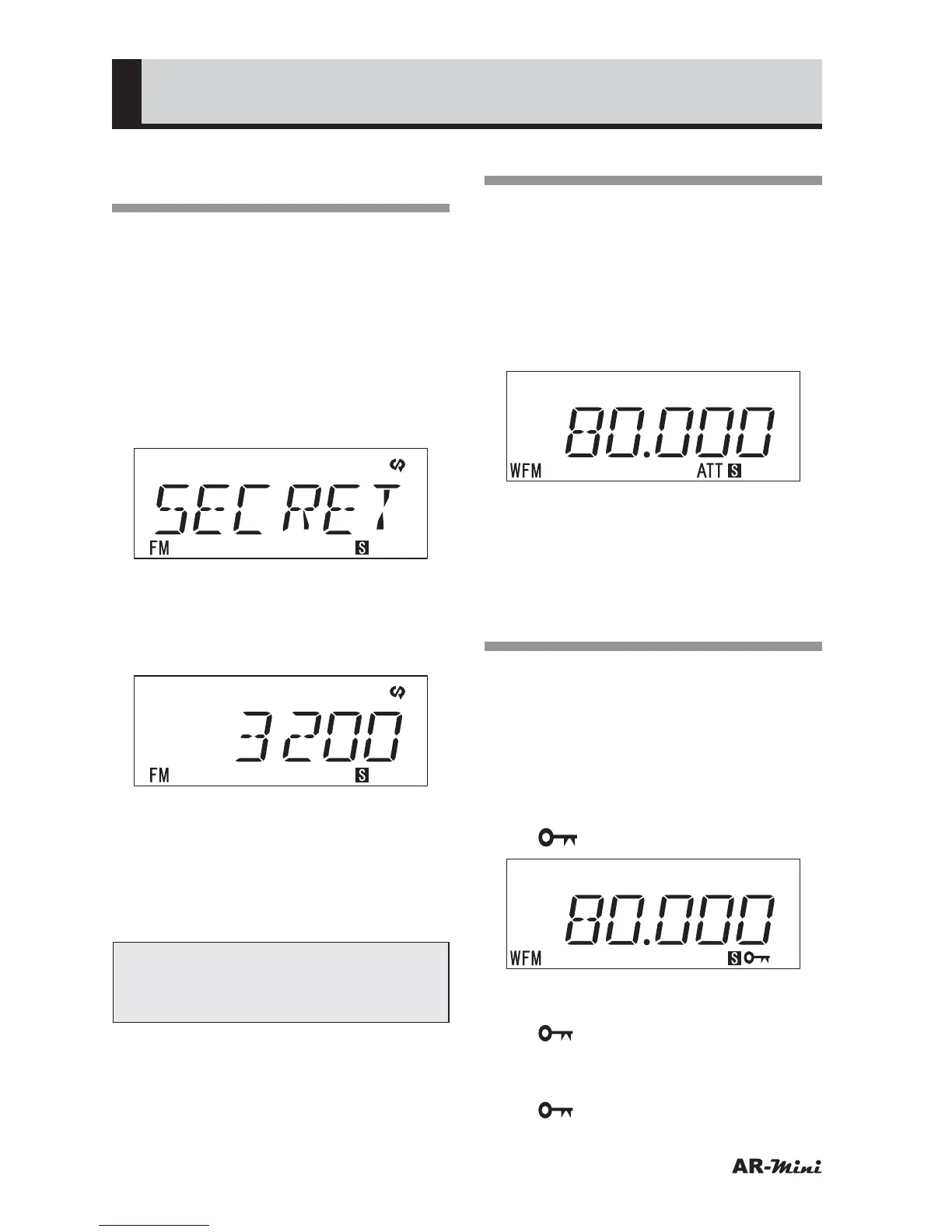
press the MODE key until SECRET
is displayed.
4
Press the dial knob.
• Secret communications icon is
displayed and carrier frequency of
secret communication is displayed.
5
Turn the dial knob to hear the voice
clearly.
6
To cancel, hold down the MODE
key until VFO is displayed and
press the dial knob.
Tips:
In step 5, the frequency is display by
pressing the MODE key.
Using the Attenuator
This function decreases the signal
strength by 15 dB.
1
Confirm VFO mode is set.
2
Hold down the c key for 2
seconds or more.
• “ATT” icon is displayed.
3
To cancel, hold down the c key for
2 seconds or more.
• “ATT” icon is disappeared.
Using the Key Lock
This function prevents the setting is
changed accidentally by pressing the
key.
1
Confirm VFO mode is set.
2
Hold down the FUNC key and
press the MONI key.
• “
” (Key lock) icon is displayed.
• All keys does not work except the
FUNC, MONI and PWR key while
“
” is displayed.
3
To cancel, hold down the FUNC
key and press the MONI key.
• “
” icon is disappeared.



 To Next Page