SETTING MODE
62
Setting the Built-in Bar
Antenna
AR-mini has the built-in bar antenna for
AM broadcasts or the short wave. This
setting is used for setting to the built-in
bar antenna.
1
Hold down the FUNC key and
press the dial knob to enter the
setting mode.
2
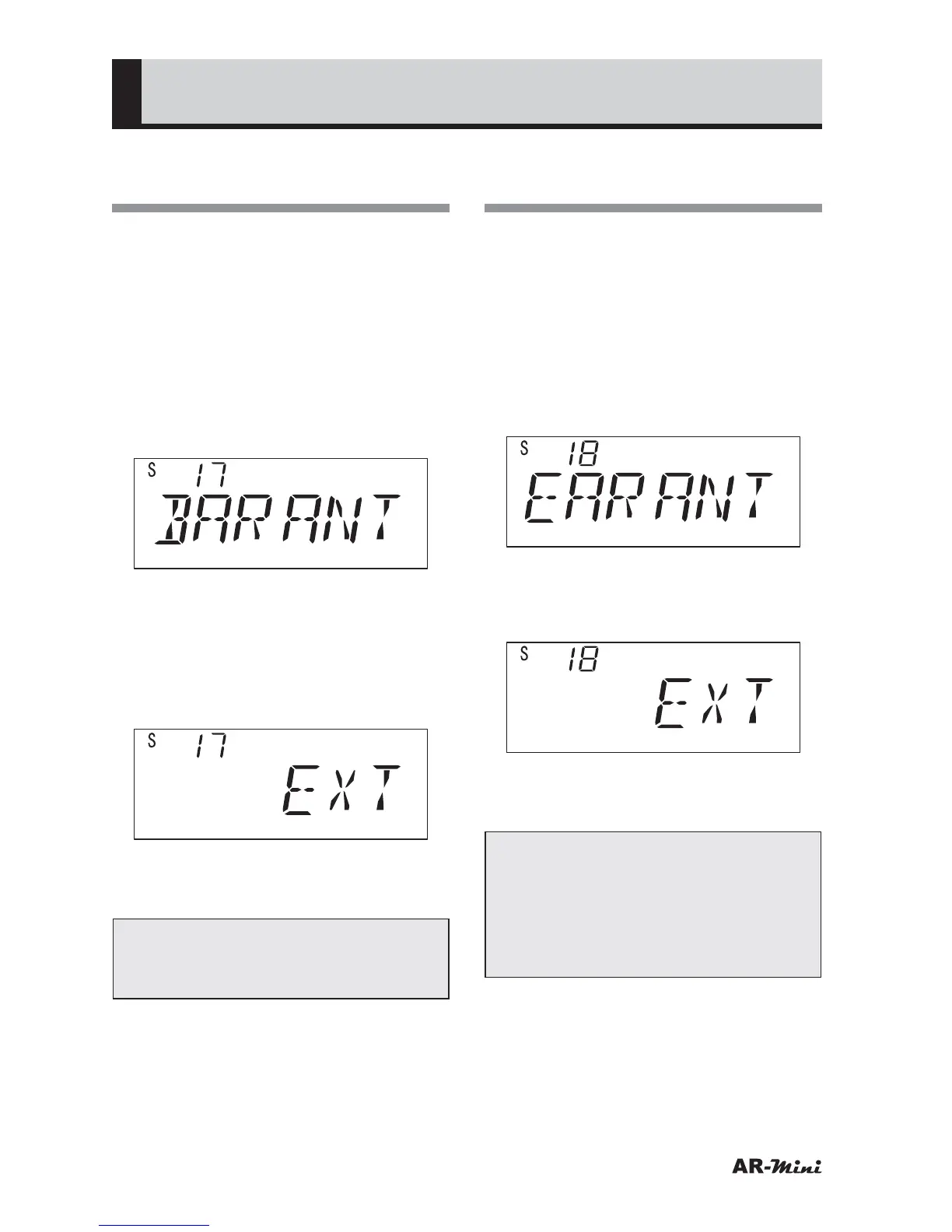
Turn the dial knob to set the
setting mode number 17.
3
Hold down the FUNC key and turn
the dial knob to set BAR or EXT.
• When the built-in antenna is used,
select BAR.
• When the supplied antenna is
connected, select EXT.
4
To return the original display, press
the dial knob or V/M key.
Tips:
If the antenna type is not matched,
reception sensitivity will be reduced.
Using the Earphone as an
Antenna
This setting uses the earphone as an
antenna. This setting is available for all
band on this receiver.
1
Hold down the FUNC key and
press the dial knob to enter the
setting mode.
2
Turn the dial knob to set the
setting mode number 18.
3
Hold down the FUNC key and turn
the dial knob to set EARANT or
EXT.
4
To return the original display, press
the dial knob or V/M key.
Tips:
Under these settings, an earphone
should always be connected to
the receiver. If no earphone is
connected, reception sensitivity will
be reduced.



 To Next Page