ADVANCED OPERATION
40
Returning the VFO Mode
with Displaying Memory
Frequency
1
Confirm VFO mode is set.
2
Press the V/M key to set memory
mode.
3
Press the c / v key or turn the
dial knob to recall the desired
memory.
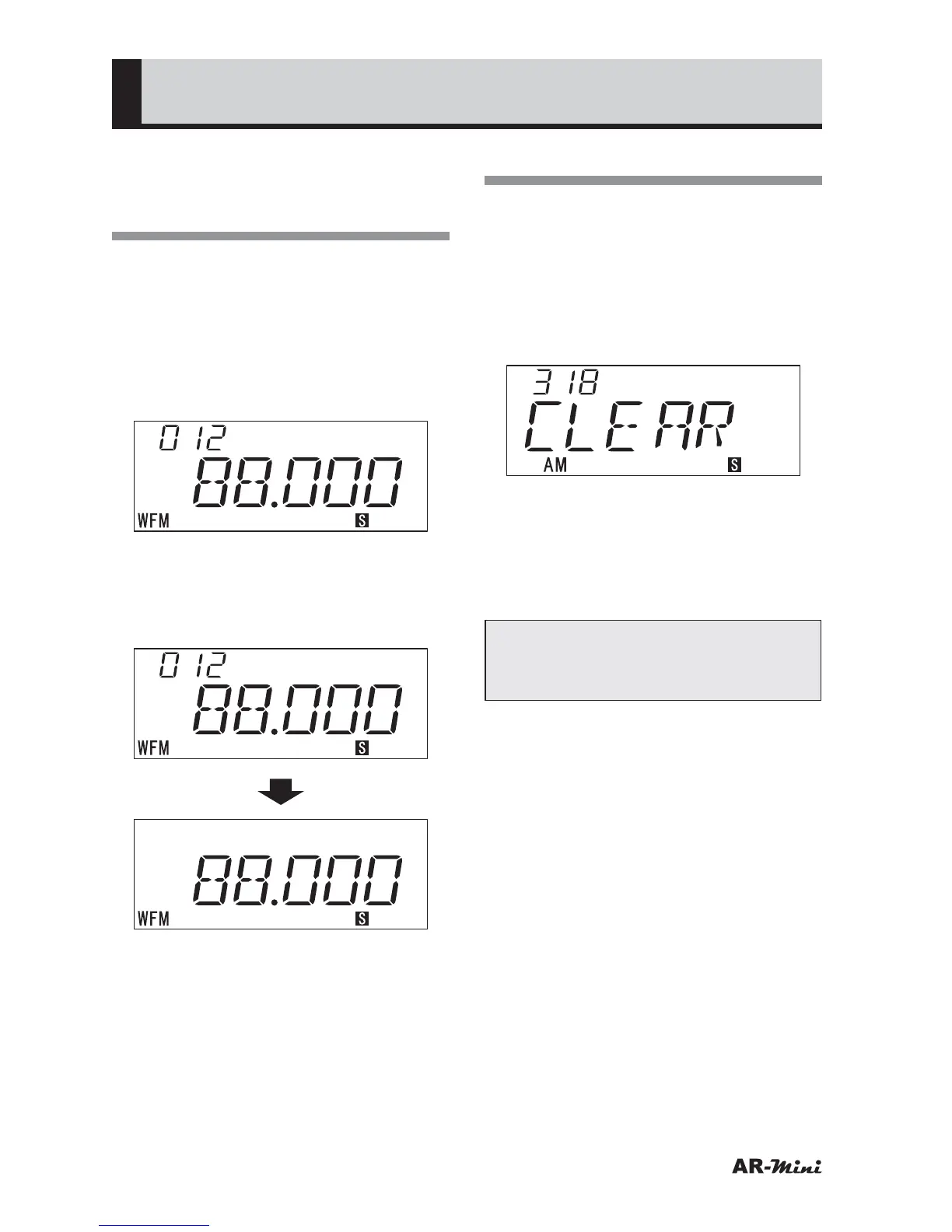
4
Press the c and v key
simultaneously to return the VFO
mode with displaying memory
frequency.
Erasing a Memory
1
Confirm the memory mode is set.
2
Turn the dial knob to recall the
desired memory to be erased.
3
Hold down the FUNC key and
press the V/M key.
• “CLEAR” is displayed.
4
To erase the memory, hold down
the FUNC key and press the V/M
key.
• The memory is erased and memory
mode will be returned to.
Tips:
In step 3, press only the V/M key to
cancel and return to Memory mode.



 To Next Page