BASIC OPERATION
27
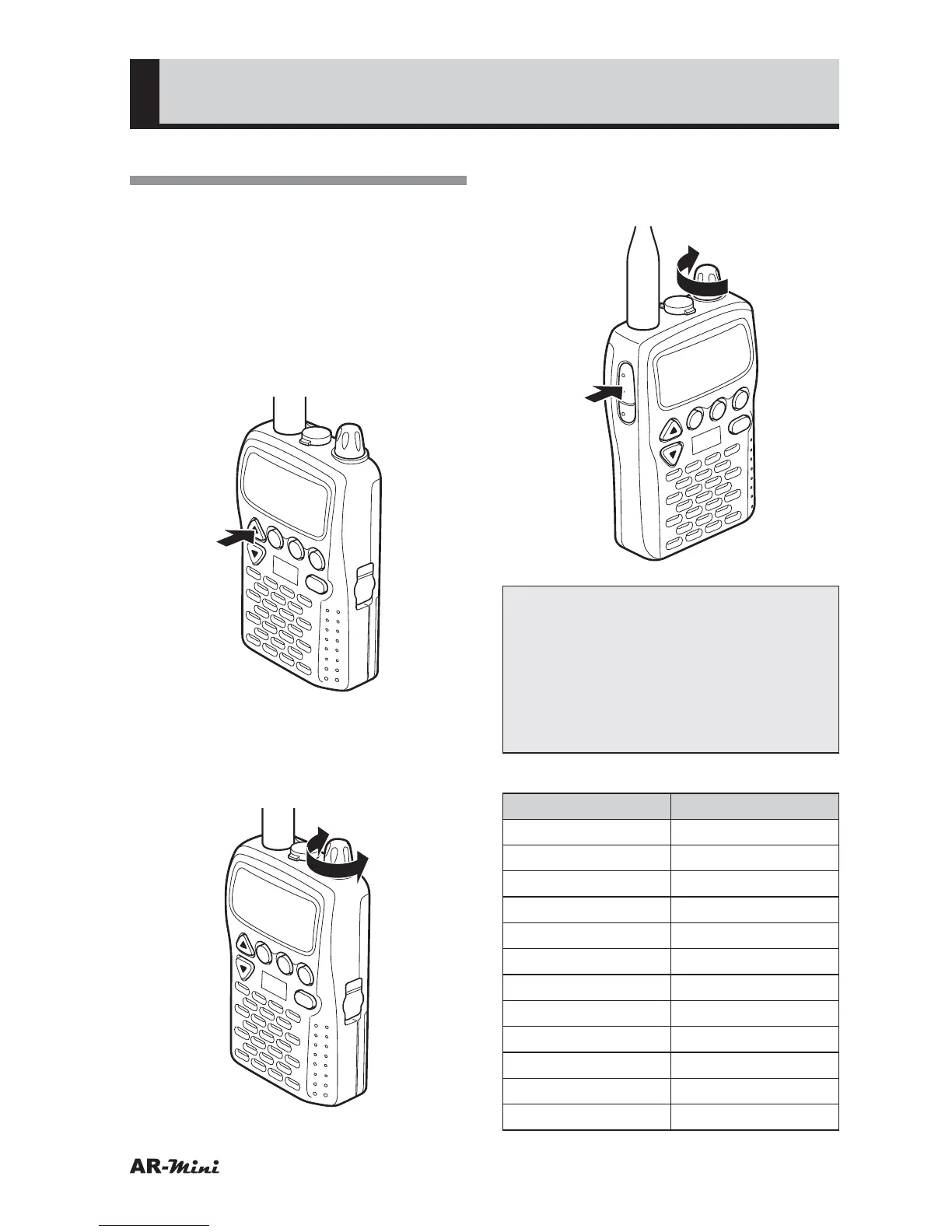
Adjusting the Frequency
1
Confirm the VFO mode is set.
• When a memory name is displayed,
press the V/M key to switch the
mode for the VFO mode.
2
Press the c or v key to set the
desired band.
• Refer to the band table on this
page.
V/M
SCAN
MODE
PWR
ATT
DW
SKIP
COMMUNICATIONS RECEIVER AR-mini
SEL
PW
L.SRCHMW
3
To increase the frequency, turn the
dial knob clockwise.
To decrease the frequency, turn
the dial knob counterclockwise.
V/M
SCAN
MODE
PWR
ATT
DW
SKIP
COMMUNICATIONS RECEIVER AR-mini
SEL
PW
L.SRCH
TONE
MW
4
To change the frequency more
quickly, hold down the FUNC key
and turn the dial knob.
V/M
SCAN
MODE
PWR
ATT
DW
SKIP
COMMUNICATIONS RECEIVER AR-mini
SEL
PW
L.SRCH
TONE
MW
Note:
AR-mini has been set Auto step
function at initial. This function
changes the frequency step
automatically depending on the
band. It can be canceled and set it
manually.
Band range table
Displayed frequency
Band Range (MHz)
0.594 0.1–1.6200
6.055 1.6200–51.00
51.00 51.00–76.00
82.500 76.00–108.00
128.800 108.00–142.00
145.00 142.00 –170.00
175.750 170.00 –336.00
370.00 336.00–430.00
433.00 430.00–470.00
649.75 470.00–770.00
903.0125 770.00–915.00
1295.00 915.00–1299.995



 To Next Page