SETTING MODE
69
Revising the Step
Frequency
This receiver can automatically revise
step frequencies to match the channel
plan. This setting can also be used for
canceling any revisions.
1
Hold down the FUNC key and
press the dial knob to enter the
setting mode.
2
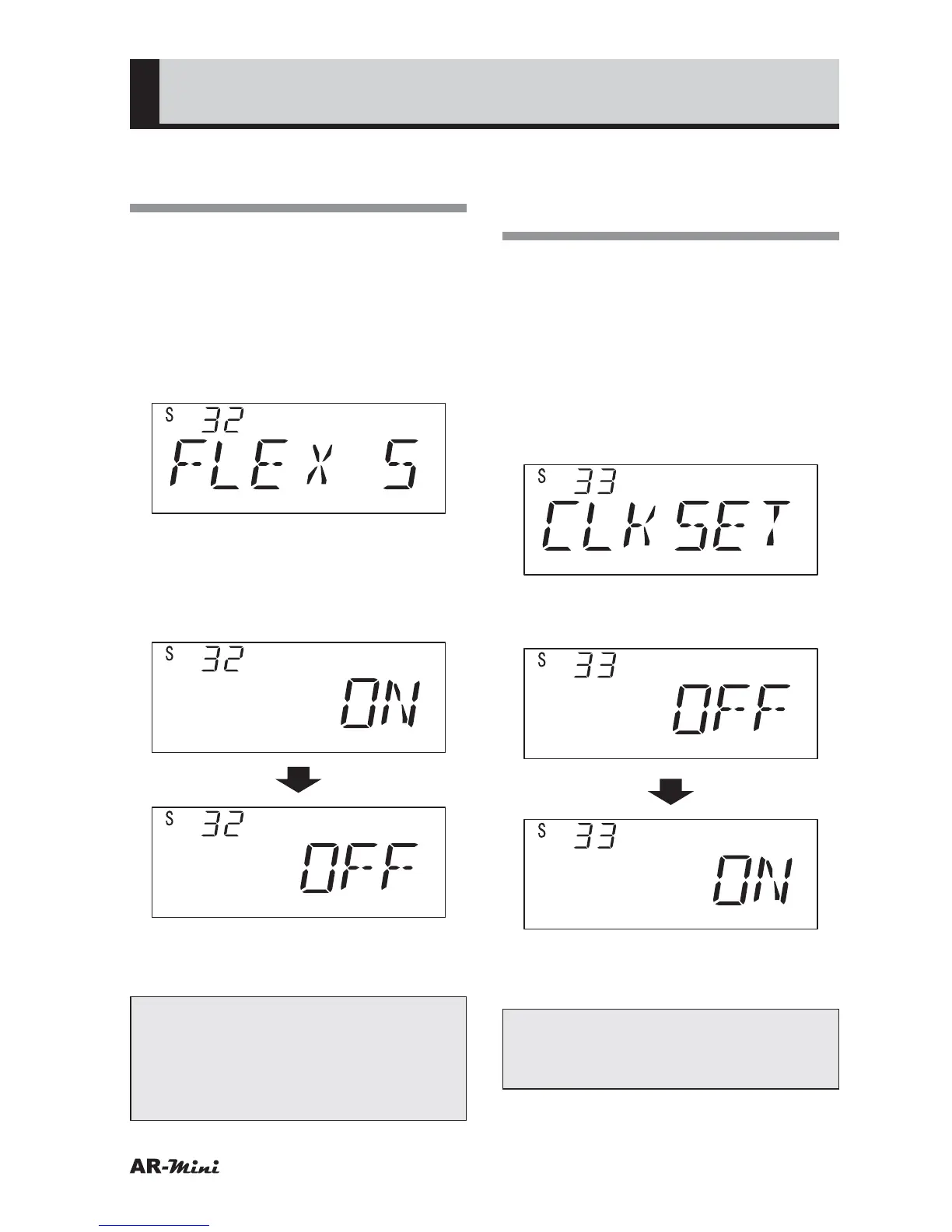
Turn the dial knob to set the
setting mode number 32.
3
Hold down the FUNC key and turn
the dial knob to set OFF.
4
To return the original display, press
the dial knob or V/M key.
Tips:
The step frequency is not revised
automatically while this setting is set
OFF, except for the 6.25 Hz and 12.5
Hz step.
Shifting the
Microprocessor’s Clock
Frequency
This setting is used to prevent
the undesirable influence of the
microprocessor’s clock frequency.
1
Hold down the FUNC key and
press the dial knob to enter the
setting mode.
2
Turn the dial knob to set the
setting mode number 33.
3
Hold down the FUNC key and turn
the dial knob to set ON.
4
To return the original display, press
the dial knob or V/M key.
Tips:
This setting is canceled by changing
the channel or turning the power off.



 To Next Page