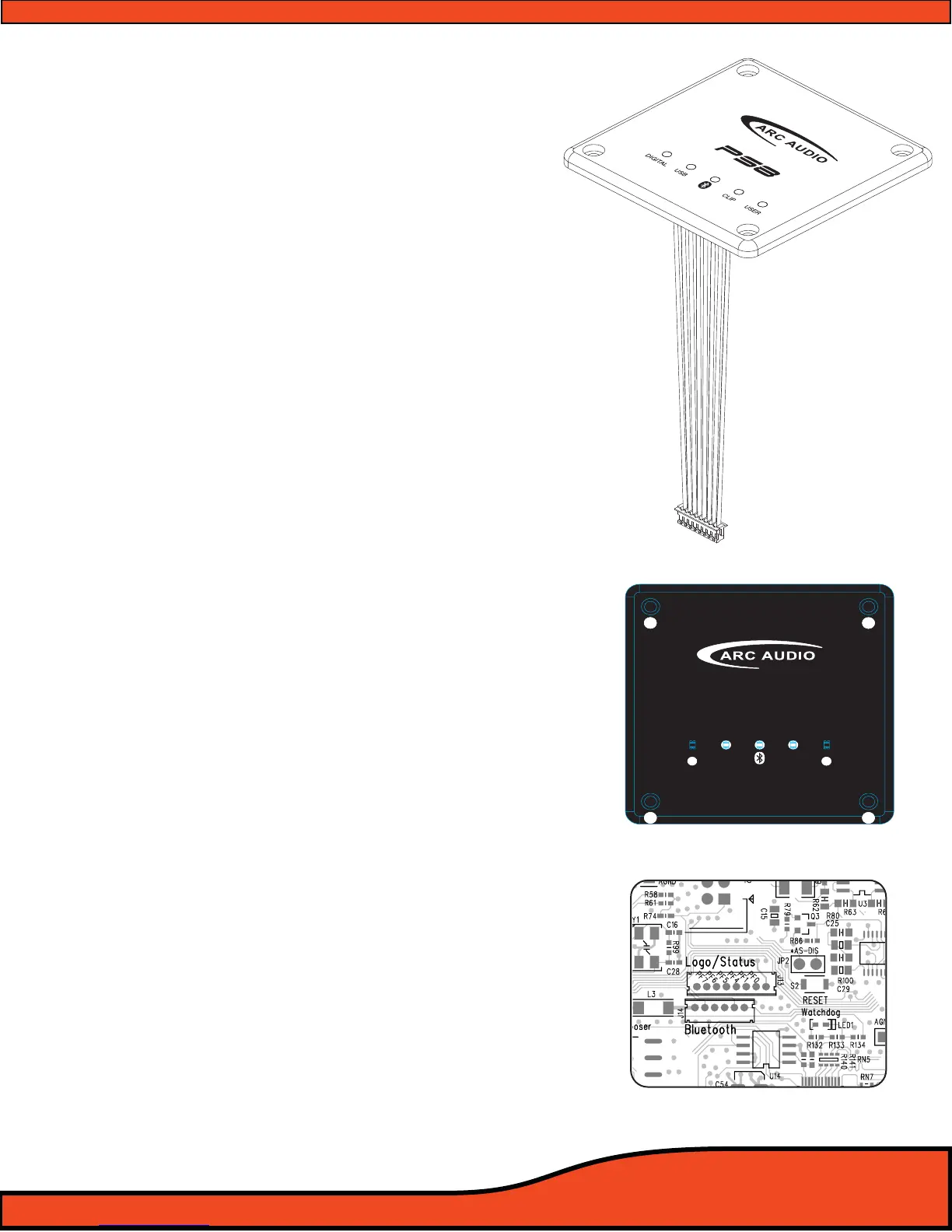
5.3.5 - PS8 Activity and status display
The PS8 activity display gives users visual tools on the
face of the main display unit allowing them, in real time,
to see the current status of the PS8 and its dierent user
interface based components. The display oers users a
general overview of the interface features and their
current mode of operation.
• Illuminated ARC Audio & PS8 logo - The logos are a
dual operation illuminated display showing users when
the PS8 is powered on or o.
• Digital Input Indicator- This single (Blue) LED, when lit,
indicates when the PS8 is actively receiving digital
signal from a digital source such as optical, digital
coaxial, or Bluetooth (When the Bluetooth accessory
module is in use)
• USB Connection indicator- This single (Blue) LED,
when lit, lets users know when the PS8 is actively
connected to a PC and the user interface is communi
cating with the processor.
• Bluetooth Connection Indicator- This single (Blue)
LED, when lit, lets users know when the PS8 is actively
receiving signal from a linked Bluetooth compatible
device.
• Signal Clip Indicator- This single (Red) LED, when lit or
ashing, lets users know when the processor is sensing
any clipped signal at any part of the signal chain within
the PS8
• PS8 User Prole Lead Indicator- This single (Blue) LED,
when lit, indicates that the PS8 is currently being
triggered into one of its three onboard user dened
presets thru one of the 2 onboard ground triggered
prole leads.
5.3.5.1- Connecting the status display
When installing the PS8 status display carefully
connect the plug dongle into the 8 pin recep-
tacle on the main circuit boards of the PS8. The
receptacle is visible thru the top opening of the
PS8 with the status display removed
(See diagram 5.1). Be careful to note the guide
orientation that indicates the proper direction to
install the plug. DO NOT FORCE THE PLUG INTO
THE SOCKET!
Ps8
DIGITAL
USB
CLIP
USER
Diagram 5.1



 To Next Page