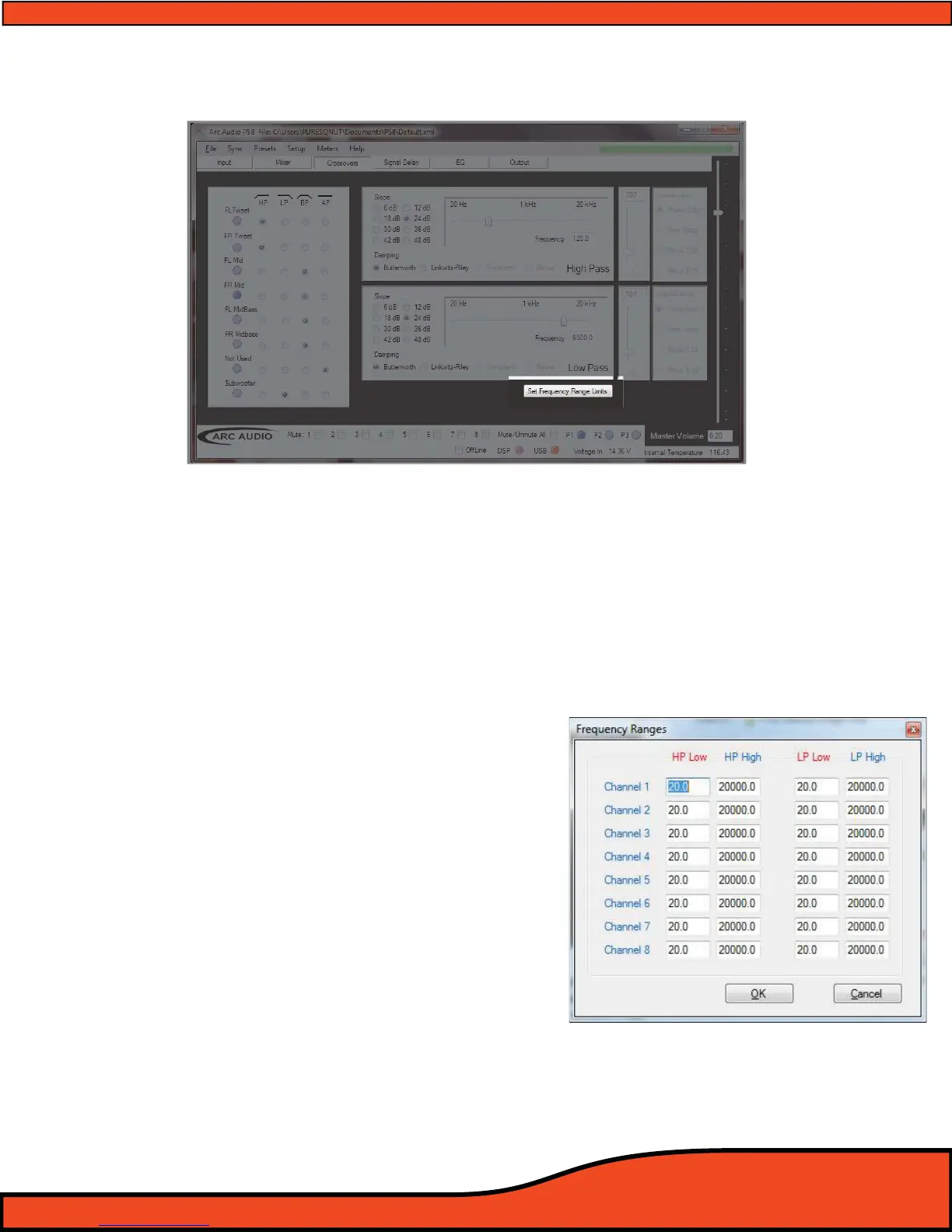
Diagram 10.35
Diagram 10.36
10.7 - Set Frequency Range Limits
"Set Frequency Range Limits" is a user dened operation that allows users to set virtual frequency barriers on
each of the individual bands on all eight channels of crossovers. These limits once set can prevent users from
setting a crossover point outside of the safe operating area of the speakers that are in line with the individual
PS8 output channels. To access the "Frequency Range Limits" feature you must be connected to the PS8 and
on the Crossover user interface panel. When on this panel you will nd the access button located below the
"Low Pass" crossover adjustment window
(See diagram 10.35).
Once this feature panel is accessed you can set your
frequency limits by locating the desired channel you
wish to adjust and then setting upper and lower limits
for the channels Low Pass and High Pass lters
(See diagram 10.36).
The benet to this feature is the increased ability in
allowing users to tune by "Using their ears instead of
their eyes". This simple but eective benet gives users
the ability to not have to focus on the tuning software
and letting your ears hear the actual change in real time
without the distraction of what the software says of
where your cursor is and without the risk of going to far
and potentially causing damage to the speakers.



 To Next Page