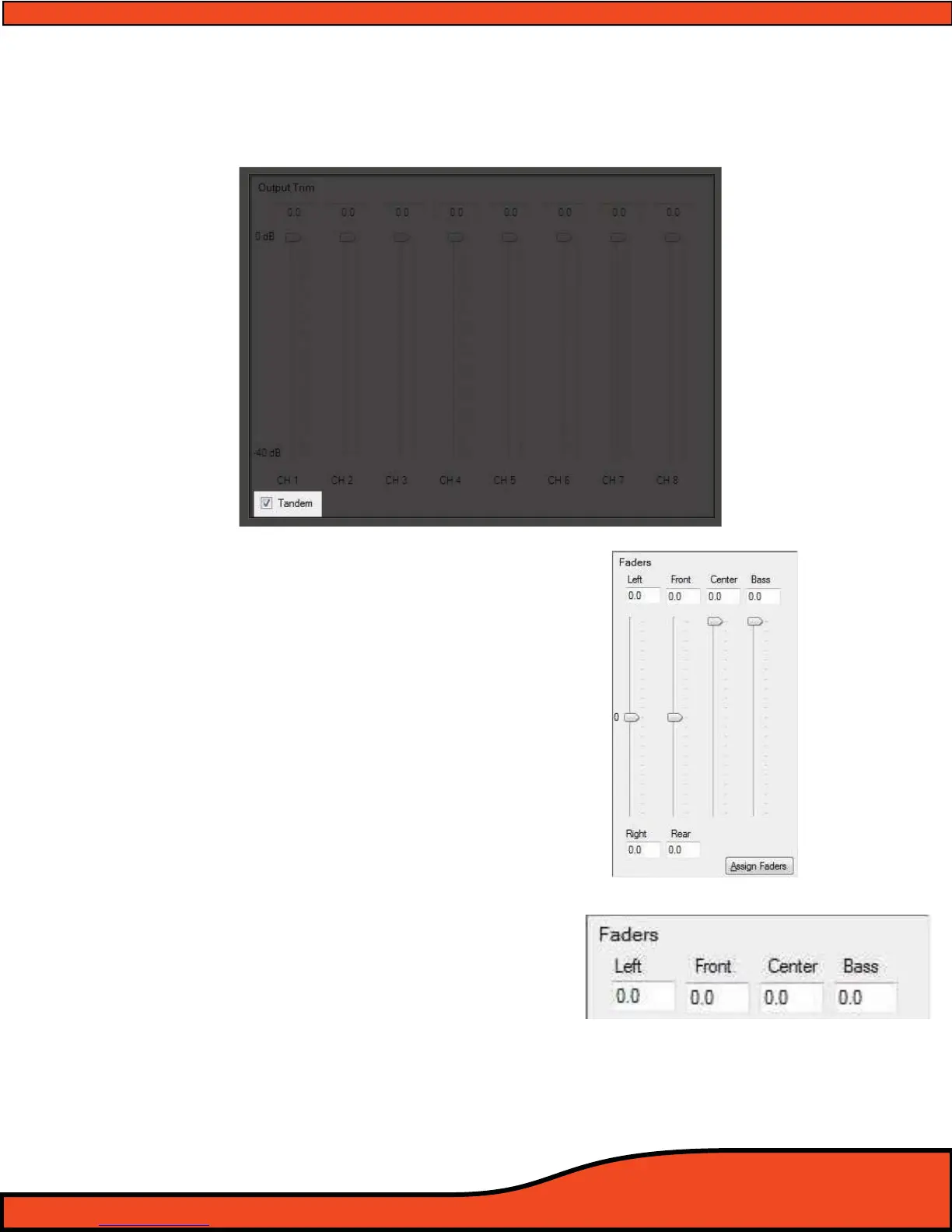
12.7.5 - Channel Trim All Channels Link/Unlink Button (Tandem)
The channel link/unlink button (Tandem)
(See diagram 12.59) allows users to adjust all of the individual
channels in tandem from their current adjusted position without the loss of the previous individual
adjustment.
12.7.6 - Output Fader Controls
The PS8 has a fully user dened fader and name
interface function for all of its individual input and
output channels
(See Section 10.1). This panel allows
for the adjustment of the user dened fader assign-
ments.
(See diagram 12.60)
12.7.7 - Output Fader Level Value Readout Display
This display gives users a numerical readout of the set level
of each of the PS8's individual fader controls. Levels by
default are at "0" and will progress into negative values as
the position of the sliders are changed.
(See diagram 12.61)
Diagram 12.59
Diagram 12.60
Diagram 12.61



 To Next Page