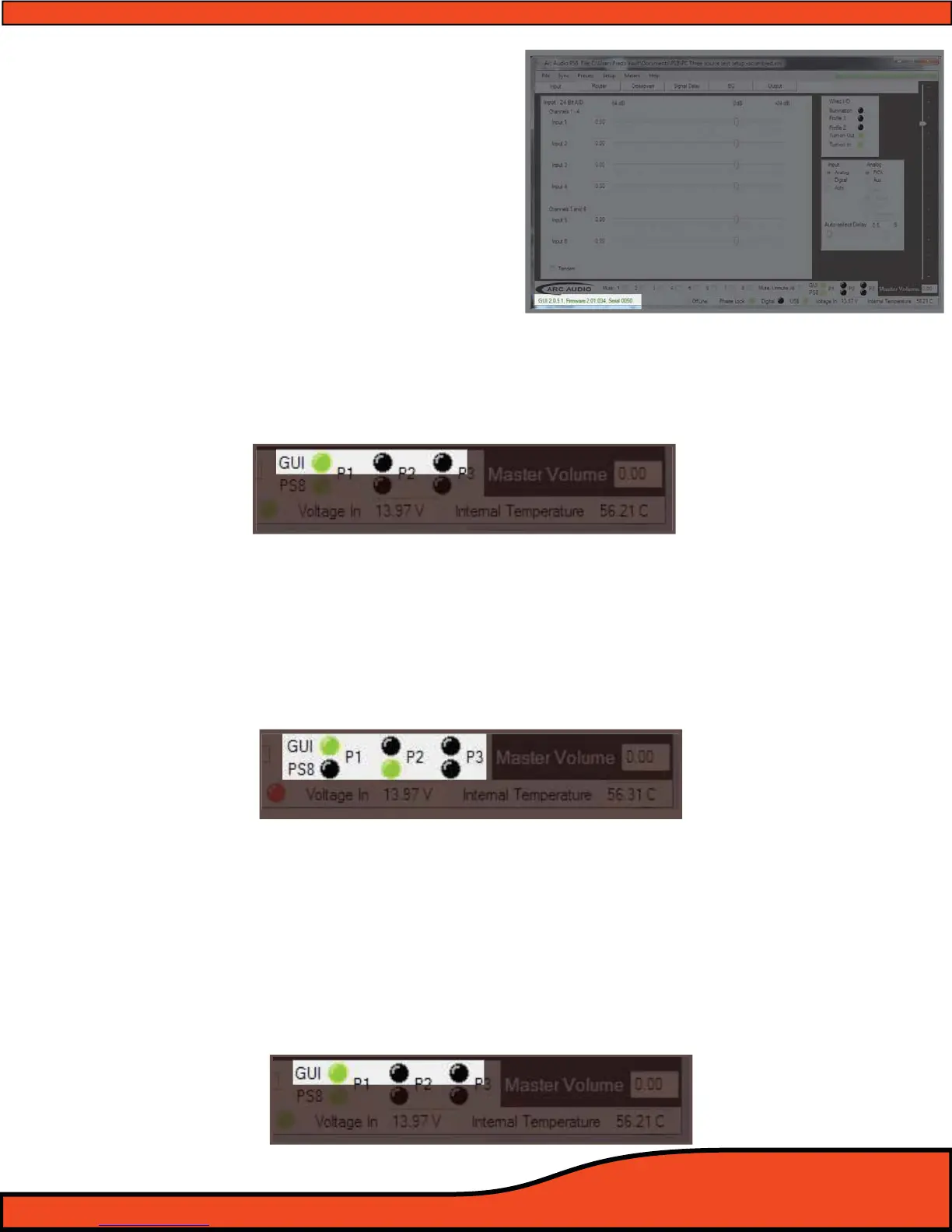
14.2 - Electronic Serial Number display verication
(See diagram 14.2).
The registered serial number for each individual
PS8 processor is stored internally on the
onboard processor. After accessing the "Help"
button in the top header menu and looking at
the "About" panel the PS8's individual serial
number will be placed here for tracking, update
purposes and technical support.
14.3 - Preset Selection Button And Status Indicators
The preset activity buttons are designed to oer users a dual layer real time status and switching
location for the PS8's three presets. Each button/status light oers a dierent perspective to the
current state of the PS8 and the preset operation it is currently on.
14.3.1 - Software Position Preset Status Selection And Status Button
The PS8's preset software position and selection buttons show users the current "Preset" position of
the software that is active on their PC. (See diagram 14.3)
(NOTE: If you have the software active and are using a hard wired preset trigger switch the PS8 itself
and the software may be on a dierent preset. Not to worry if you click on the preset you desire the
software and the preset will override the switch and update both the software and the PS8. To nd out
if the PS8 is on a dierent preset check the PS8 status indicator lights located directly below.)
(See diagram 14.4)
14.3.2 - PS8 Hardware Physical Position Preset Selection and Status Button
The PS8's preset hardware position indicator and selection buttons show users the current "Preset"
position of the PS8 main unit. This light will always no matter what preset selection operation you
used show you the current active position of the PS8 main unit
(See diagram 14.5). If you are using the
hardwired preset selection switch this indicator will show the position of the swirtch after it is used,
however the rest of the software will not update. To update hte software you will need to click oon
the “GUi” preset indicator. (NOTE: If you are using the software to select between presets it is recom-
mended to use the "GUI" preset button indicators to prevent any confusion in the selection process)
Diagram 14.3
Diagram 14.4
Diagram 14.5
Diagram 14.2



 To Next Page