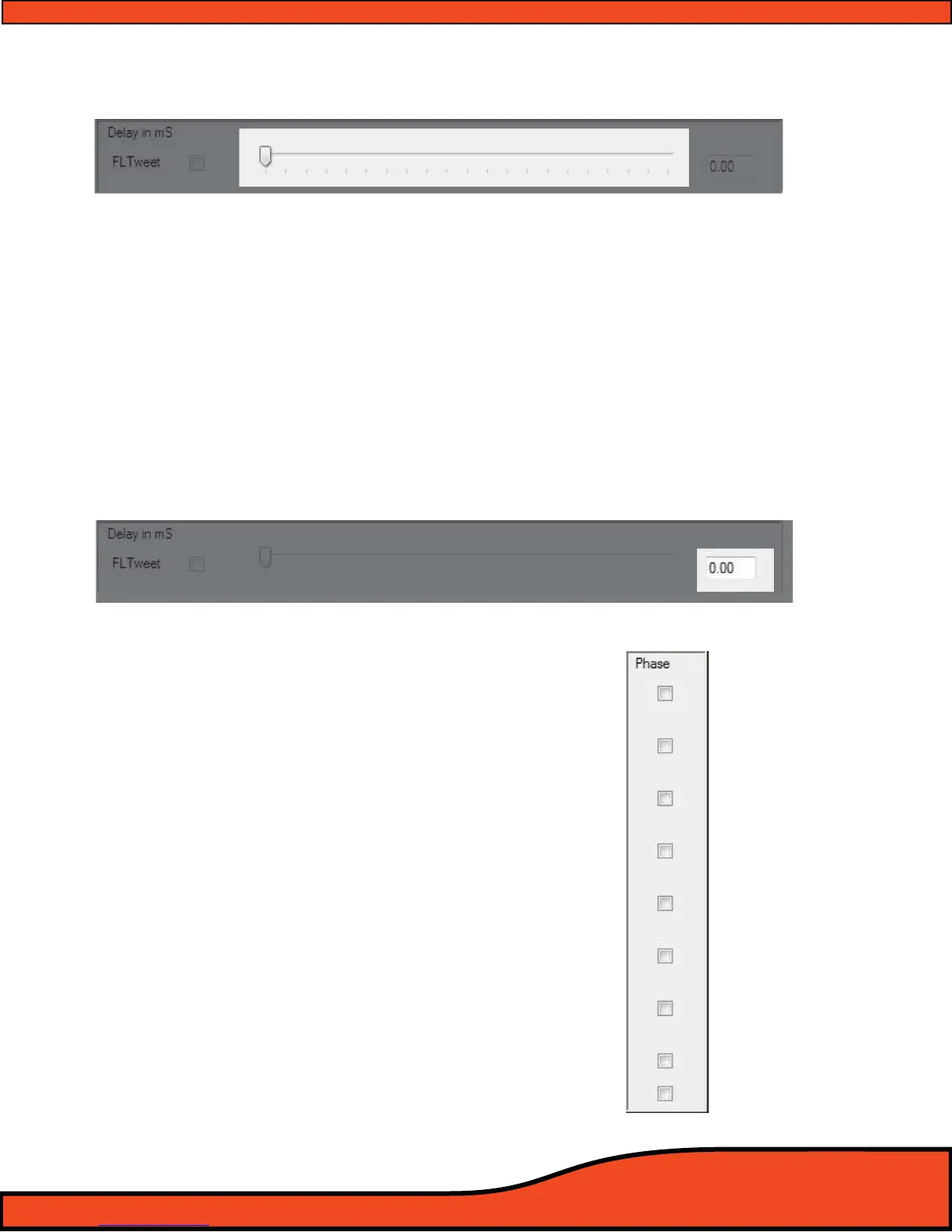
12.5.1.3 - Channel Signal Delay Adjustment Slider (See diagram 12.32)
The delay slider allows users to make the physical value change to the individual channel’s signal delay
level. To adjust the slider’s position, you may click and drag the slider with your PC's pointer or mouse
and/or you may click on it and then, using the arrow keys, you may increase or decrease the amount of
delay with the left and right arrow keys or toggle between the sliders with the up and down arrow
keys. If you have any of the channel linking check boxes checked you will be able to adjust multiple
sliders at one time
12.5.1.4- Channel Signal Delay Adjustment Value
(See diagram 12.33)
When making changes to the PS8's signal delay value sliders, these display boxes will indicate your
individual channel’s current level of signal delay in an accurate readout to the nearest .021ms incre-
ment. In addition to the value sliders, you may also physically type a known value directly into the
window and press enter or tab to have the PS8 immediately represent that setting.
12.5.2 - Channel 1-8 Output Invert Signal Polarity Utility Window
(See diagram 12.34)
To invert any of the 8 output channels’ polarity 180 degrees,
simply click on the corresponding check boxes in the polarity
utility window. When checked, your selection will be repre-
sented in the mirroring polarity check boxes located in the
PS8's Router/Mixer user panel
(See section 12.2) depending
on which user mode you are in.
Diagram 12.32
Diagram 12.33
Diagram 12.34



 To Next Page