10.6 - Export Settings to CSV / Printable Settings File
Export to CSV allows users to export their entire settings les to a CSV Excel le that can be stored on the PC or
printed for a manual record. When using this operation, it will only export the active settings le that is
currently on the screen at this time. To identify the preset you are actively on, check the preset indicator.
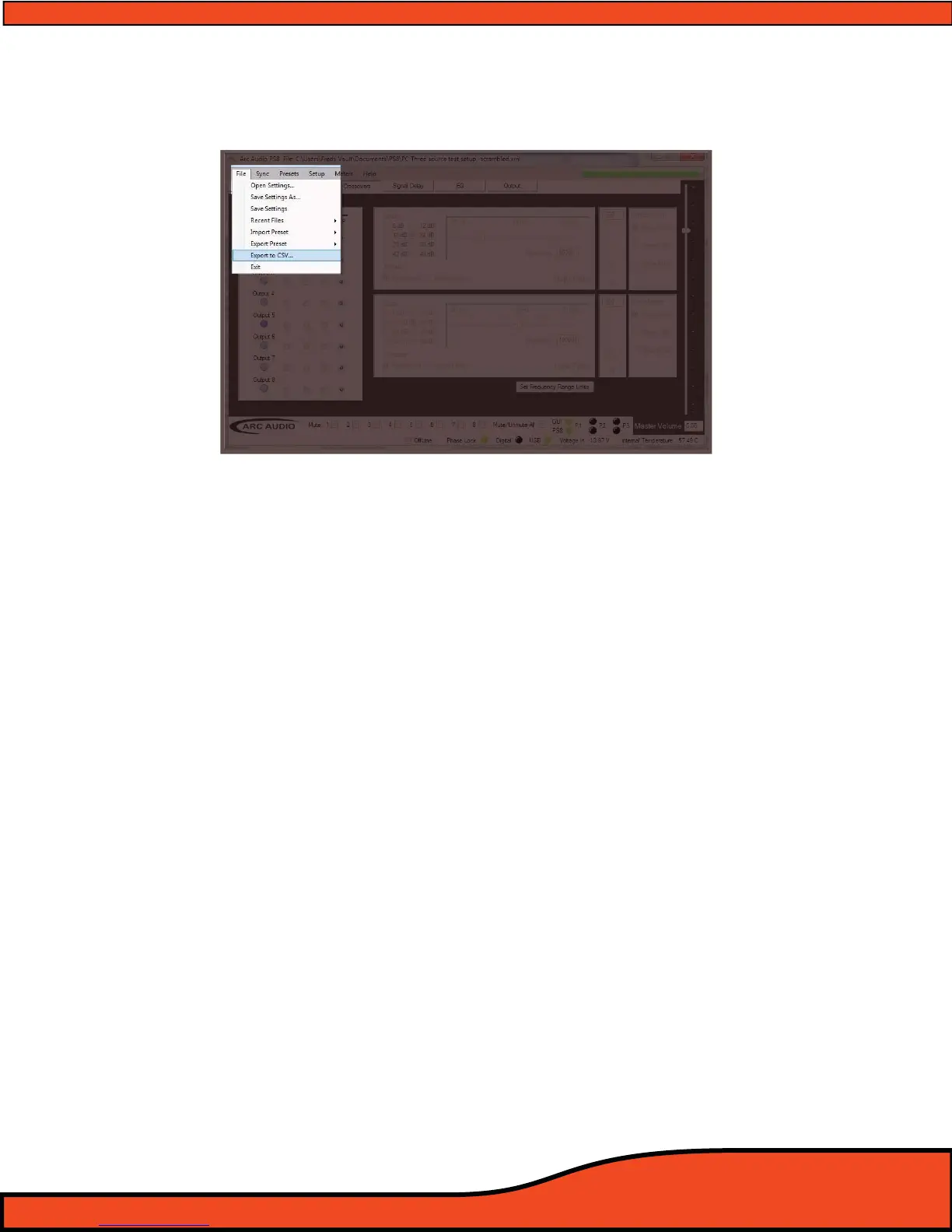
To access this feature locate and click on the "File" button located in the top header passive area.
Once you do this you will see a new drop down menu in which you will nd a menu option
labeled as "Export to CSV"
(See diagram 10.31).
Once selected you will be promoted to assign a location on your PC to save the le and to create a customized
name for this settings le. To view this le or to print it go to the location on your PC that you saved it to and
open it with Microsoft Excel (Not included in this software package).
Diagram 10.31



 To Next Page