11.1.5 - Import preset
"Import preset" allows users to import a third parties individual preset setting le onto their PS8.
This individual le sharing function allows users to share individual presets without having to
upload full setting les which would occupy all three preset positions.
11.1.6 - Export preset
"Export Preset" allows users to Export an individual "Preset" le o of their PC rather than sending
a full settings le which includes all three presets. This feature allows users to share individual
preset settings les without having to release all three of their active presets when le sharing.
11.1.7 - Export les to CSV
Export to CSV allows users to export their entire settings les to a CSV Excel le that can be stored
on the PC or printed for a manual record. When using this operation it will only export the active
settings le that is currently on the screen at this time. To identify the preset you are actively on
check the preset indicator.
(See Section 9.4.3.4)
11.1.8 - Exit button
"Exit" Closes the PS8 user software utility. When closing the software you will be prompted with a
pop up window asking you to save your active settings le to prevent any unwanted loss of work.
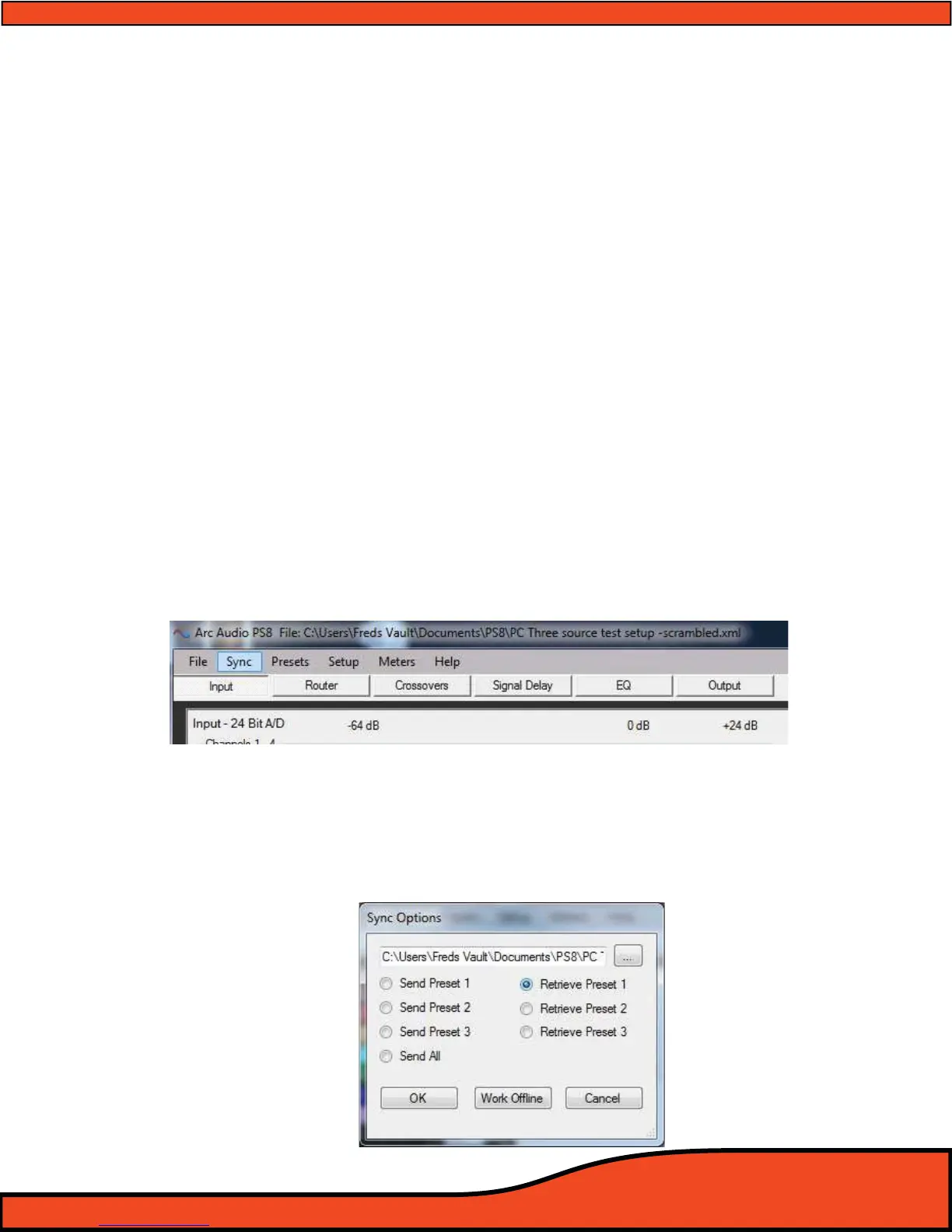
11.2 - “Sync”
(See Diagram 11.2)
"Sync" allows users to access the Sync settings le access panel. This panel allows users to send and retrieve
settings to and from the PS8. Uses may load complete setting le packages from their PC and send multiple or
individual presets to the PS8 from within this panel.
(See Diagram 11.3)
Diagram 11.2
Diagram 11.3



 To Next Page