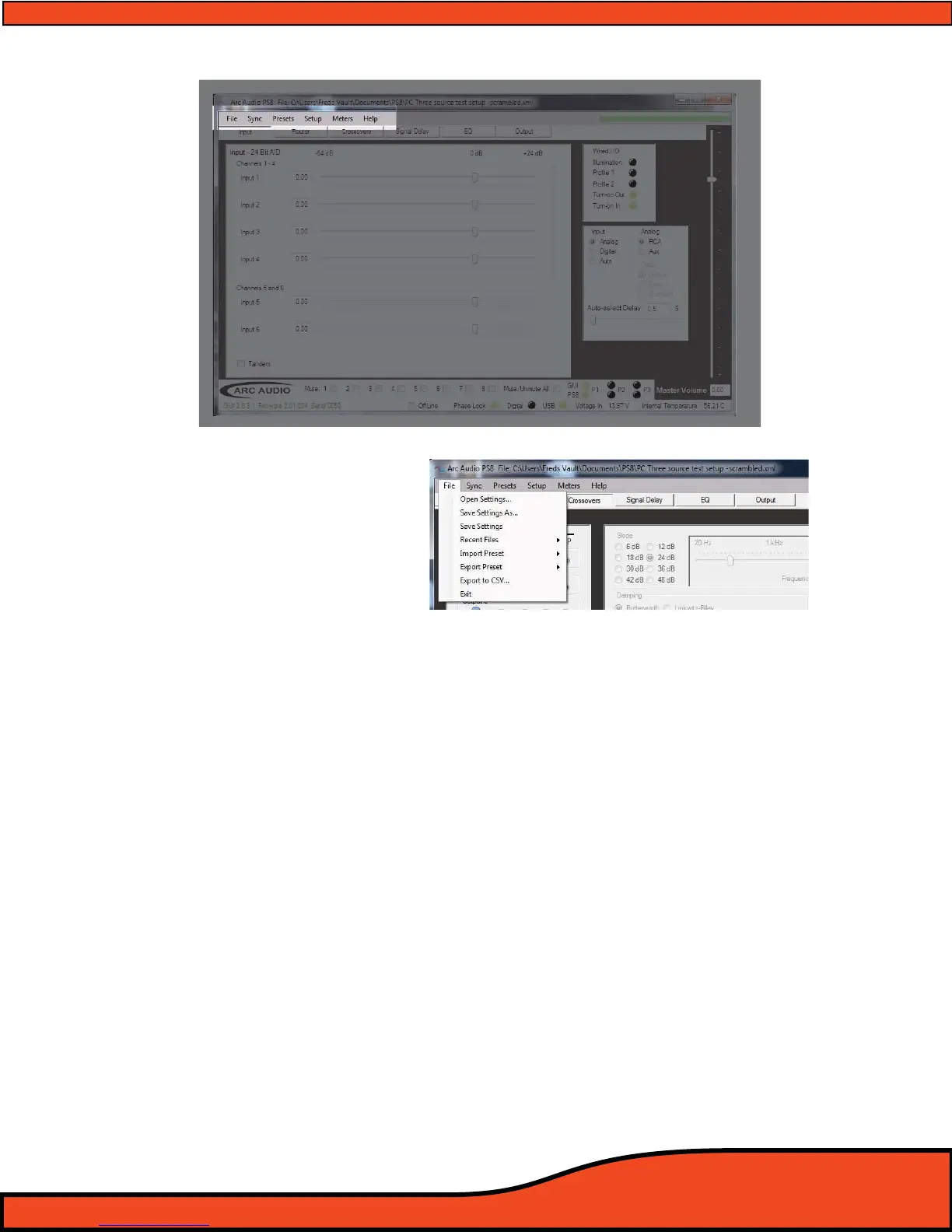
11. TOP HEADER USER SOFTWARE GRAPHIC FEATURE OVERVIEW
11.1 - "File" (See Diagram 11.1)
11.1.1 - Open settings button
"Open Settings" allows users to access one of potentially many previously saved custom user
settings les. Once the le is located and selected, double click on the le and you will be
prompted to choose between working O Line, On Line, or to send the le to the current active
present on the PS8.
11.1.2 - Save settings as button
"Save Settings As" allows users to save the current active le that they are working on, but with
the ability to create a custom or unique le name for it.
11.1.3 - Save settings
"Save Settings" allows users to save the current active le they are working on using the same
current le name that is currently being used.
11.1.4 - Recent les button
"Recent Files" allows users to retrieve and select the most recent saved settings les that have
been accessed in previous user sessions that have been accessed or saved to the computer’s
settings folder.
Diagram 11.1



 To Next Page