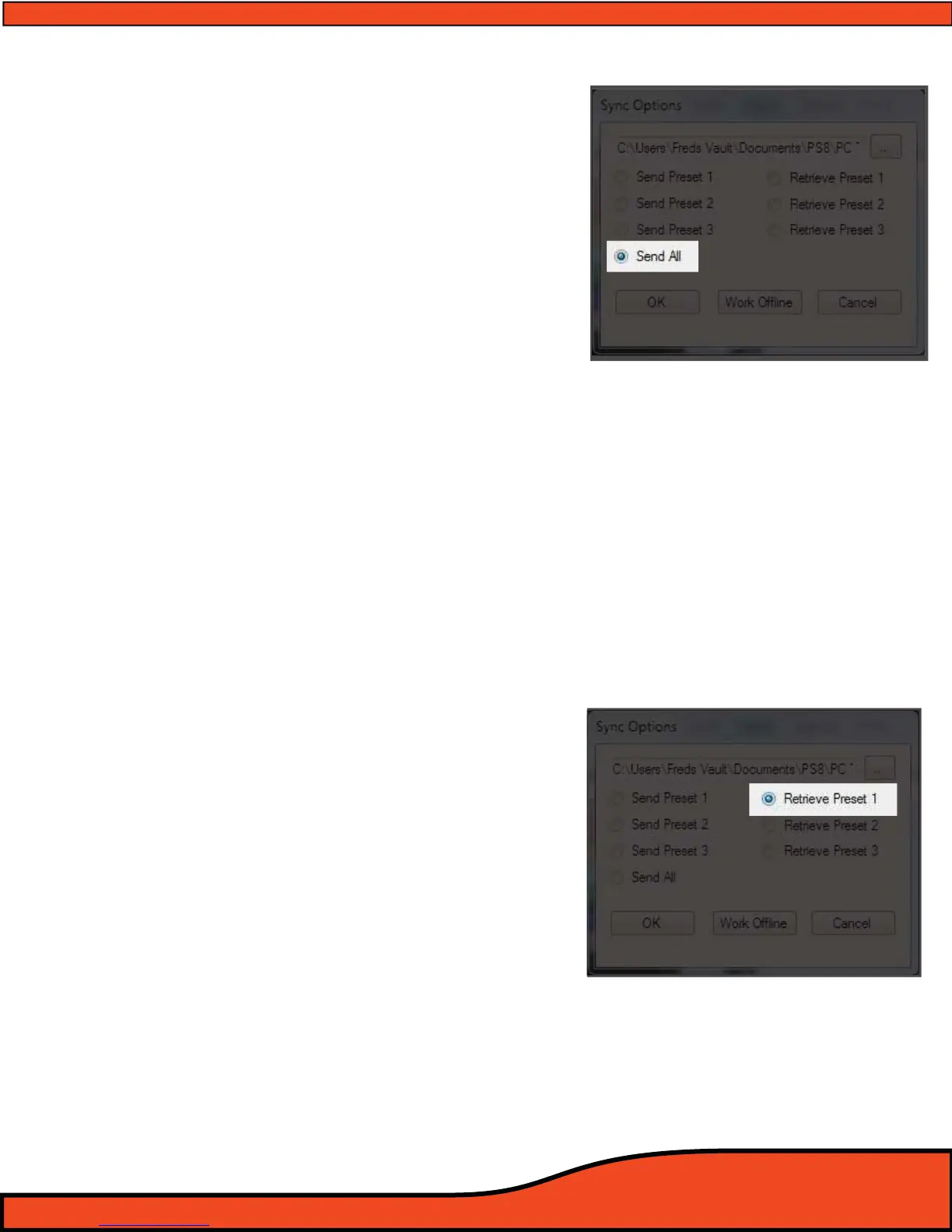
9.7 Send All Presets (See Diagram 9.7)
When selected the "Send All"
(See Diagram 9.7) option
allows users to send and sync all three presets from
the setting le identied in the above le box.
If you are selecting this option on initial pc connection
the PS8 will load all three les prior to the software
fully launching. If you select this feature by accessing
les thru the "File" header button after you have
already established communication with the PS8 the
PS8 will load all three les individually. (During this
process you will hear your system load and sync each
preset individually.
On initial startup the PS8 Software and main unit are potentially not
synchronized which could result in changed you make not being
accurate and representing what you see on your user utility. If you do
not want to send a setting le to the PS8 and want to retrieve a
setting from the PS8 that is currently active on the PS8 you must
choose one of the three retrieve setting options below.
9.8 Retrieve Preset 1 from PS8
(See Diagram 9.8)
This feature allows users to retrieve the settings that
are actively stored on the PS8 in the Preset 1 location.
After selecting this option your Software will change
to P1 if it is on another preset and the software will
properly represent the active settings on P1 on the
PS8.
Please note that as each master setting le for the PS8
includes all three preset setting les. If you want your
software to properly reect all three settings after
retrieving Preset 1 you will need to click on "Sync" in
the top header of the software, then click on "Sync
From PS8" and select the preset "Preset 2" or "Preset 3"
buttons. Upon selecting either of these buttons the
PS8 will software will change to that preset and auto-
matically update the settings to properly reect the
active settings on the PS8.
Diagram 9.8
Diagram 9.7



 To Next Page