13.0 - Master Volume Output Control
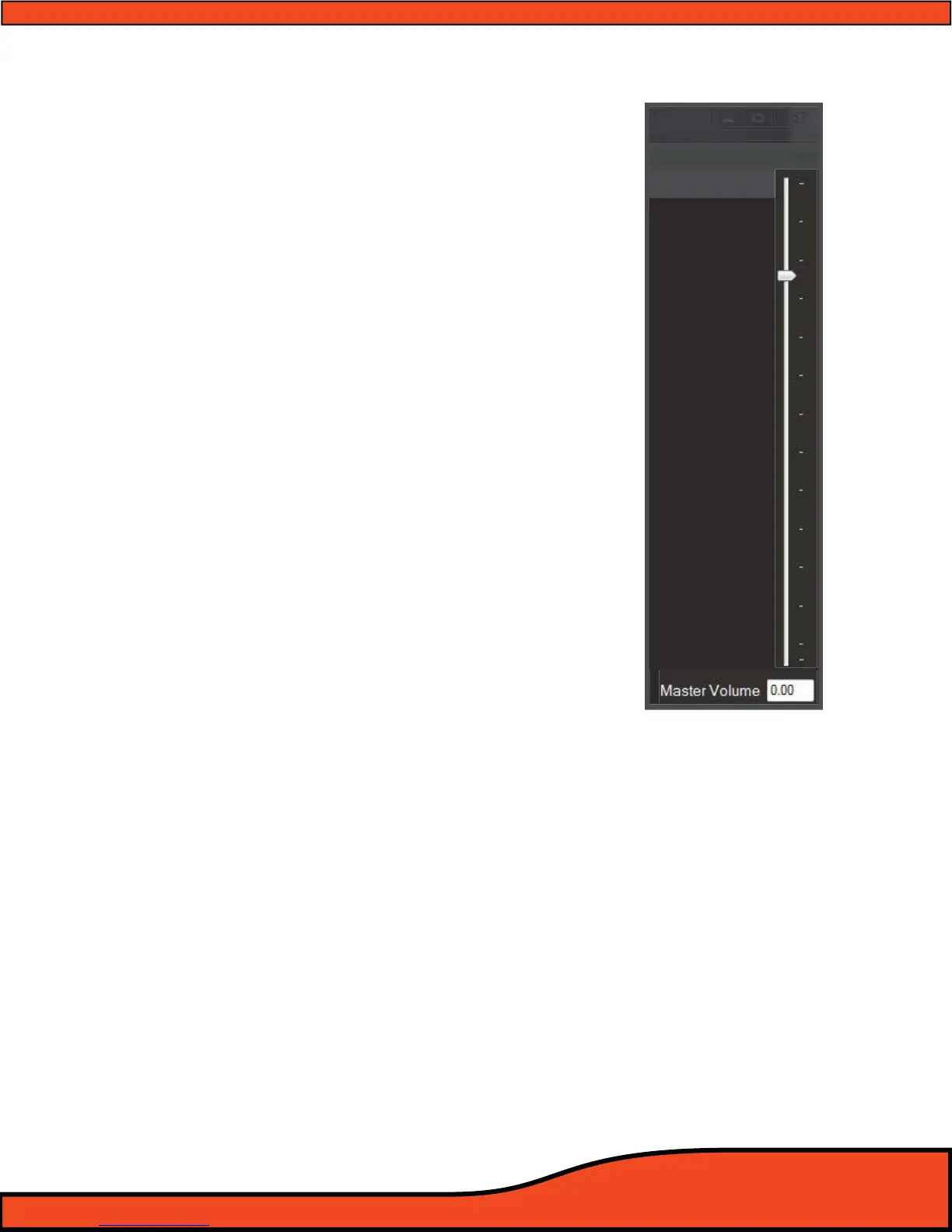
13.1 - Master volume control - (See diagram 13.1)
The Master Volume slider control adjusts the main
output volume of the PS8. The adjustment is made post
EQ, Crossover, Delay etc. so that the dynamic range and
accuracy of the signal is not changed or altered in any
way.
This master volume is controllable thru the PS8 user
utility main panel as well as thru the PSC controller
(Optional) for level setting as well as control of the
system’s volume level when using any of the digital
inputs. (See Section 6.4)
13.2 - Master volume control indicator -
(See diagram 13.1)
The Master Volume control indicator display gives users
the current volume setting on this control in dB from
-100dB - +24dB. The display indicator is duplicated in
the user utility in both this location as well as in the
output trim panel.
(NOTE: The master volume is not a “Gain" control and as long as your
overall settings are set properly you should not experience added
distortion, oor noise etc in your system as the level is increased. This
feature is sync'd with the volume control on the PSC controller.)
Diagram 13.1



 To Next Page