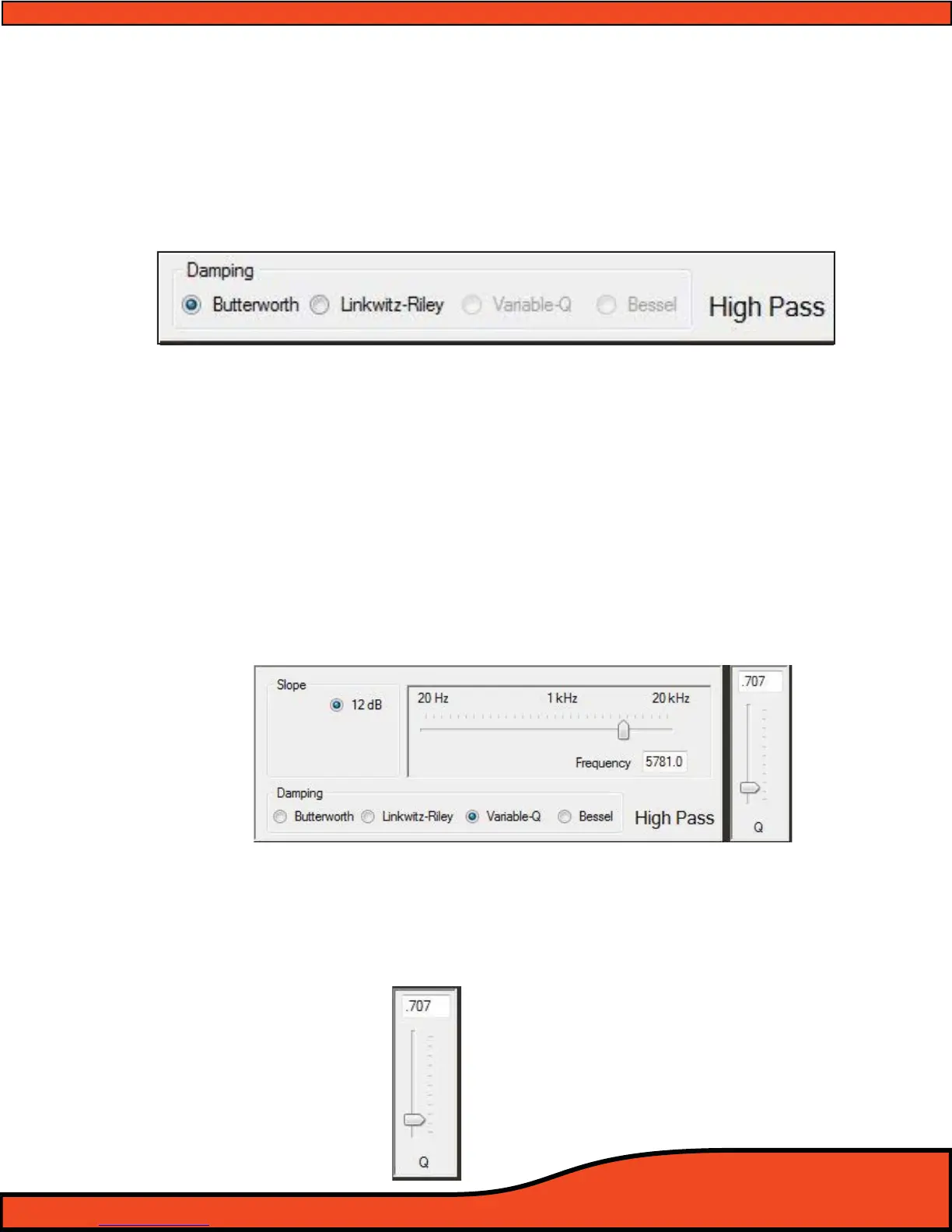
12.4.4.3 - HP Crossover Damping Selection Window
Oering users traditional Butterworth and Linkwitz-Riley crossovers, the PS8 allows you to critique the
special needs of your individual system and its tuning parameters. Simply by clicking the designator
next to the desired damping type, you can assign either of the available damping lters to the particu-
lar lter type of each channel of the PS8. When using band pass mode on the PS8, you may have
dierent types of damping on each portion of the channel you are on (For example Butterworth on HP
and Linkwitz-Riley on LP).
(See diagram 12.20)
When in advanced user mode, users will also have access to Bessel and Variable "Q"
damping types. These damping types are also mixable in BP mode and are only recommended for the
most experienced users. No tech support is oered on these damping features.
12.4.4.4 - HP Crossover Variable "Q" Adjustment Control
Variable "Q" is available only in advanced user mode and is only recommended for
users with plenty of experience, and previous experience with this type of feature. ARC Audio does not
oer technical support, tuning suggestions, or help with this feature. If you "MUST" use this feature and
are unfamiliar with its operation, take your vehicle to an advanced tuning and installation technician to
tune it for you.
To select Variable "Q" damping type, you must select the corresponding check box to this feature (You
can only achieve this when in advanced user mode). Once in Variable "Q" operation, you will be limited
to its natural parameters based on a 12dB slope
(See diagram 12.21 and then this can be adjusted thru
the "Q" control (Slider) on the right hand side of the corresponding adjustment window by dragging
the slider, clicking on the slider and using the arrow keys on your keyboard or manually typing in the
desired value.
(See diagram 9.63)
Diagram 12.22
Diagram 12.20
Diagram 12.21



 To Next Page