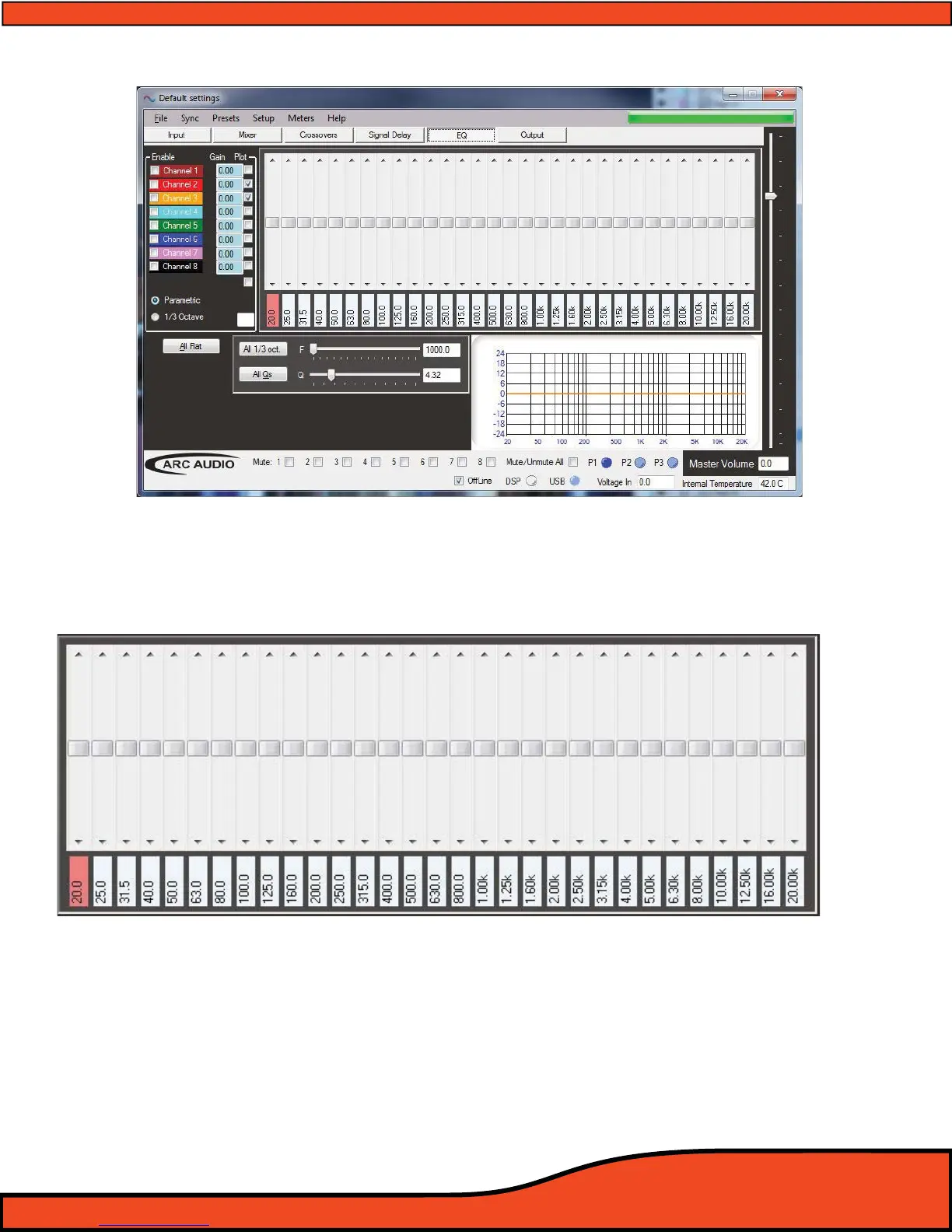
12.6.10 - Equalization Adjustment And Controls Panel
When using the EQ adjustment panel, this area will provide you with all controls needed for adjustment
of the dierent bands of EQ, +/- 24dB, for each of the selected output channels of the PS8.
(See diagram 12.42)
12.6.10.1 - Individual Frequency Adjustment Slider And Bar
Each output channel of the PS8 has 31 individual slider controls to adjust and rene the frequency
equalization of the selected channel(s). These sliders are dedicated to an individual frequency which is
displayed below each slider
. To adjust the sliders position, simply click on the slider
bar
(See diagram 12.43) and use the arrow keys for rened adjustment of that band, or click and grab the
slider tab
(See diagram 12.43) for larger drag type adjustments.
When using the arrow keys on the keyboard for ne tuning adjustment, the up and down arrow keys will
change the sliders position and adjustment value in .25dB increments while the left and right arrow keys
will allow you to toggle between the actively displayed bands on the EQ without having to use the PC's
mouse or pointer to make the changes.
Diagram 12.42
Diagram 12.43



 To Next Page