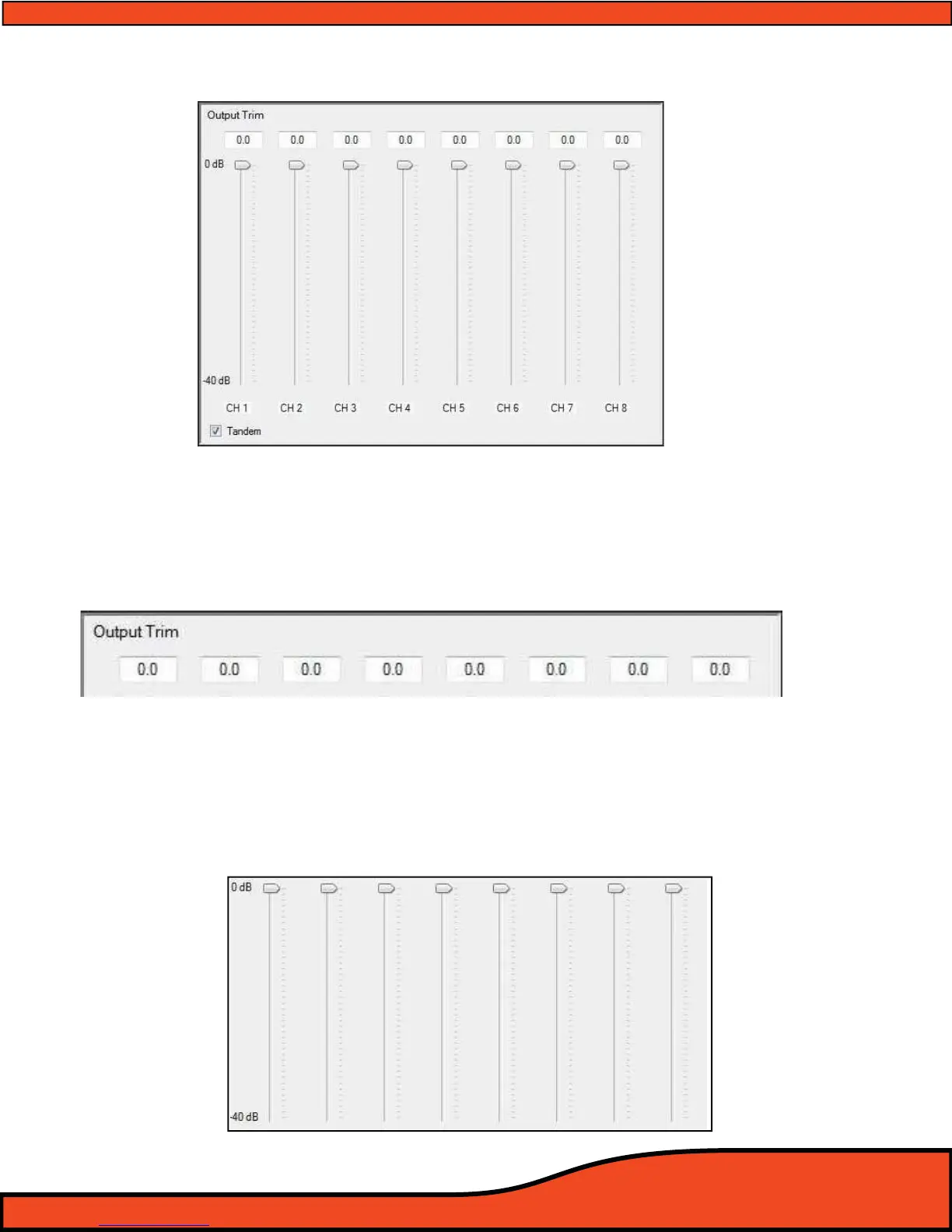
12.7.2 - Output Channels 1-8 Output Signal Trim Controls (See diagram 12.56)
12.7.3 - Channel Trim Level Value Readout Display
This numerical display gives users the actual level of attenuation for each individual channel
listed from "0dB", which is full output level of each channel. Adjustment of this value does not aect
signal to noise, distortion, or compression levels in the signal path.
(See diagram 12.57)
12.7.4 - Channel Trim Level Adjustment Slider
Each of the PS8's individual channel’s output trim levels are controlled by individual sliders
(See diagram 12.58). These sliders can be adjusted by either using the PC's pointer/Mouse and dragging
to the desired value, or clicking on the slider control button and then adjusting incrementally with
the PC's arrow keys.
Diagram 12.56
Diagram 12.57
Diagram 12.58



 To Next Page