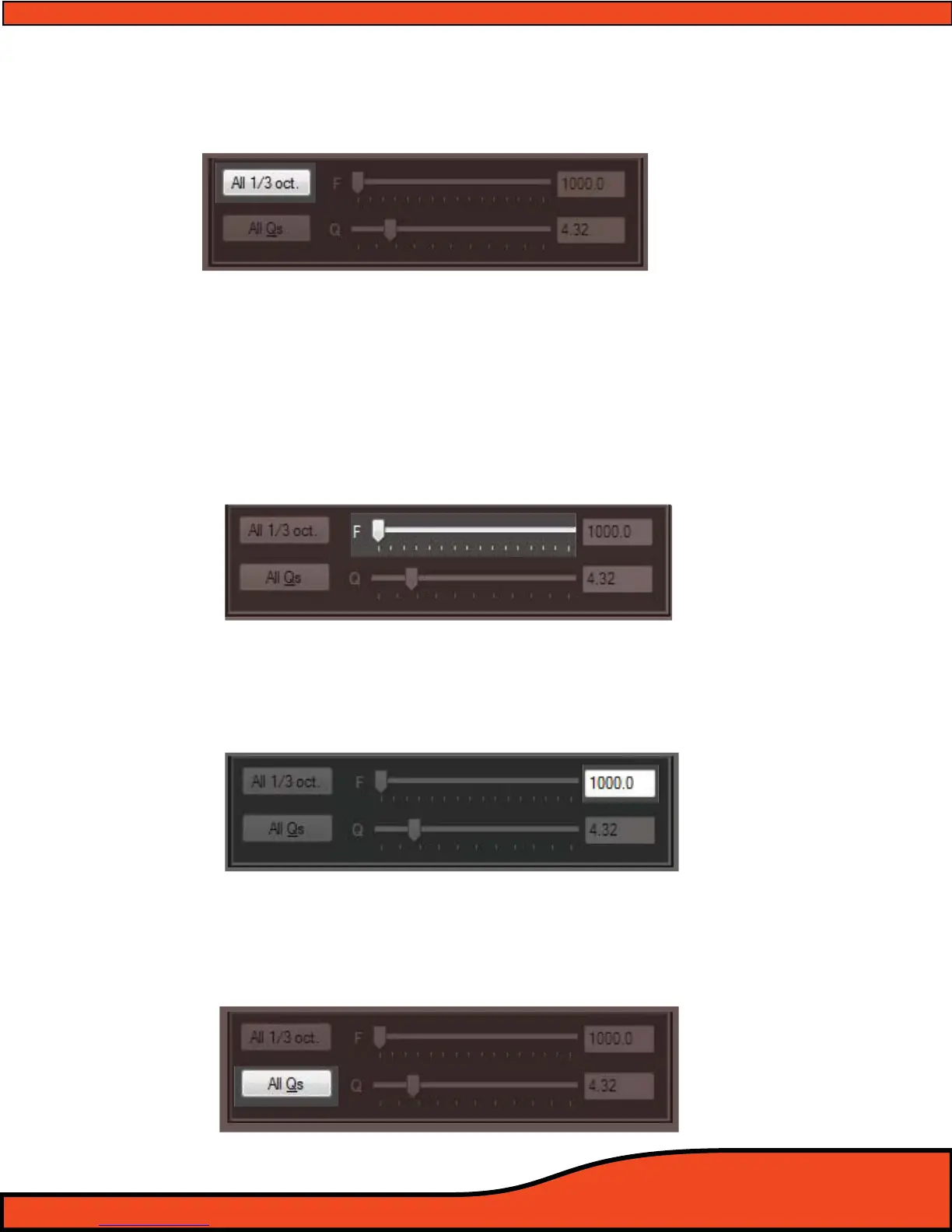
12.6.10.7 - All 1/3 Octave Reset Button
This feature, when clicked, will reset all bands of equalization while in Parametric EQ mode back to
original 1/3 octave frequencies on each of the 31 bands of EQ on all 8 channels.
(See diagram 12.47)
12.6.10.8 - Parametric EQ Band Variable Frequency Selection Slider
When in Parametric EQ mode, the selection slider
(See diagram 12.48) allows users to select the user
denable frequency of the band slider that is highlighted above in the individual band frequency
display.
Users may dene the individual frequency by clicking on the slider and using the arrow keys to
select the desired frequency, or by clicking on the slider and dragging it to the desired frequency
position. Users may pick any frequency between 20.0Hz and 20.0kHz including 3287.4Hz, if desired,
on each of the Parametric EQ's 31 bands per channel
12.6.10.9 - Parametric EQ Band Variable Frequency Value Display
This display window
(See diagram 12.49) will show users the active frequency center for the individual
highlighted band they are currently making an adjustment on. To make a change of this frequency,
users may do so with the Parametric EQ band variable frequency selection slider
12.6.10.10 - All "Q's" Reset Button
When in rametric EQ user mode, by simply clicking on this button
(See diagram 12.50) you can glob
ally set the "Q" of bands of frequency on the channel(s) you are currently checked on to the value
you have specied in your variable "Q" slider.
Diagram 12.48
Diagram 12.49
Diagram 12.50
Diagram 12.47



 To Next Page