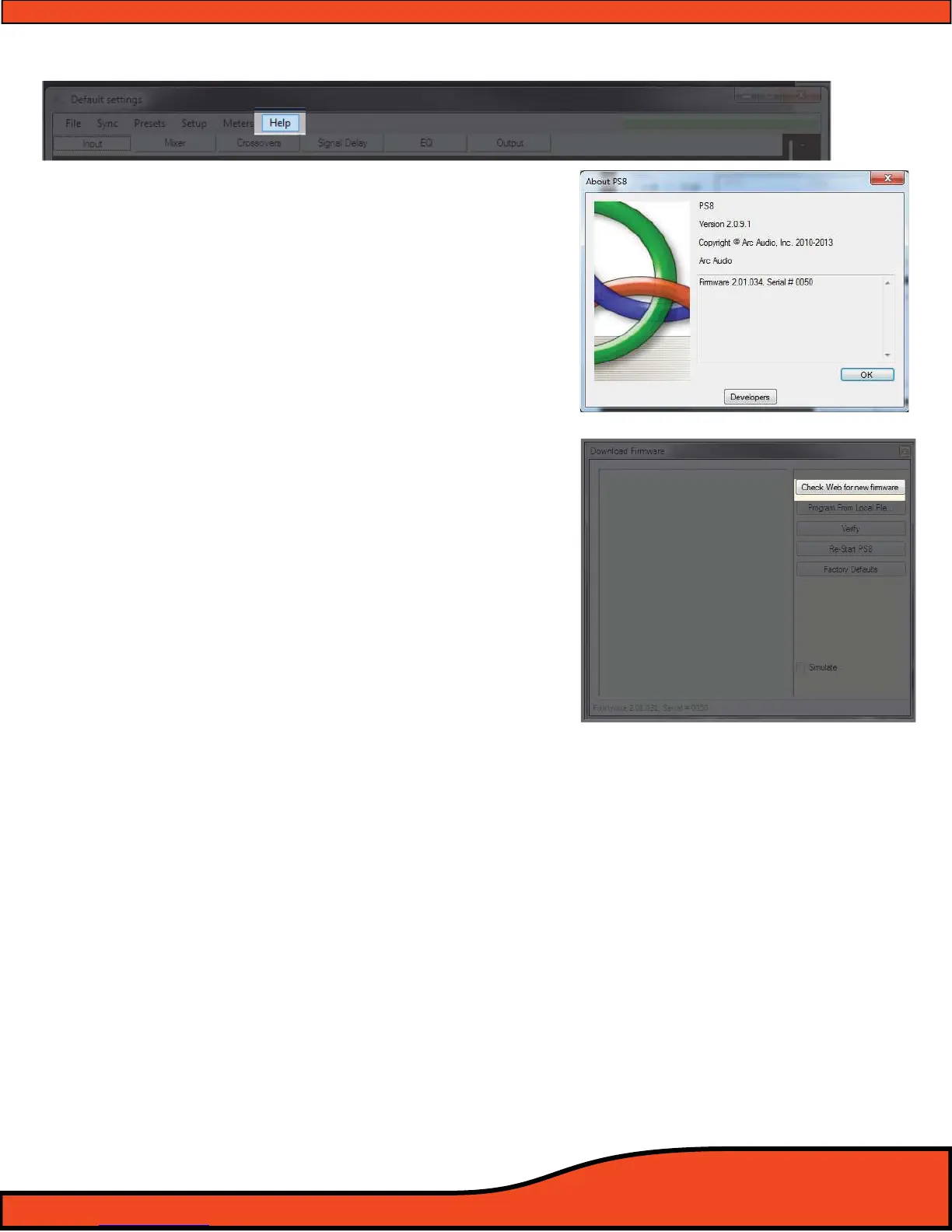
11.6 - "Help"
11.6.1 - About
Access button to the information hub panel for the
PS8. When in the "About" panel you have access to a
variety of information including current software
version, rmware version, your PS8 electronic serial
number and ARC Audio copyright information.
(See diagram 11.29).
11.6.2 - Check For New PS8 Firmware Button
Allows access to the PS8's Main unit Firmware update
utility panel
(See diagram 11.30). The PS8 rmware
utility panel gives you the tools needed to update
your PS8 to the latest and greatest rmware in just a
few easy steps.
(See Section 8.0)
11.6.3 - Check For New Remote Firmware Button
Allows access to the PSC controller rmware update
utility panel
(See diagram 11.31). The PS8 Utility panel
gives you the tools needed to update your PS8 to
the latest and greatest rmware in just a few easy
steps .
11.6.4 - Download User Manual
"Download User Manual" allows users to download a
version specic manual that is suited and focuses on
the features of the exact version of the software that is
currently in use.
11.6.5 - Open User Manual
"Open User Manual" allows users to open the current
version of the manual that has been downloaded to
their PC. The Manual will be specic to the version of
software being used.
Diagram 11.29
Diagram 11.30
(COMING SOON)
Diagram 11.31



 To Next Page