214
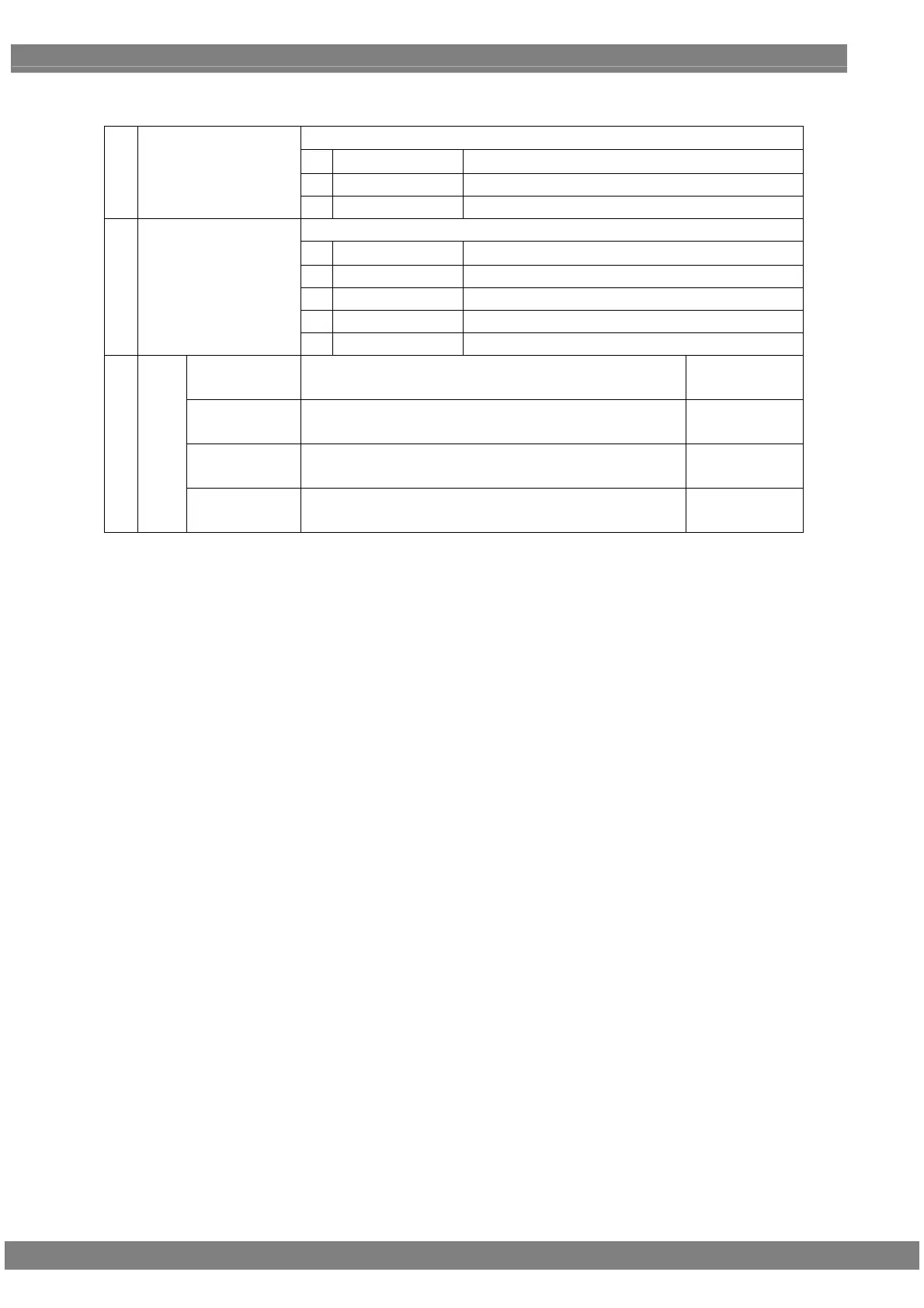
《Setting item for power control》
Select the control method of output power.
0 Off Do not control power
1 Manual Control power manually.
(1) Power Supply Control
(0-2)
2 RS-232C Control external power input through RS-232C.
Select power to output.
0 None No power output.
1 5V 5V(internal power) is output.
2 3.3V 3.3V(inernal power) is output.
3 Ext1 External input power 1 is output.
(2) Power Supply Select
(0-4)
4 Ext2 External input power 2 is output.
on PW =>
GPIO
Set the time (T1) from Output ON until GPIO ON. (20-2000 ms)
on GPIO =>
SIG
Set the time (T2) from GPIO ON
until Video Output ON.
(20-2000 ms)
off SIG =>
GPIO
Set the time (T3) from Video Output ON until Vudeo Output
OFF.
(20-2000 ms)
(3) Time
off GPIO =>
PW
Set the time (T3) from GPIO OFF until Power Output OFF.
(20-2000 ms)



 To Next Page