User’s Manual—SNAP™ 500 Gen 1 and Gen 2 105
Classification: Avery Dennison - Public
11.5 Programming Contrast Sensors
The SNAP 500 has an optional contrast sensors available.
05580009 is the color contrast sensor that may be required in situations with less
contrast between the material and the sense mark or the material and sense
mark are of similar colors.
Programming the Contrast Sensor
To teach the sensor:
1. Thread the printer with the stock to be used
2. Position the material so that a sense mark is just to
the left of the sensor position
3. Adjust the sensor position across the web so that it
lines up with the sense mark
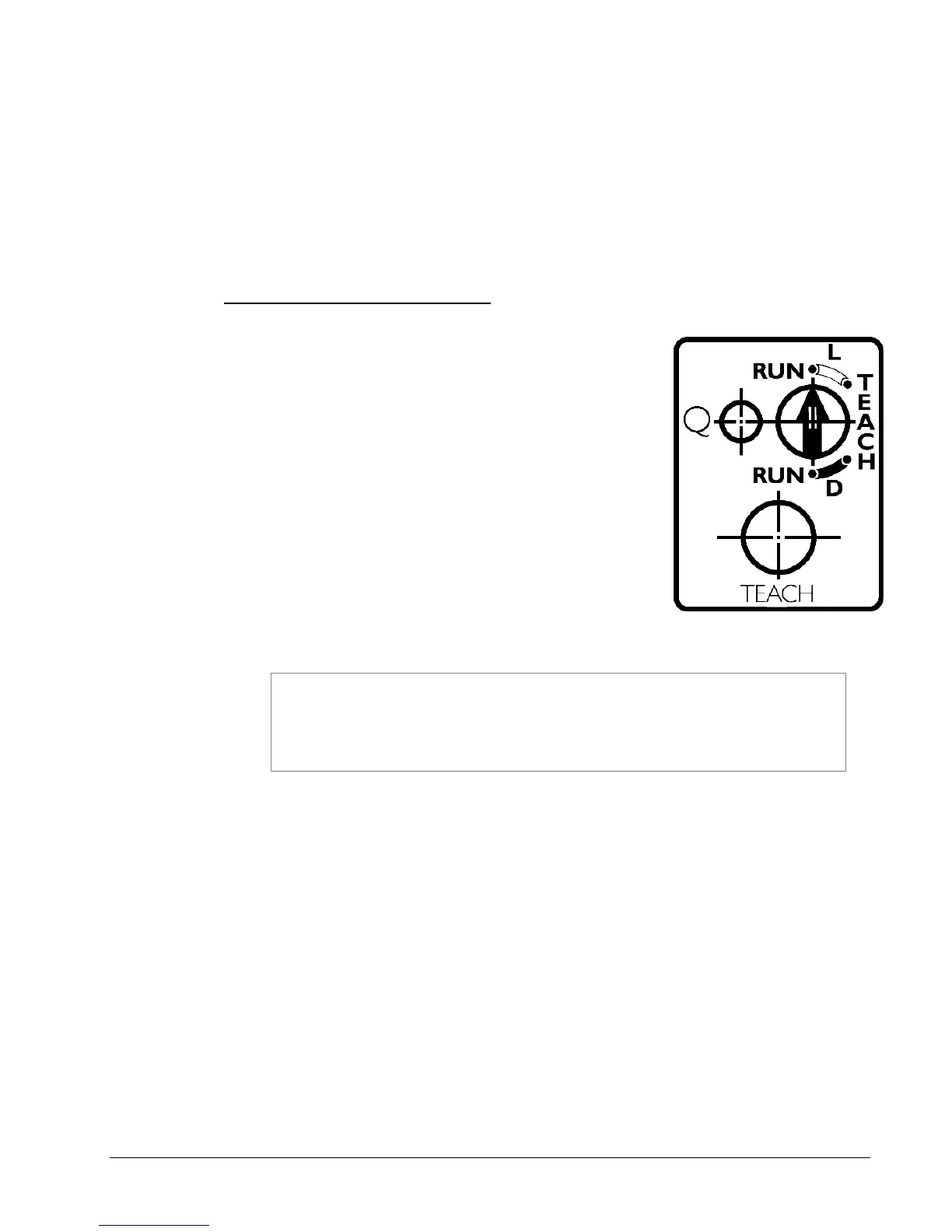
4. Set the control switch on the sensor to the TEACH
position.
If the material has a light sense mark on dark
material, set the switch to TEACH L.
If the material has a dark sense mark on light
material, set the switch to TEACH D.
5. Press and hold the TEACH button while using the
stock advance knob to move the sense mark under and past the sensor.
Make sure that the stock is tight against the web guide. The best way
to do this is to press the TEACH button with the left index finger,
while applying back tension to the supply roll with the left thumb.
This ensures that the stock is in the same position that it will be when
the printer is running.
6. Release the TEACH button.
7. If the Q light flashes rapidly, the sensor did not program correctly.
If the process fails repeatedly, the sensor may not be lined up correctly with
the sense mark, or there may not be enough contrast between the
background and the sense mark.
8. Move the material so that the sense mark moves back and forth under the
sensor. The Q light on the sensor should flash when the sense mark passes
under the sensor.
9. Move the configuration switch to either the RUN L or RUN D position, depending
on the sense mark.















 To Next Page