38 User’s Manual—SNAP™ 500 Gen 1 and Gen 2
Classification: Avery Dennison - Public
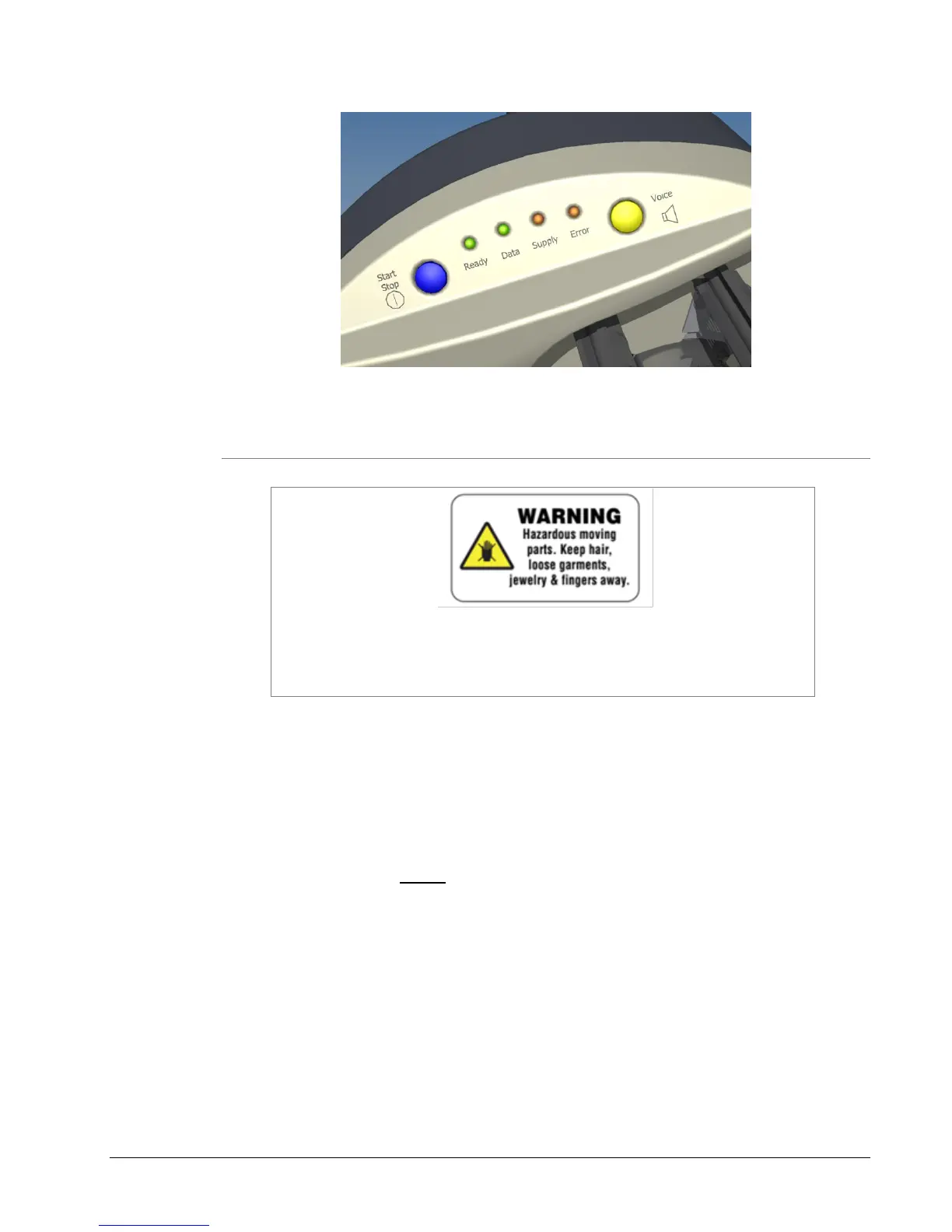
Figure 11: Control Panel
4.3.2 Printing
The printer has hazardous moving parts. Keep hair, loose
garments, jewelry and fingers away from the print path during
printing.
Once a print job has been sent to the printer, the Data light will come on.
Press the Start/Stop Button to start printing.
Before printing starts, the stacker will move the platform to the correct
position.
When printing for the first time or after certain errors, the printer will
create a leader. The leader is a longer piece of material that comes out
of the printer. The printer is not sure what is on this material so it “starts
over”. It may be blank or may have some partially printed labels. These
labels are not usable. The printer automatically makes up these labels
are part of the print batch.
Grab the leader as it comes out of the nip rollers and pull it out of the
stacker when the printer does the first cut. (If you are not using the
stacker, or you are using some other accessory such as a rewinder or
allowing the labels to fall into a box, you may need to handle the leader
differently.)















 To Next Page