User’s Manual—SNAP™ 500 Gen 1 and Gen 2 83
Classification: Avery Dennison - Public
9.0 Electrical Troubleshooting
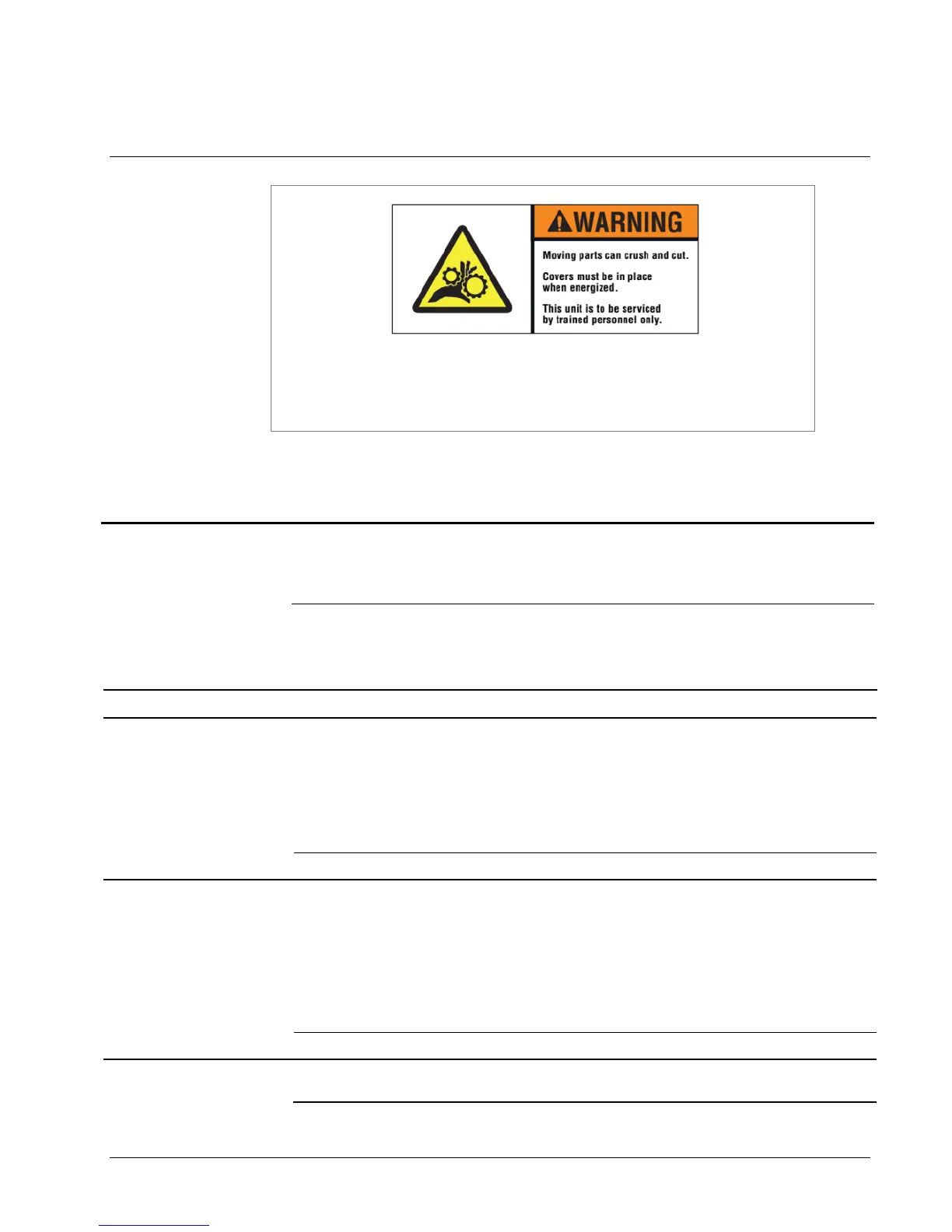
There are hazardous moving parts in the printer. Covers must be
in place when energized. Service should be performed only by
trained service personnel.
9.1 Power Up / Sign On / Communications
1) Insufficient supply voltage.
1) Look at the line voltage level shown on the
back of the printer (see Figure 5). Confirm
that the mains line voltage for your location
is within the range limits.
2) Machine is not plugged in.
1) Check that both ends of the power cord are
plugged in securely.
2) Confirm that the outlet the machine is
plugged into has power.
1) PC board power failure
1) Cycle the power off and back on again.
Printer says “Boot Error
1” or “Hardware error
1. Printer requires
service” or “PCI
interface bad. Change
the MCB” during
power up
Printer says “Boot Error
2” or “Hardware error
2. Printer requires
service” or “BIOS
Corrupted. Replace
the motherboard or
reset the BIOS” during
power up
1) Connect a standard PC monitor and
keyboard to the printer and follow the
instructions found in the Engineering
Bulletin “06_015_500_BIOS_Revised.doc”
to reset the BIOS settings.
Printer says “Boot Error
3” or “Hardware error
1) Replace Flash Disk Module















 To Next Page