User’s Manual—SNAP™ 500 Gen 1 and Gen 2 107
Classification: Avery Dennison - Public
11.6 Using the Web Guide Hole Sensor
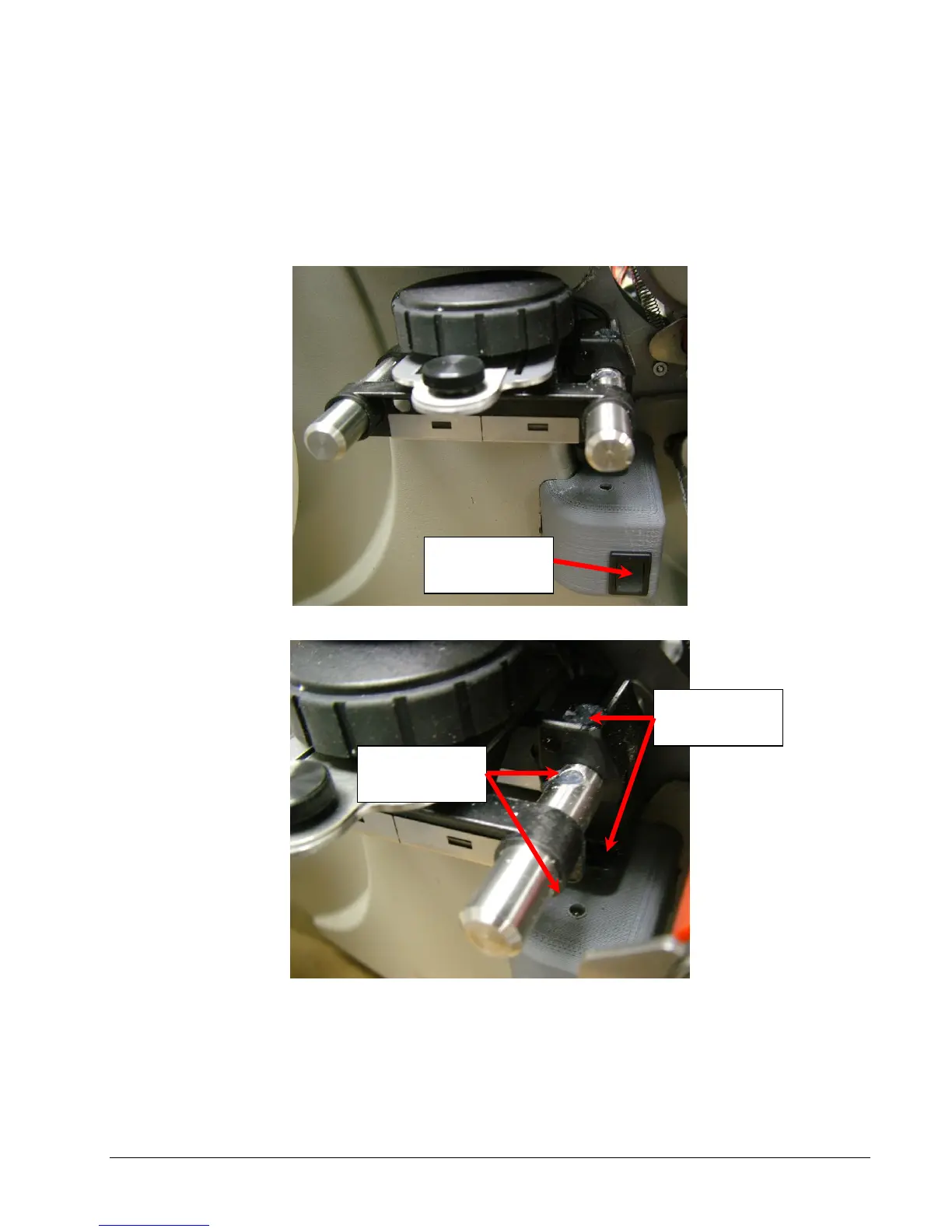
Some SNAP 500s are equipped with a hole sensing web guide system. The
system includes a pair of sensors that move in and out with the web guide for
“inside” edge hole sensing, and a pair of center mounted, fixed sensors, for
center hole sensing. The user can switch back and forth, between the edge and
center sensing positions by using the provided sensor switch.
The hole sensor switch in the “up” position activates the edge hole sensors. The
“down” position activates the center hole sensor.















 To Next Page