46 User’s Manual—SNAP™ 500 Gen 1 and Gen 2
Classification: Avery Dennison - Public
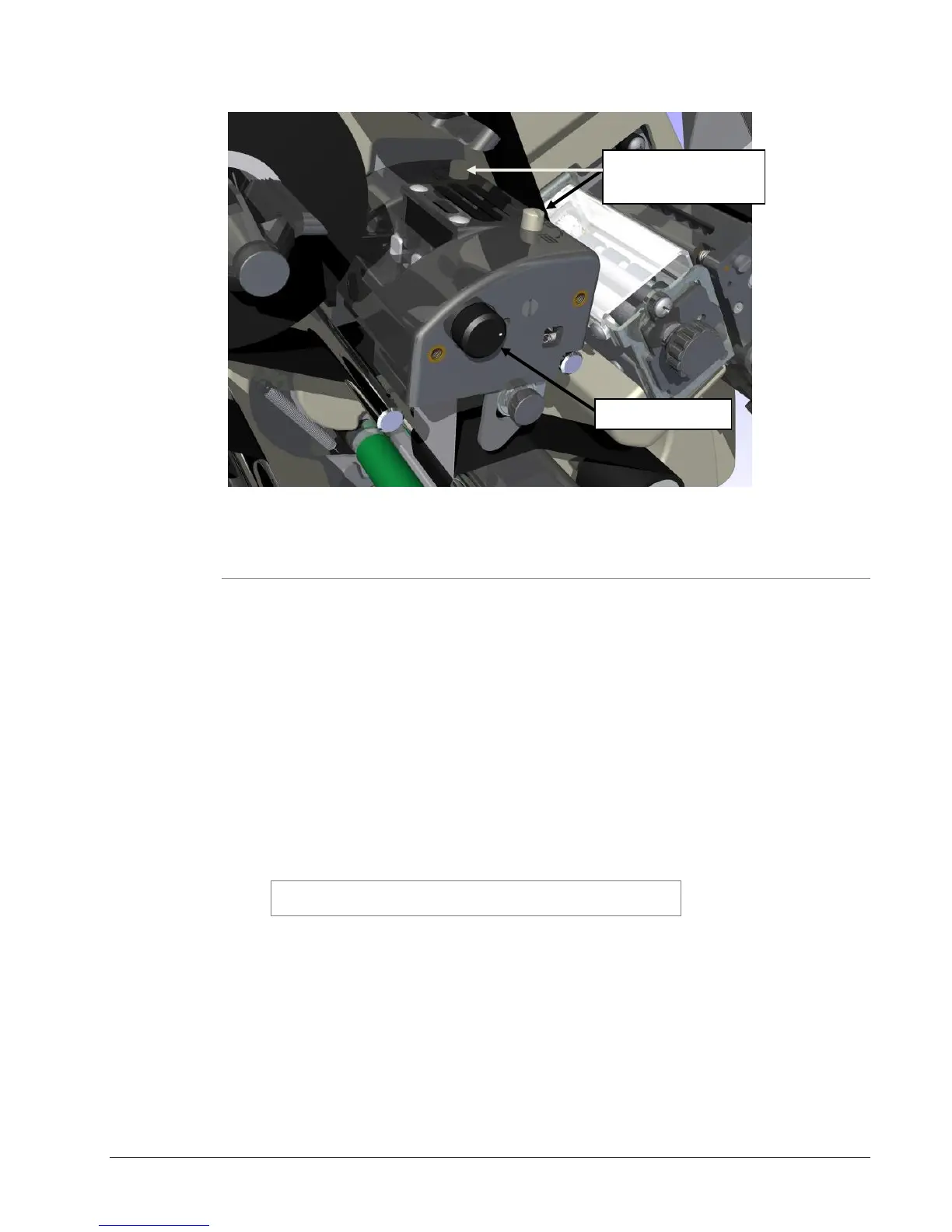
Figure 13: Print Head Components
5.1.2 Adjusting Density (Darkness)
The contrast knob for adjusting print density (darkness) is located on the
outboard end of each print head housing (see Figure 13). You may adjust the
contrast knob while printing labels.
The nominal contrast setting is in the center of the rotation.
To increase print density, rotate the contrast knob clockwise.
To decrease print density, rotate the contrast knob counterclockwise.
You can manually rotate the contrast knob 270 degrees. At maximum value, the
print will not become any darker. In fact, it may actually begin to get lighter.
See Appendix 10.2 for more help in determining settings for tape/ink
combinations not found in PCMate.
CAUTION: For extended print head life, use the lowest
print contrast the produces acceptable print quality.
5.2 Adjusting the Stacker
The stacker on your SNAP 500 printer is adjustable in three ways:
The stacker position on the mounting pins (in and out),
The stacker angle at which labels accumulate in the stack, and
The platform angle.
Print Head
Pressure Buttons















 To Next Page