User’s Manual—SNAP™ 500 Gen 1 and Gen 2 61
Classification: Avery Dennison - Public
6.0 Maintenance
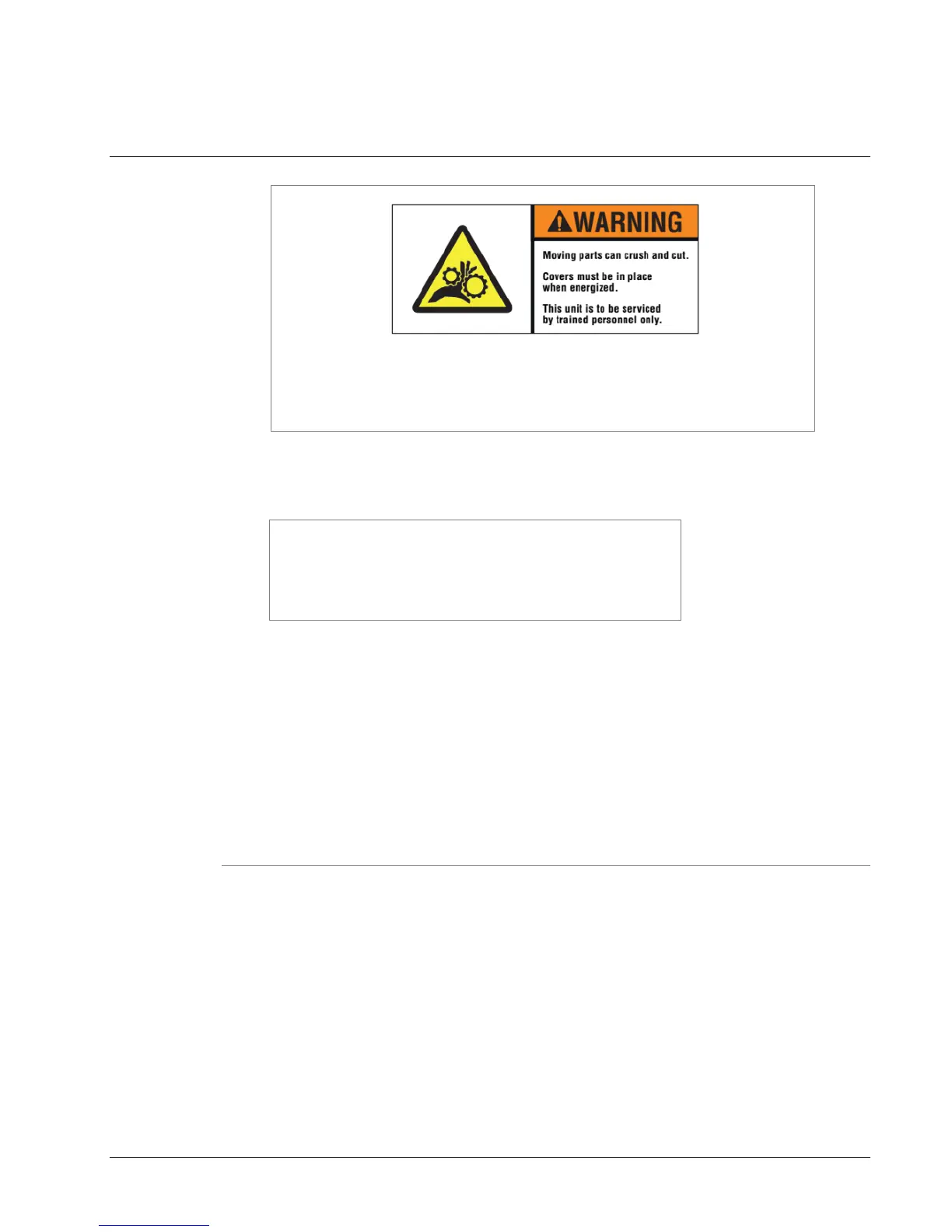
There are hazardous moving parts in the printer. Covers must be
in place when energized. Service should be performed only by
trained service personnel.
6.1 Print Head Cleaning and Handling
NOTE: AVERY DENNISON recommends cleaning print
heads as follows:
1. With alcohol and a cotton pad or cloth every 2-4 hours
of continuous usage;
2. With alcohol and Velcro cleaning pads after 8 hours of
use.
Clean print heads regularly and handle them properly to avoid damage and
extend life. Follow this cleaning schedule.
After two to four hours of continuous usage, wipe the print heads with alcohol
and a cotton pad or cloth.
After eight hours of continuous operation, conduct a more vigorous cleaning.
Use alcohol and a Velcro cleaning pad, such as those supplied with each
new print head.
6.1.1 Handling Techniques
Static discharge can easily damage thermal print heads. To avoid a static
discharge, follow these procedures.
1. Keep all print heads in their original anti-static bags until they are ready to be
installed in the printer.
2. Wear an anti-static wrist strap to prevent static discharge from your body into
the printer, when working with a print head. Fasten the clip end of the anti-
static wrist strap to a metal portion of the printer (usually the stacker) to
prevent static from your skin from entering the print station.















 To Next Page