22 User’s Manual—SNAP™ 500 Gen 1 and Gen 2
Classification: Avery Dennison - Public
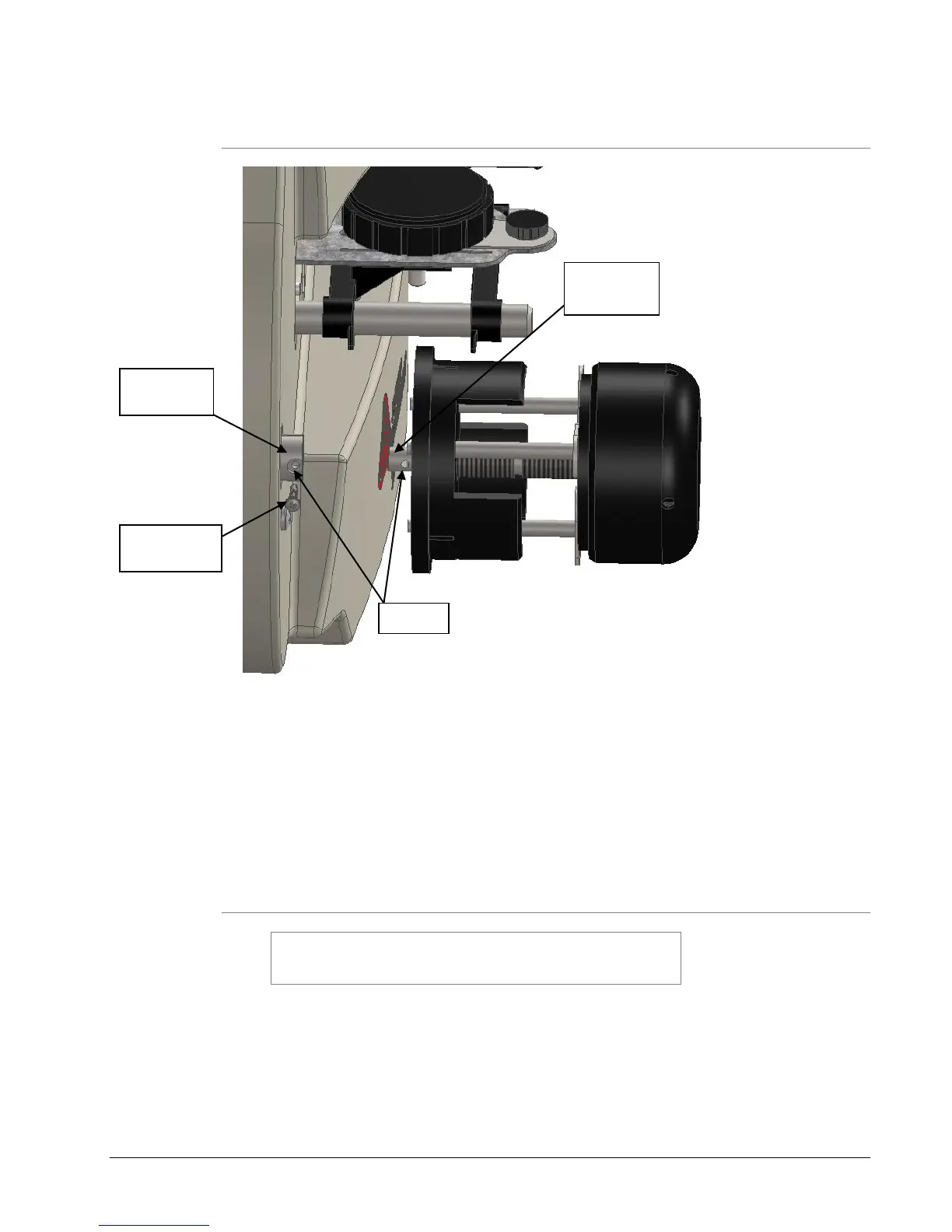
3.5.2 Attaching the Unwind Assembly
Figure 5A: Unwind Assembly Installation
The unwind assembly is shipped detached from the printer to prevent damage
during shipping.
1. The unwind assembly is easily attached by sliding the shaft on the assembly
into the receiving shaft mounted on the printer.
2. Line up the holes in the assembly shaft and receiving shaft and insert
provided Philips head sem screw and tighten.
3.5.3 Mains Disconnect
WARNING: Before connecting and powering on the
printer, you must check to be sure the mains line voltage
is 100-240VAC @ 50-60Hz, single phase.
There are no main fuses on the SNAP 500 printer. The line cord is the printer’s
mains disconnect device.
1. Look at the line voltage level shown on the back of the printer (see Figure 5).
If the mains line voltage for your location is within the range limits, you can
proceed with setting up your printer.















 To Next Page