94 User’s Manual—SNAP™ 500 Gen 1 and Gen 2
Classification: Avery Dennison - Public
10.0 Mechanical Troubleshooting
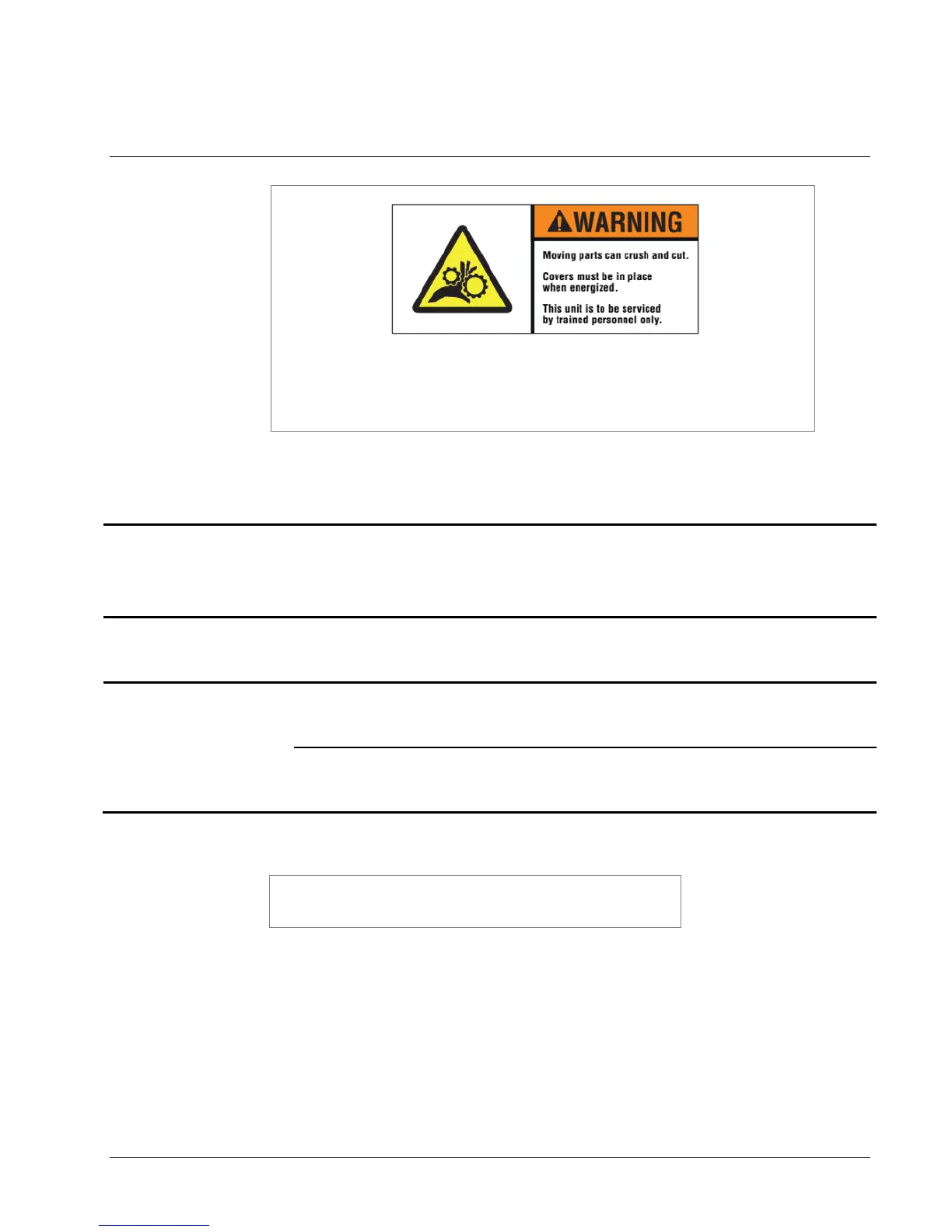
There are hazardous moving parts in the printer. Covers must be
in place when energized. Service should be performed only by
trained service personnel.
10.1 Tape
Tape will not roll
smoothly or the tape
jumps.
1) Web guides are incorrectly
adjusted.
1) Be sure stock roll is as flat as possible and
do not extend over core.
2) Adjust web guides to touch stock roll, but
do not pinch the roll.
Tape does not pull
smoothly through print
head module.
1) Web guides are too tight.
1) Adjust web guides to touch outer edges of
tape with the minimum pressure required.
Tape jams in bridge
blade rollers or knife
area.
1) Knife not cutting the full width
of stock.
1) Refer to section 6.4, Knife Shear
Adjustment.
2) Nip rollers are not turning.
1) Be sure the nip roller is free to rotate and
moves easily in the bearing slots. Check for
a loose drive gear.
IF THE RECOMMENDED CORRECTIVE ACTIONS DO NOT
RESOLVE THE PROBLEM (S), CONTACT YOUR LOCAL
AVERY DENNISON REPRESENTATIVE.















 To Next Page