16 User’s Manual—SNAP™ 500 Gen 1 and Gen 2
Classification: Avery Dennison - Public
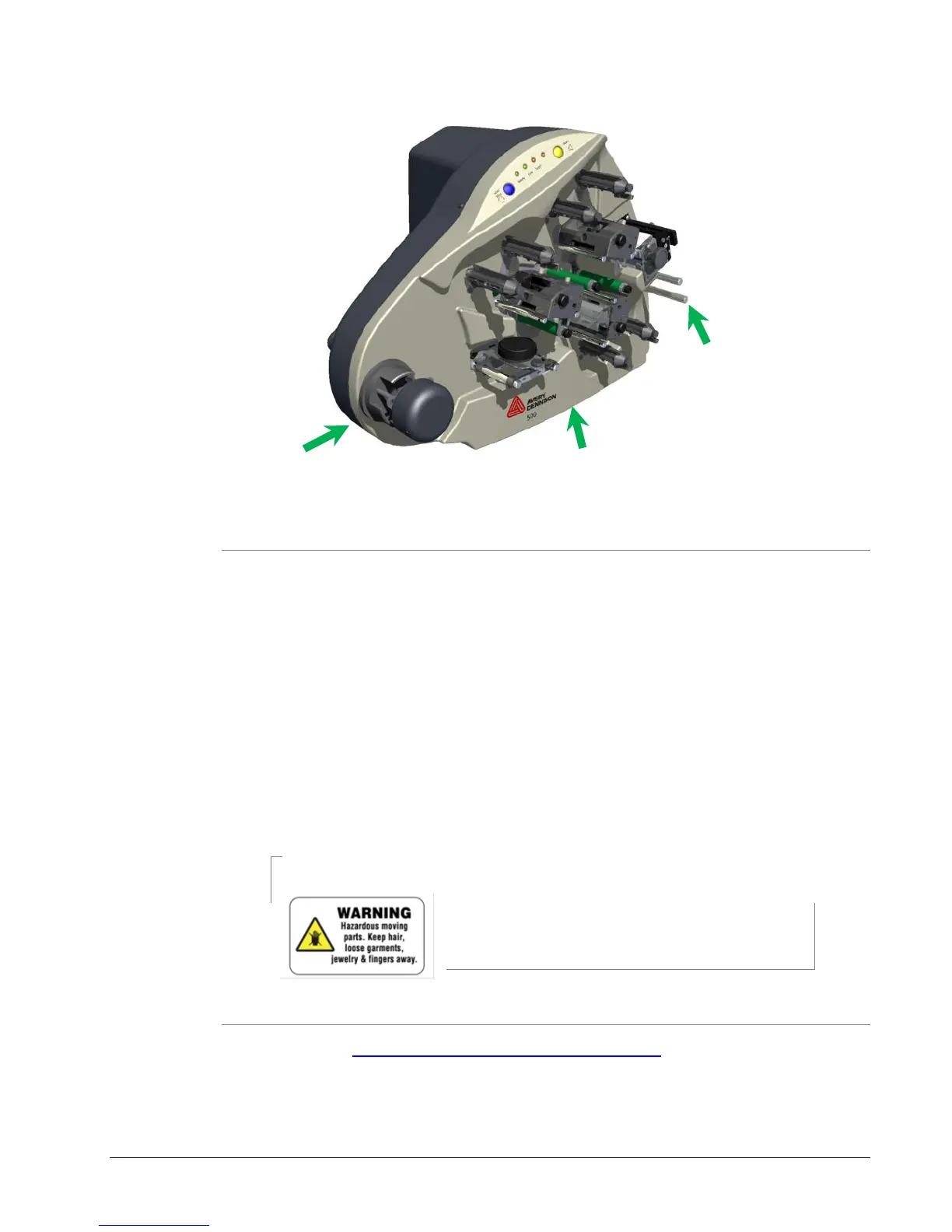
Figure 2B: Possible Lift Locations
3.3.2 Inspection and Inventory Checklist
1. Inspect the printer for any damage that may have occurred from shipping.
2. Check the SNAP 500 printer shipping carton for:
Serial Cable
A quick-disconnect power cord for 115-Volt printer)
3. If you see obvious damage or if any missing items contact AVERY
DENNISON for further instructions.
In the U.S.A., call (937) 865-2123, select option for Customer Service.
Outside the U.S.A., please contact your local AVERY DENNISON
supplier.
CAUTION: Each customer must take responsibility to
ensure the workstation created for the SNAP 500
printer meets the recommended requirements to
ensure optimal operation of the printer.
3.3.3 Downloading Support Documentation
1. Go to www.monarch.averydennison.com/support to download manuals,
videos, software, and firmware upgrades.















 To Next Page